MiKTeX Portable
MiKTeX Portable is a Windows distribution of TeX and ... relying on a conventional installation on each one. MiKTeX supplies the tools and supporting resources needed to ...

MiKTeX is a TeX and LaTeX distribution for creating structured documents such as research papers, reports and books. It includes typesetting engines, fonts and a broad package library for features such as equations, graphics and bibliographies. Its package manager can install missing packages during compilation, helping writers build and maintain complex documents.
| Author: | Christian Schenk |
| License: | Freeware |
| Price: | FREE |
| Released: | Dec 31, 2025 |
| File size: | 138.00 MB |
| Downloads: | 414 |
| Keywords: | Christian Schenk, latex document preparation, tex typesetting, document preparation system, typesetting tasks, tex package manager, typesetter, x64 software, previewer, scientific paper typesetting, latex distribution, LaTeX typesetting, MiKTeX, Windows 10, typesetting system, font package, editor, miktex download |
| Author URL: | https://miktex.org/ |



MiKTeX is a TeX and LaTeX distribution for preparing documents with precise page layout, structured sections, references and mathematical notation. It is used by researchers, students, technical writers and publishers who need control over the formatting of reports, papers, books and other complex documents. Rather than formatting each element by hand, writers use TeX commands and document classes to define content and structure, then compile the source into a finished document.
The distribution includes TeX engines that process source files, along with fonts and a large collection of packages. Packages add capabilities such as specialist mathematical symbols, tables, graphics, bibliographies and custom document layouts. This makes MiKTeX suitable for work ranging from a short article to a long thesis or technical publication. The same source can be revised and compiled again, which helps maintain consistent formatting as a document grows or changes.
MiKTeX's package manager handles installation and maintenance of these extensions. When a document requires a package that is not yet installed, MiKTeX can download it during compilation, so the writer does not have to stop and locate the dependency manually. Packages can also be managed through MiKTeX's tools, including updating the installed distribution. This approach is useful when projects use different LaTeX features or when collaborating on documents that depend on a broad set of packages.
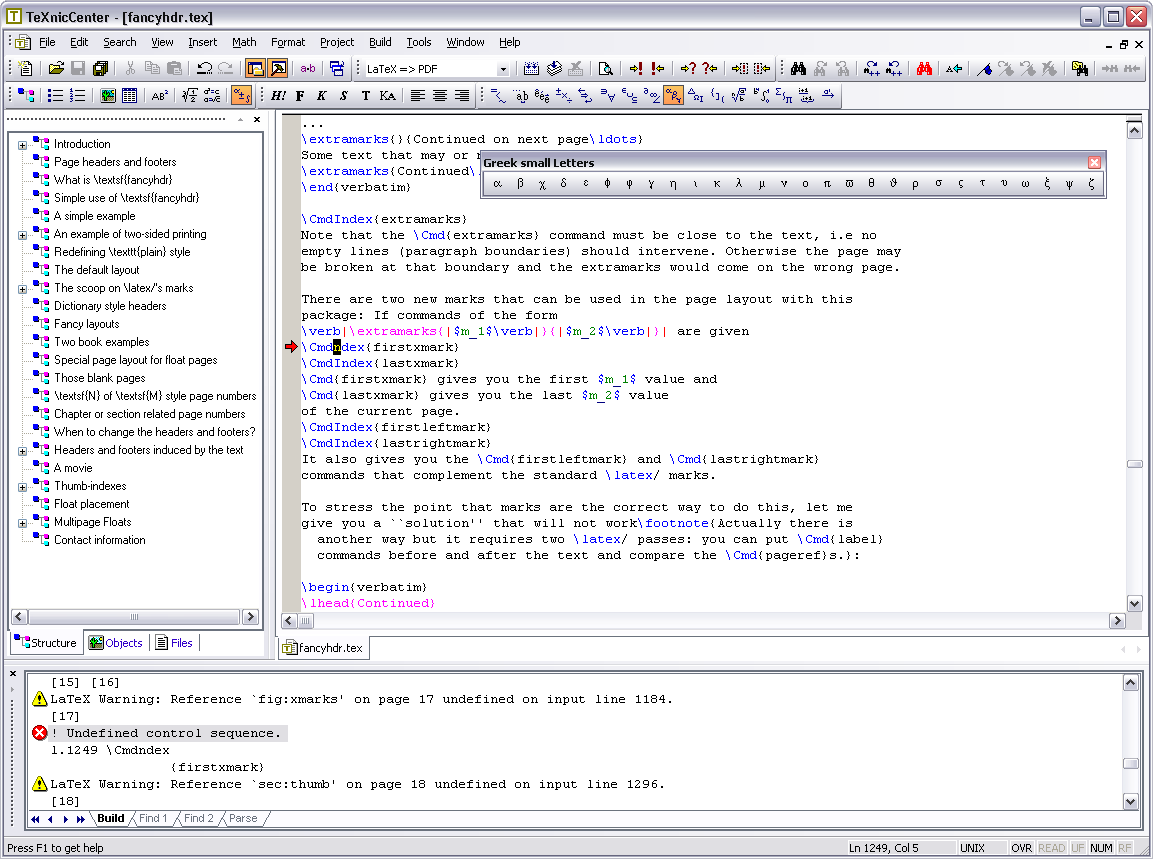
A typical workflow is to write a plain-text TeX or LaTeX source file in a text editor, compile it with MiKTeX, inspect the resulting document, and revise the source as needed. The distribution provides the typesetting engine and supporting components; an editor can be chosen separately or used alongside it. Users can keep source files under version control and make formatting changes through reusable commands and templates, which is helpful for recurring reports or publications with consistent house styles.
MiKTeX is free to use and is available here for 64-bit Windows 10 and Windows 11. TeX and LaTeX have a learning curve, especially for users accustomed to visual word processors, and MiKTeX is focused on document typesetting rather than general-purpose office editing. Its package-based design suits users who need reliable control over complex layouts, equations or references, while automatic package installation can simplify setup as new document requirements arise.