EMS Advanced Export Component Suite
Unlock the full potential of your data with the EMS Advanced Export Component Suite, a powerful tool designed for Windows 10 users who demand efficiency and versatility ...

Unlock the full potential of your data management with Advanced Data Import for RAD Studio VCL by EMS Software Development. This powerful tool simplifies the process of importing data into your applications, supporting a wide range of formats including Excel, CSV, and XML. With its intuitive interface and robust features, you can effortlessly streamline your data workflows, ensuring accuracy and efficiency. Ideal for developers seeking to enhance their RAD Studio projects, Advanced Data Import is your go-to solution for seamless data integration. Transform your applications today!
| Author: | EMS Software Development |
| License: | Demo |
| Price: | $220.00 |
| Released: | Oct 9, 2025 |
| File size: | 42.00 MB |
| Downloads: | 27 |
| Keywords: | database tools, component, Import Data, RAD Studio, database integration, VCL components, software development, Advanced Data Import for RAD Studio VCL free download, database, Database Importer, EMS Software, data import, download Advanced Data Import for RAD Stud, user-friendly interface, Advanced Data Import for RAD Studio VCL |
| Author URL: | https://www.sqlmanager.net/products/mysql/dbcomparer |
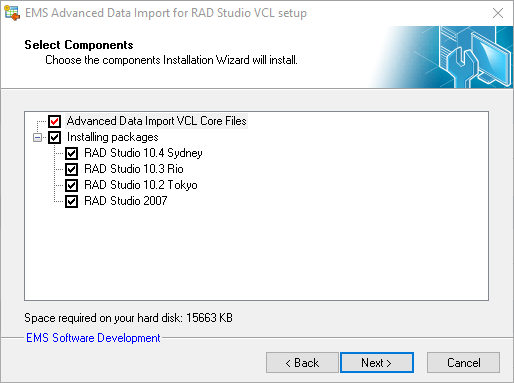
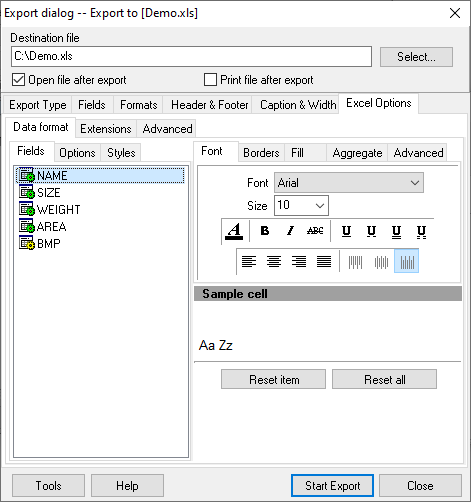
Unlock the power of seamless data integration with Advanced Data Import for RAD Studio VCL, developed by EMS Software Development. This robust tool is designed for developers who need to effortlessly import data from a variety of sources into their applications. With its intuitive interface, Advanced Data Import simplifies the process of transferring data from formats like Excel, CSV, and XML directly into your RAD Studio projects.
The software boasts a rich set of features, including customizable import settings, support for multiple database types, and the ability to handle large datasets with ease. Its built-in error handling ensures that your data imports are smooth and reliable, while the comprehensive documentation and responsive support team make it easy to get started. Whether you're building a complex database application or just need to streamline your data management, Advanced Data Import for RAD Studio VCL is the ideal solution for developers looking to enhance their productivity and efficiency. Experience the difference today!