Invoice Creator for Windows 10 - Full description
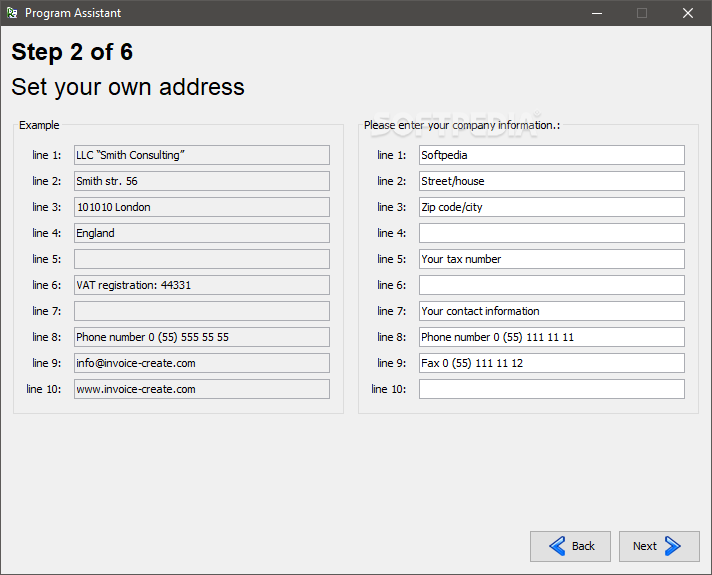
Invoice Creator is a Windows business application for preparing invoices and related paperwork. It is intended for small businesses and other users who need to produce customer documents and track basic billing details from a desktop computer. A setup assistant helps configure company information, including the business name, address and contact details, so those details can be added to documents without re-entering them each time.
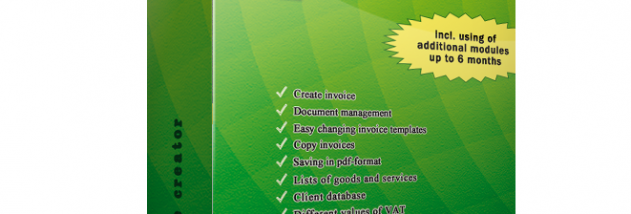
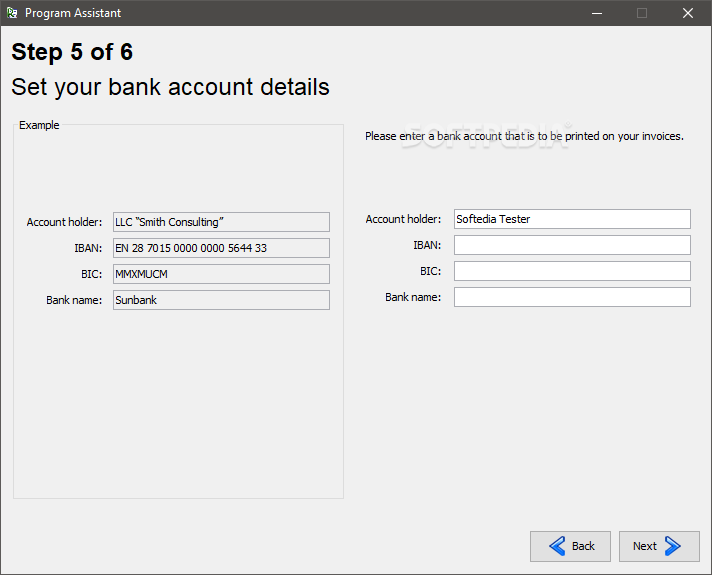
The program creates invoices and lets users add a company logo, enter an address and select a payment method. Invoice templates can be configured to suit the business's document layout. These options help keep routine invoices consistent while allowing company-specific information and branding to appear on the paperwork.
Beyond invoices, Invoice Creator can generate expense reports, client detail files, contracts, subscription documents and emails. Its settings cover money accounts, invoice numbering, sorting, addresses, footers, logos, arithmetic figures, groups, categories, countries and discounts. These controls let businesses adapt document details and organization to their own workflows, though the broad interface and range of settings may take time to learn.
The application can support everyday office tasks such as preparing customer bills, assembling expense paperwork and producing other business-related documents. Its configuration options are useful when several document types share company details or when billing needs consistent numbering, payment information and presentation. The program is a desktop tool rather than an online invoicing service.
Invoice Creator is distributed as demo software. It supports Windows 10 and Windows 11, as well as earlier Windows releases. The setup process involves choosing an installation location, followed by initial configuration through the assistant. Its feature set is focused on document creation and settings for business paperwork.