UWPHook for Windows 10 - Full description
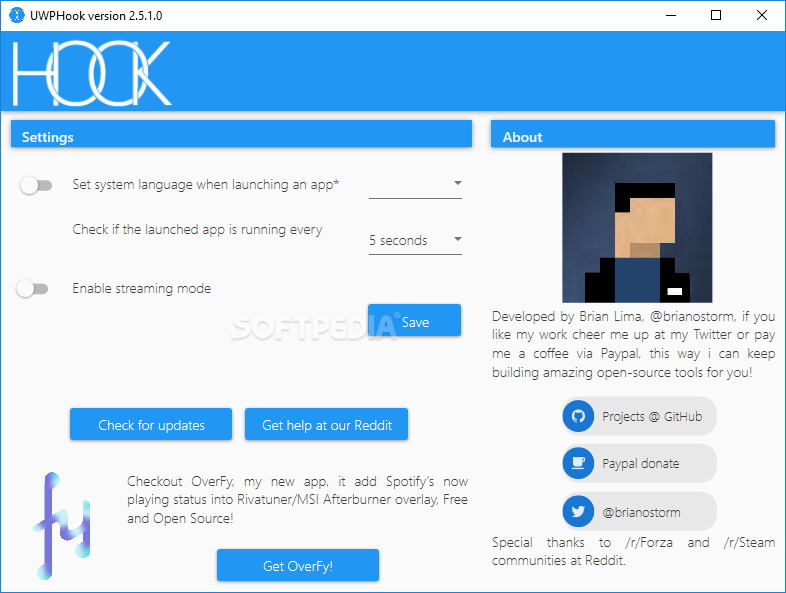
UWPHook is an open-source utility for adding Universal Windows Platform apps to a Steam library. It is intended for people who install games or other apps through the Microsoft Store but prefer to organize and launch them from Steam. Rather than replacing the apps or moving their files, UWPHook creates Steam entries that point to installed UWP software, bringing those shortcuts together with the rest of a library.
The main workflow is to open UWPHook, browse the UWP apps installed on the PC, and select the entries to add. The utility then makes them available from Steam, where they can be launched like other library items. This is useful for keeping a single collection of PC games and reducing the need to switch between launchers. Adding an app to Steam does not turn it into a Steam game or change how it is installed and updated through its original source.
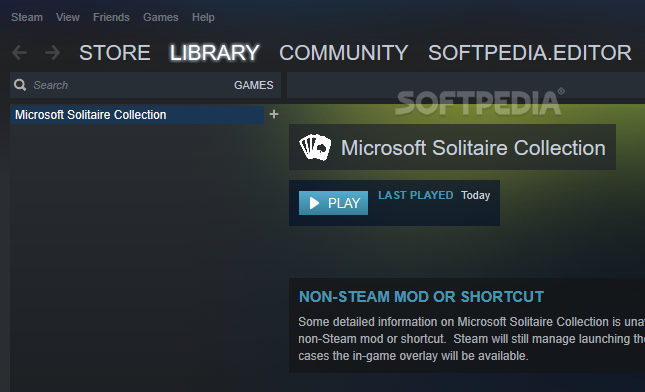
UWPHook can also help make the resulting library easier to navigate by allowing custom names and icons for UWP entries. Users can distinguish similarly named apps, give a shortcut a clearer title, or choose artwork that better fits the rest of the collection. Once added, a UWP app can be started from Steam, making Steam features such as the overlay, Big Picture Mode, and controller support available where they work with that app and its launch behavior.
The utility is suited mainly to players who want Microsoft Store and UWP games alongside titles from other PC storefronts. It can also be useful for adding non-game UWP apps to a Steam library, although Steam's gaming-oriented interface may not be the best place to manage every type of application. UWPHook acts as a bridge for launching and organizing apps; it does not provide the apps themselves or replace their own settings and update mechanisms.
UWPHook is free and open source. It supports Windows 10 and Windows 11, as well as Windows 8, with 32-bit and 64-bit support indicated for the latter systems. The utility is most relevant on a PC with UWP apps already installed and Steam available, since its purpose is to link those apps to Steam's library. Users should retain the original installation and use the Microsoft Store or other original source for app management.