DWG to PDF Converter MX
... your file conversion needs - DWG to PDF Converter MX. Developed by the renowned DWG TOOL Software, this software is a must-have for professionals who frequently work ...

2Jpeg is a command-line batch converter that turns image files into JPEG format. It handles common inputs such as PNG, BMP and TIFF, and can process files from local folders or network locations. Conversion parameters include JPEG quality, resizing and watermarks, making it useful for preparing image collections consistently or automating routine conversions through scripts.
| Author: | fCoder Group |
| License: | Demo |
| Price: | FREE |
| Released: | Apr 23, 2025 |
| File size: | 147.00 MB |
| Downloads: | 155 |
| Keywords: | JPEG optimization, batch photo resizing, batch image converter, batch processing, resize photo, software, image conversion software, command-line editor, image conversion, JPEG, jpeg, fCoder Group, file format support, command line image converter, command-line, resize, converter, jpeg converter, download 2Jpeg, 2Jpeg, graphics, user-friendly interface, 2Jpeg free download, convert png to jpeg |
| Author URL: | https://www.docufreezer.com |
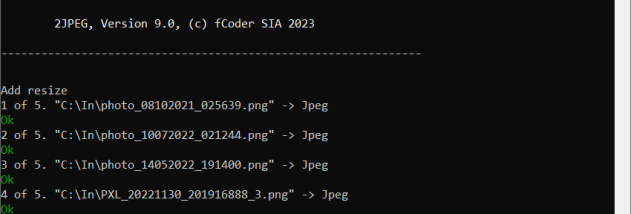
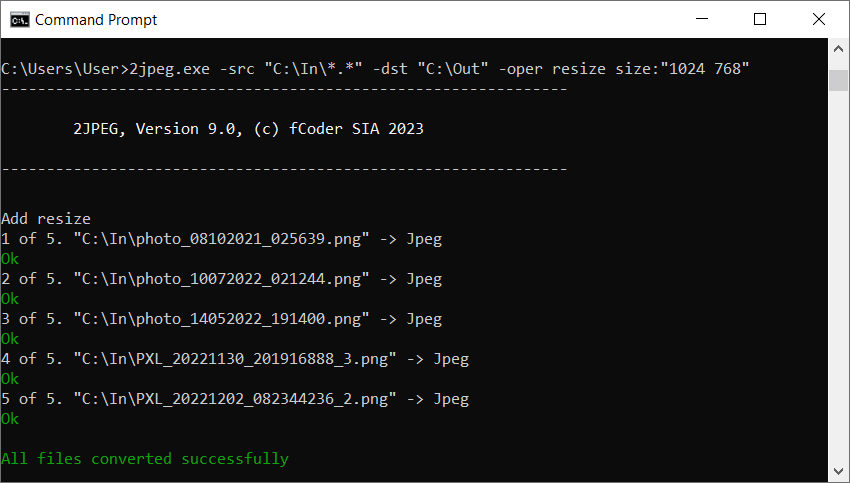
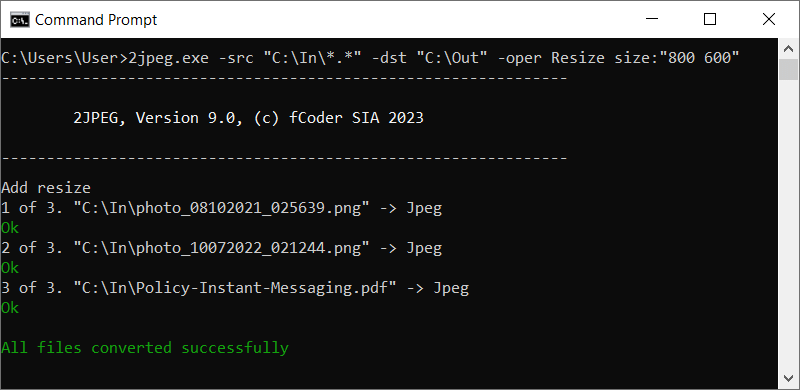

2Jpeg is a batch image converter from fCoder Group for turning image files into JPEG format. It is suited to users who need to standardize collections of pictures, as well as administrators and developers who want image conversion to run as part of a repeatable process. Its command-line interface makes it possible to invoke conversions from scripts without manually opening and handling each file.
The program accepts a range of image formats, including common types such as PNG, BMP and TIFF, and can work with files in local folders or network locations. Batch processing lets an operator convert multiple files in one run, which is useful when preparing a directory of images for a website, document archive or shared workflow. Rather than handling every image separately, the same conversion settings can be applied across a group.
Conversion parameters can be adjusted for the intended output. Image quality settings control the JPEG encoding, while resizing can create images at more suitable dimensions for their destination. Watermark options can add identifying text or graphics during processing. These controls are available through command-line parameters, allowing scripts to specify the required settings and repeat the same operation consistently on later batches.
This command-driven approach is useful for scheduled tasks, server-side processing and other workflows where image files arrive in a known location and need to be converted automatically. It can also help graphics and office teams process large groups of source images without repeating manual steps. Users can include 2Jpeg in existing scripts and direct it to local or network files, making it a practical utility for routine format conversion as well as occasional bulk jobs.
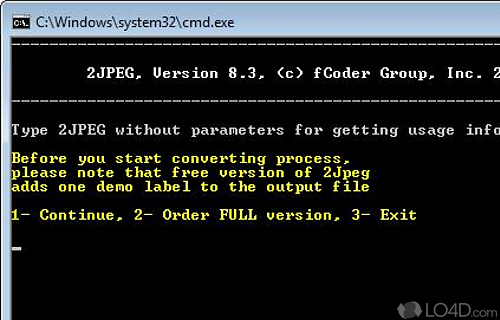
2Jpeg is distributed as demo software and is intended for Windows systems, including Windows 10 and Windows 11, as well as supported Windows Server editions. The command-line workflow is especially relevant for users comfortable with scripts or command prompts; it does not depend on a graphical editing process for each image. Since JPEG uses lossy compression, the selected quality setting affects the balance between file size and image detail. For projects that require a particular output size or consistent treatment across many files, testing settings on a small sample before processing a full collection can help confirm the result.