Avidemux x64 for Windows 10 - Full description
Avidemux is a free video editor for straightforward editing and encoding tasks. It is suited to users who need to trim footage, apply filters or convert a video without working in a full-scale nonlinear editing suite. Its support for common containers and a range of codecs makes it useful for preparing files for different playback and storage needs.
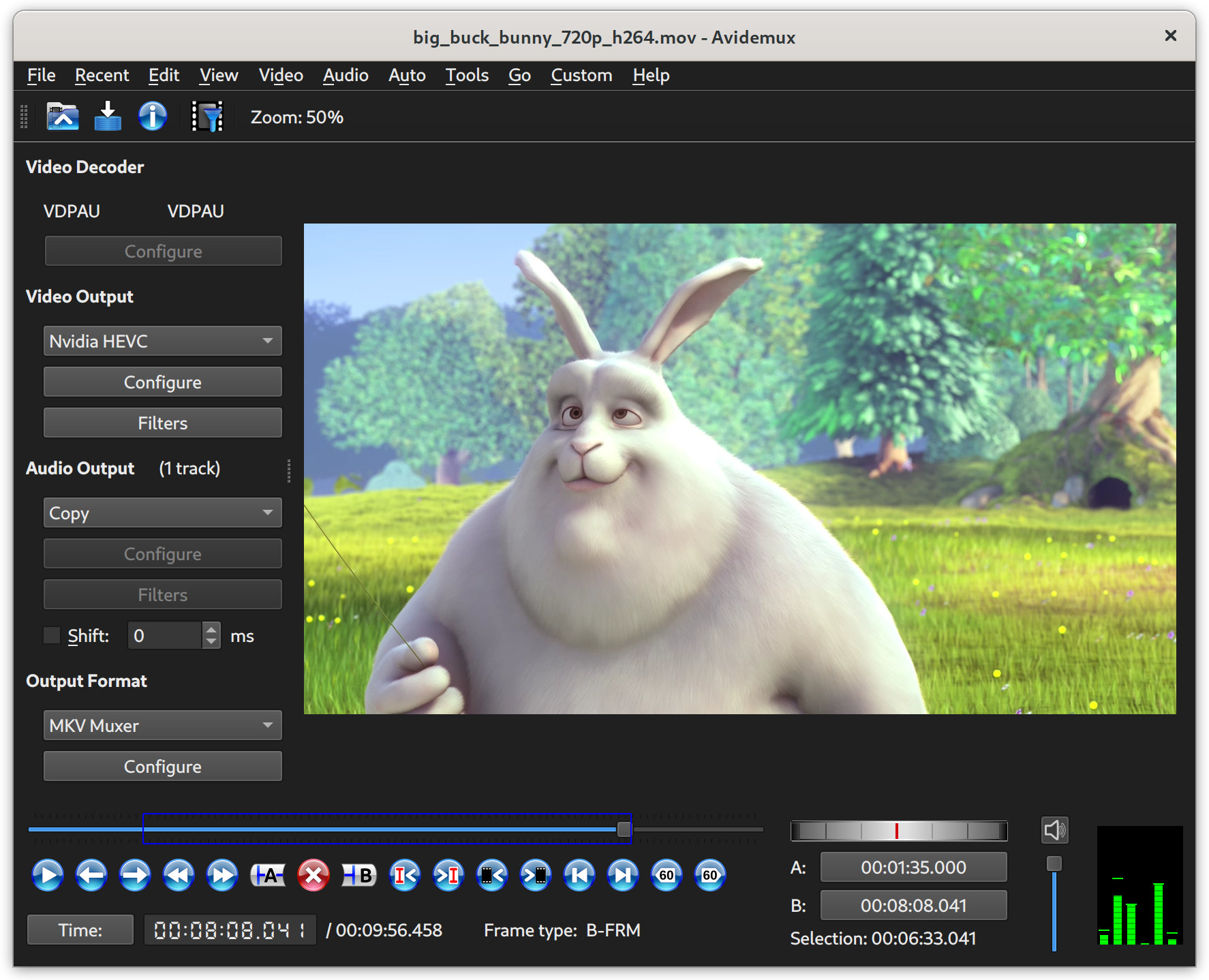
The editing workflow centers on loading a video, setting the start and end points of a segment, and choosing whether to copy or re-encode its streams. Stream copying can preserve the original video or audio without another encoding pass when the edit and format allow it; re-encoding provides a way to change codecs or apply processing. Avidemux handles formats such as AVI, MP4, ASF and DVD-compatible MPEG, with available options depending on the selected codecs.
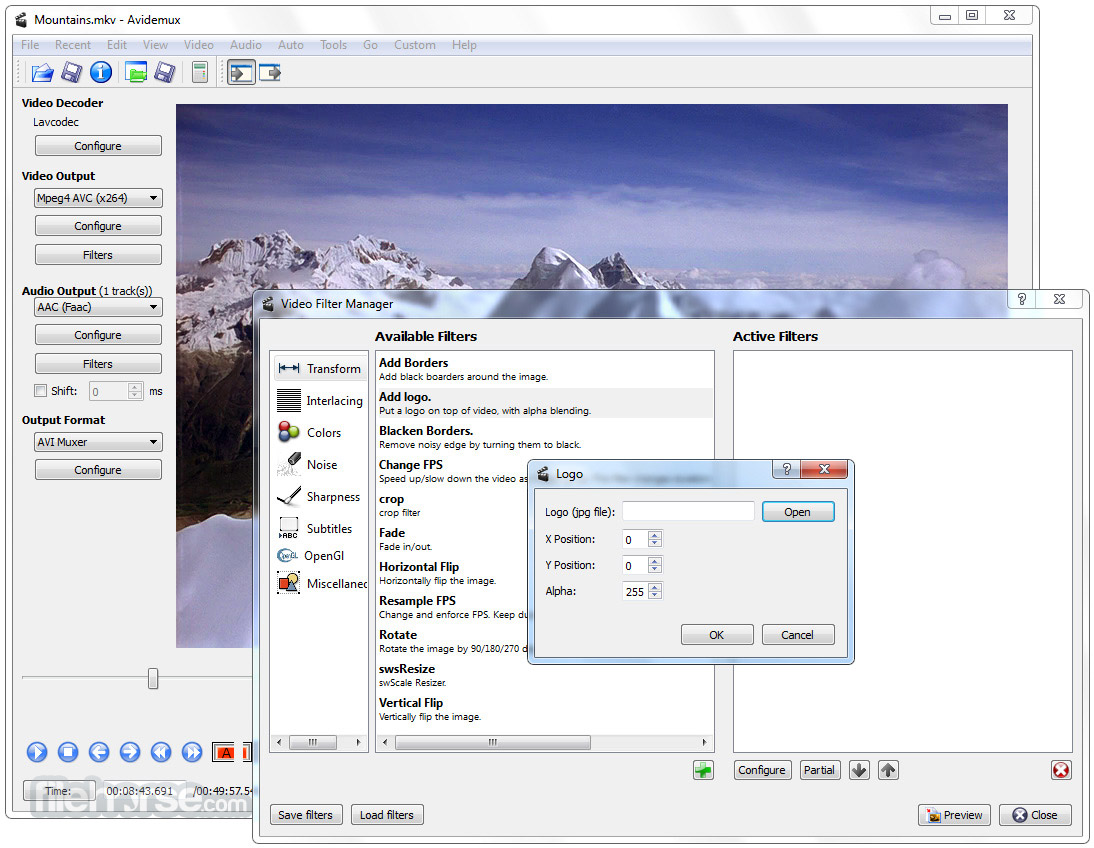
Filters provide basic image and video processing before export. Users can configure the processing chain, preview the result and adjust settings before saving, rather than committing to a full project timeline. The program also supports project files for retaining task settings, a job queue for running multiple encoding jobs, and scripting for automating repeatable operations. These tools help with batches of similar conversions or edits that would otherwise require repeated manual setup.
Typical uses include removing unwanted sections from a recording, preparing a clip in a different format, applying a filter, or encoding several files with consistent settings. It can also serve as a simple demultiplexing tool when separating streams is part of a workflow. The interface and feature set focus on practical cut, filter and encode operations rather than complex multi-track production, making it a better fit for small edits and file conversion than elaborate video projects.
Avidemux is distributed free under the GNU General Public License. The x64 edition is intended for 64-bit Windows systems; Windows 10 x64 is included among its supported operating systems. Format and codec support can vary with the chosen build and configuration, so users should check that the required input, output and processing options are available in their installation.