Blank And Secure for Windows 10 - Full description
Blank And Secure is a small Windows utility for removing files and folders by overwriting their contents before deletion. It is intended for people who want to make ordinary file recovery more difficult when clearing sensitive documents, work files or other data from a computer. Rather than simply sending selected items to the Recycle Bin, it writes zeros over the data as part of the removal process.
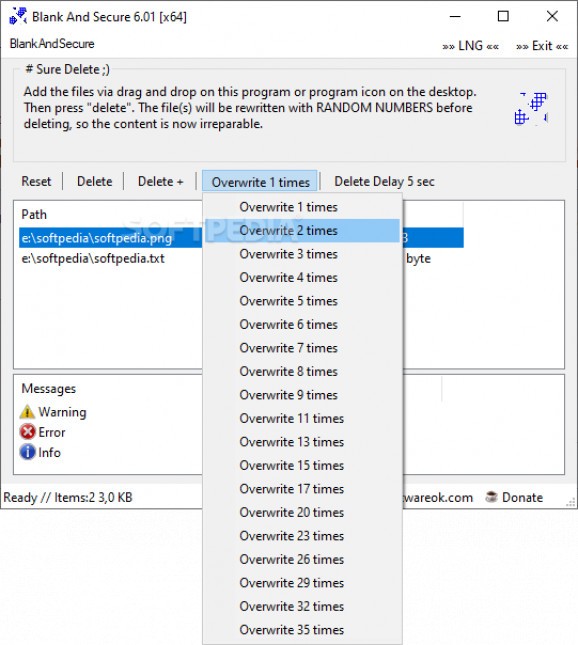
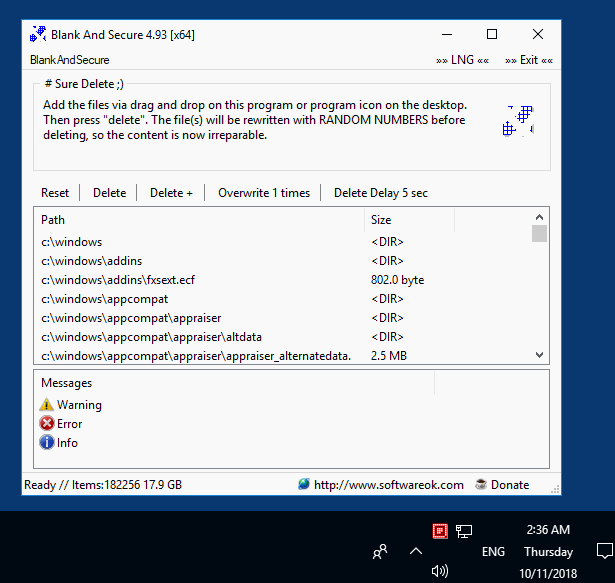
The workflow is direct: users add files or folders to the application, including by dragging them into its window, choose how many overwrite passes to perform, then start the operation. The pass setting lets users control how many times the utility writes over the selected data. More passes take longer, so the option can be adjusted to suit the amount of data and the time available. Both single files and directories can be processed.
A timer can be used to schedule deletion instead of starting it immediately. This can help with recurring cleanup routines or with a task that should run at a later time. The compact interface focuses on selecting items and configuring the deletion, without requiring users to manage a broader file-cleaning suite. Its portable design also allows it to run without installation, including from removable storage, which can be convenient for technicians handling different Windows computers.
Typical uses include removing confidential files before handing a computer to another person, clearing temporary copies of sensitive documents, or routinely disposing of data that is no longer needed. It is a targeted file-deletion tool, not a replacement for full-drive sanitization or encryption. Overwriting may not reliably remove every recoverable copy on solid-state drives, due to how those drives manage storage, and it does not erase copies stored elsewhere, such as backups or synchronized folders. Users should verify the selected items before beginning, since secure deletion is intended to make recovery difficult.
Blank And Secure is freeware by Nenad Hrg and requires Windows. It is offered for Windows 10 and 11 as well as a range of earlier Windows releases and Windows Server systems. Its small footprint and no-install operation suit occasional personal use as well as portable administrative workflows. The central trade-off is simple: additional overwrite passes can increase processing time, while the underlying storage technology affects how dependable overwriting is as a secure-erasure method.