BleachBit for Windows 10 - Full description
BleachBit is an open-source utility for cleaning unnecessary files from a computer and reducing the traces apps leave behind. It is intended for people who want to recover disk space, clear browser and application data, or remove files before sharing or disposing of a device. Its checklist-based interface makes it possible to choose what to clean rather than applying one broad cleanup to everything.
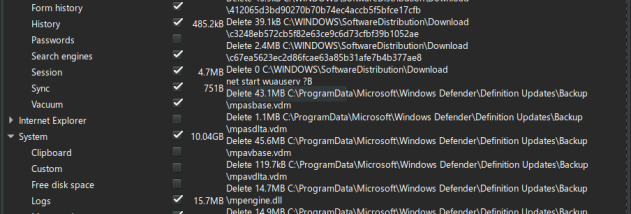
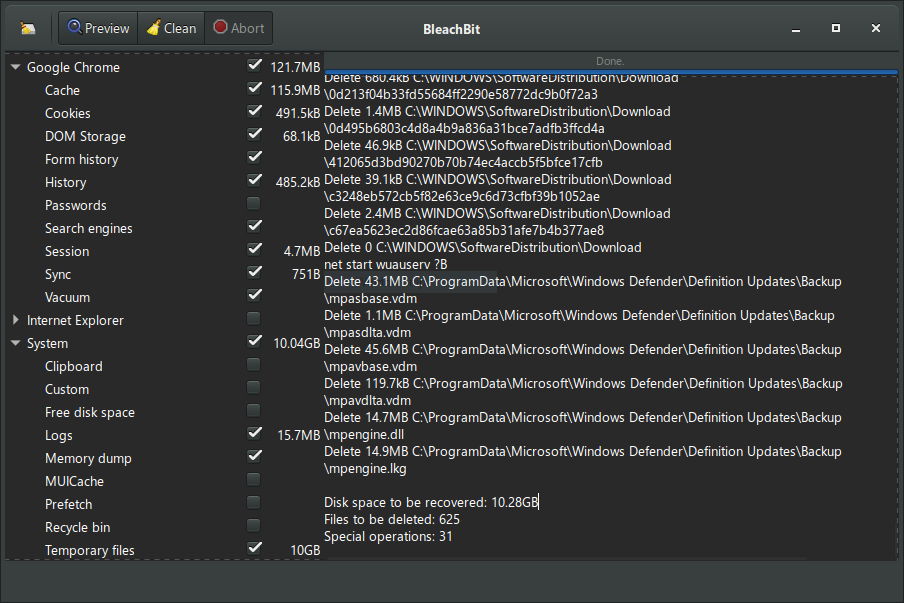
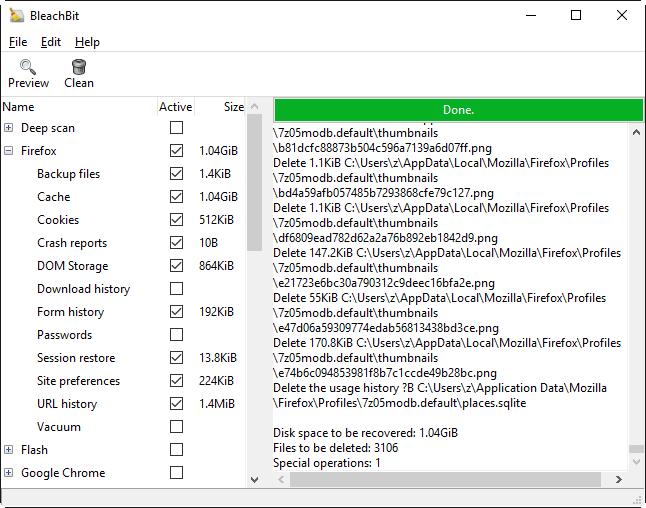
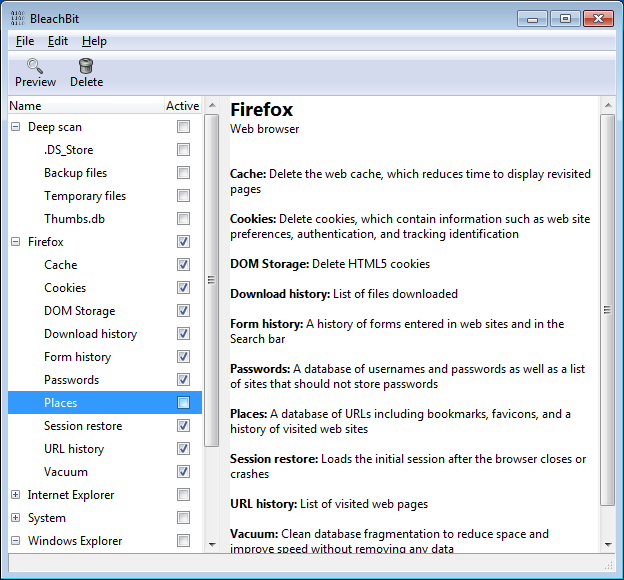
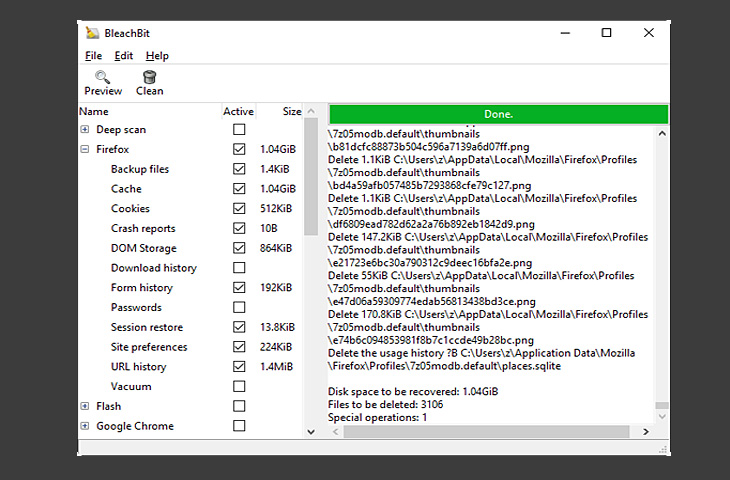
The program can remove temporary files, caches, cookies, and other redundant data from supported web browsers, office suites, and multimedia applications. Users select the relevant categories in the interface, then preview the proposed cleanup to see which files are marked for deletion before running it. This review step helps distinguish routine clutter from data they may want to keep, such as browser cookies or cached content. Cleaning application data can free storage and remove some locally stored activity traces, though it may also sign users out of websites or require apps to rebuild caches.
BleachBit also includes tools for securely deleting selected files and wiping free disk space. File shredding overwrites files during deletion, while a free-space wipe targets unused areas of a drive where remnants of previously deleted files might remain. These options are useful when handling sensitive information or preparing a drive for another user. They are separate from ordinary cleanup and should be used with care: wiping free space can take time, and deleted data is not recoverable through the normal recycle-bin workflow.
A typical cleanup starts with choosing an application or data category, inspecting the preview, and confirming the selected operation. This gives users control over whether to focus on browser clutter, temporary system data, or files created by particular programs. The same approach suits occasional maintenance as well as privacy-conscious cleanup before handing a computer to someone else. BleachBit is a cleaning tool, not a general-purpose performance tuner, and removing files does not guarantee that a system will run faster.
BleachBit is free and open source, and the Windows edition supports Windows 10 and Windows 11, including 32-bit and 64-bit Windows 10. It is also available for Linux. Its straightforward controls serve less experienced users, while the preview and secure-deletion tools offer additional control for people who need them. Before cleaning, users should review the selected items and close relevant applications when appropriate, especially when deleting data that an app may currently be using.