Sticky Password PRO
Sticky Password PRO is a password manager and online form filler for people who want to organize account credentials and reduce the effort of signing in and ...

Argente Password Manager stores usernames, passwords and notes in encrypted databases protected by a master password. It can create multiple databases for separate groups of credentials, and entries can be edited, deleted, sorted alphabetically or found with search. The simple interface is geared toward manual management: it has no password generator, folders, autofill, breach monitoring or quick clipboard copy. The master password cannot be recovered.
| Author: | Argente software |
| License: | Freeware |
| Price: | $9.00 |
| Released: | Sep 30, 2026 |
| File size: | 60.40 MB |
| Downloads: | 29 |
| Keywords: | password, store password, password vault, store login credentials, password manager, download Argente Password Manager, manage password, credential organizer, manage passwords, manager, Argente Password Manager, encrypted password database, Argente Password Manager free download, credential, note |
| Author URL: | http://argentesoftware.blogspot.com |

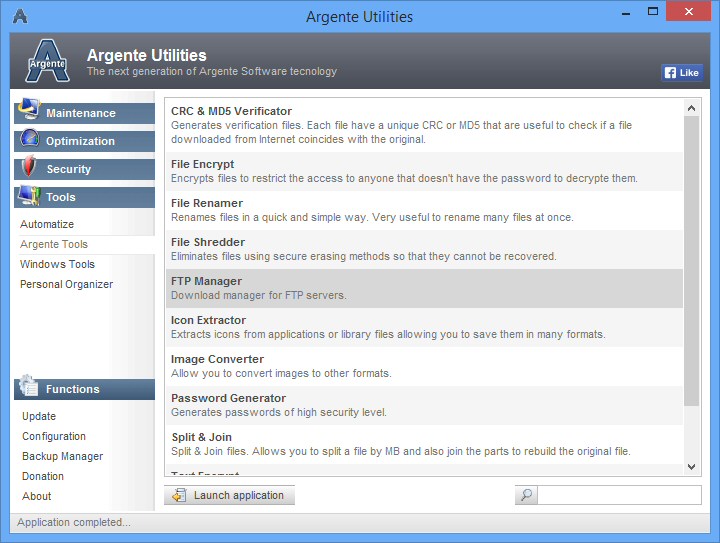
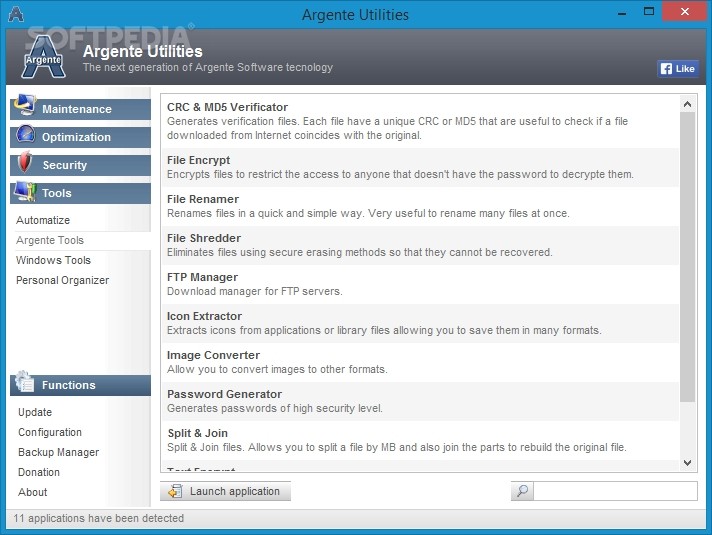
Argente Password Manager is a desktop tool for keeping account credentials in encrypted database files. It is intended for people who want a simple place to store usernames, passwords and related notes rather than a service with browser integration or advanced vault organization. Each database is protected by a master password, which must be remembered because it cannot be recovered through the program.
The first time it runs, the program guides the user through creating a database and setting its master password. Multiple databases can be created and used as separate vaults, for example, to keep email accounts apart from subscription logins. This approach provides a basic way to separate groups of credentials, though each vault has its own database and master password rather than categories within one vault.
Entries can contain a username, password and custom description, allowing a note or other identifying detail to be kept alongside the login. Existing entries can be edited or deleted with a few clicks. The list can be sorted alphabetically, and an integrated search field helps locate an entry when a database contains many records. These basic controls suit manual record keeping without requiring a complex setup.
The program focuses on storing and finding saved information. It does not include a password generator, folders or categories within a database, archiving, breach monitoring, autofill, or a quick option to copy credentials to the clipboard. Users therefore enter and retrieve login details manually, and may prefer another tool if they need automated sign-in or broader password-management features. Separate databases can serve as a workaround for grouping credentials, but they also require keeping track of multiple master passwords.
Argente Password Manager is freeware for Windows, with support for Windows 10 and Windows 11. Its encrypted databases and straightforward entry management are suited to users who prefer a basic local vault workflow. Because the master password cannot be recovered, it should be chosen and kept in a way that remains accessible to the owner.