A-PDF Photo Exif Editor
A-PDF Photo Exif Editor is a desktop utility for viewing, changing and ... useful for sorting and understanding a photo collection. The editor supports standard EXIF 2.21 tags as well as ...

CImg is an open-source, header-only C++ toolkit for loading, saving, displaying, drawing on, and processing image data. Its single CImg.h file offers functions for resizing, rotating, filtering, and drawing text, lines, curves, ellipses, and 3D objects. The image class supports up to four dimensions and template pixel types. Standard C++ libraries are enough for basic use; optional tools add support for common compressed formats and DICOM medical images.
| Author: | David Tschumperlé |
| License: | Open Source |
| Price: | FREE |
| Released: | Jan 1, 2024 |
| File size: | 3.10 MB |
| Downloads: | 378 |
| Keywords: | multidimensional image processing, process image, Image Processing, cimg image processing, David Tschumperlé, c++ image drawing, draw image, c++ image toolkit, cimg, x64 Architecture, editor, image filter, Open Source Software, Windows 10 Compatible, load and save images c++, image filter library, edit, CImg |
| Author URL: | https://cimg.eu/ |
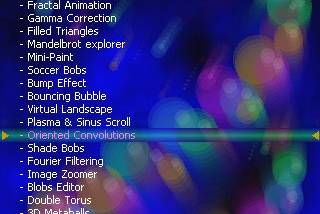


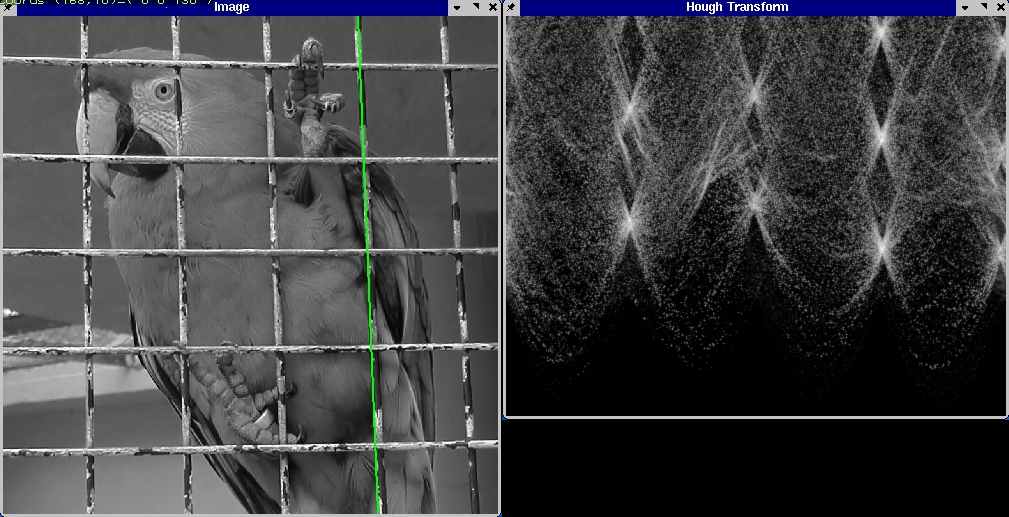

CImg is an open-source C++ toolkit for developers who need to load, display, draw on, or process images in their own programs. It is distributed as a single header file, CImg.h, which can be included in a C++ source file. This header-only structure keeps integration straightforward and lets projects use CImg without installing a large framework. Its image class supports template pixel types and data with up to four dimensions, covering uses from one-dimensional signals to three-dimensional, multichannel image volumes.
The toolkit includes functions for loading and saving image data, resizing and rotating images, and applying image filters. Developers can use these operations to build image-processing steps into command-line tools, research code, or graphical applications. Drawing functions add text, lines, curves, ellipses, faces, and 3D objects to images, making the library useful for annotation, overlays, and visual demonstrations as well as pixel-level processing.
CImg can be compiled with standard C++ libraries alone, so a basic setup does not require specialized dependencies. Optional external tools extend format support: ImageMagick or links to libpng and libjpeg enable common compressed formats such as GIF, BMP, TIFF, JPEG, and PNG. XMedCon adds the ability to read DICOM files used for medical imaging. These options let developers select additional format support according to a project's needs rather than making every dependency mandatory.
The library suits programmers building image utilities, image-analysis workflows, visualization tools, and applications that need to manipulate multidimensional data. Its drawing, display, and processing functions can be combined in C++ code, allowing developers to keep image operations within their own application rather than relying on a separate editor. The range of supported dimensions also makes it applicable to scientific data beyond ordinary two-dimensional photographs.
CImg is free and open source. It is intended as a C++ development toolkit, not a standalone image-editing application, so using it requires compiling or linking it into a program. The core can use standard C++ libraries; support for particular compressed or medical image formats depends on the corresponding optional tools or libraries. The package is available for Windows, including Windows 10 and Windows 11.