ClassPoint for Windows 10 - Full description
ClassPoint is a PowerPoint add-in for teachers, trainers and presenters who want to make slide-based sessions more interactive. It adds tools for creating quizzes and surveys, collecting audience input and annotating slides, so existing presentations can be adapted for lessons, workshops or business meetings without building a separate activity from scratch.
Its quiz tools let presenters place questions in a slide deck and use them to check understanding during a session. Questions can support multiple answer choices, making them useful for knowledge checks, review exercises and quick polls. Survey activities gather feedback from participants, which can help a presenter gauge opinions or adjust the pace and focus of a session. Keeping these activities in the presentation allows the speaker to move between explanation and audience participation in one workflow.
ClassPoint also provides slide annotation and input-board features. Presenters can use annotations to mark up material while explaining it, or turn a slide into a space where participants can contribute. Image responses can add visual input to a discussion, while feedback tools give an audience another way to respond to prompts. Slide styling and other adjustments help users refine material alongside these interactive elements.
The add-in is intended for more than classroom teaching. Educators can use it for lessons and comprehension checks, while corporate trainers can collect responses and add activities to training materials. Speakers presenting proposals, product information or business ideas can use questions and audience input to make a presentation more participatory. Its tools are most useful when the presenter wants attendees to do more than watch slides pass by.
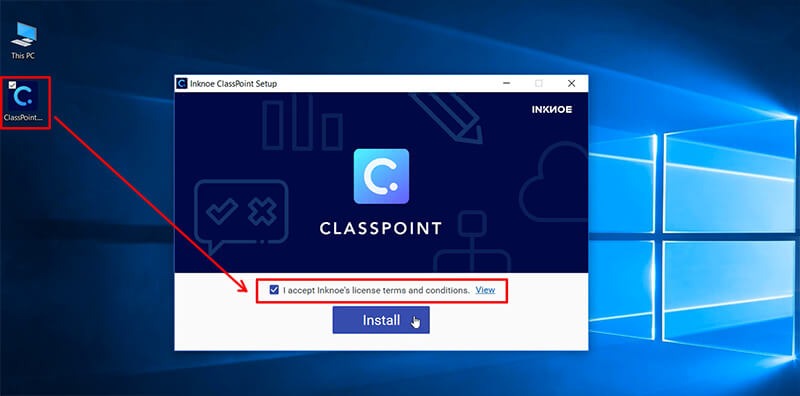
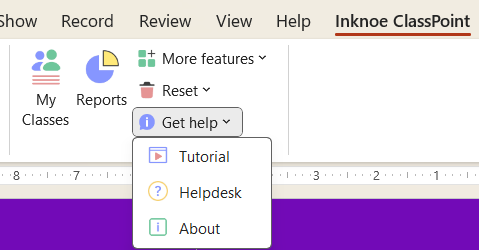
ClassPoint integrates with Microsoft PowerPoint and adds its controls to the application interface, allowing users to work with familiar slide decks rather than switch to a separate presentation editor. The installation process adds the integration to PowerPoint. It is available for Windows 10 and Windows 11, in 32-bit and 64-bit editions. The stated PowerPoint support covers Office 2013, 2016, 2019 and Microsoft 365; compatibility can depend on the installed Office environment. ClassPoint is shareware.