dbForge Studio for SQL Server Standard for Windows 10 - Full description
dbForge Studio for SQL Server Standard is an IDE from Devart for developing and administering projects in SQL Server. It includes data reporting and analysis tools for professional users. It is trialware, version 2026.2.82, in the Business::Databases & Tools category. It runs on Windows Server 2025, Windows 11, Windows Server 2022, Windows Server 2019, Windows Server 2016, Windows 10 32/64 bit, Windows Server 2012, Windows 2008 32/64 bit, Windows 8 32/64 bit, and Windows 7 32/64 bit.
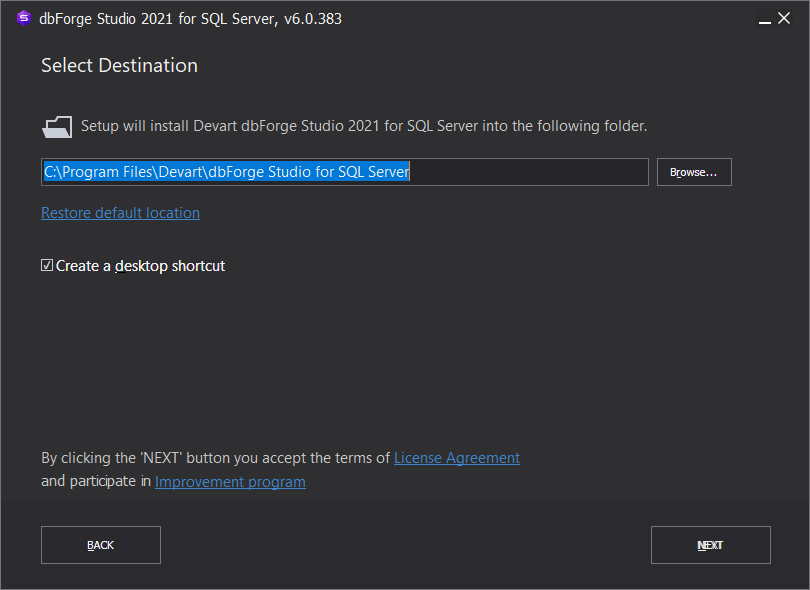
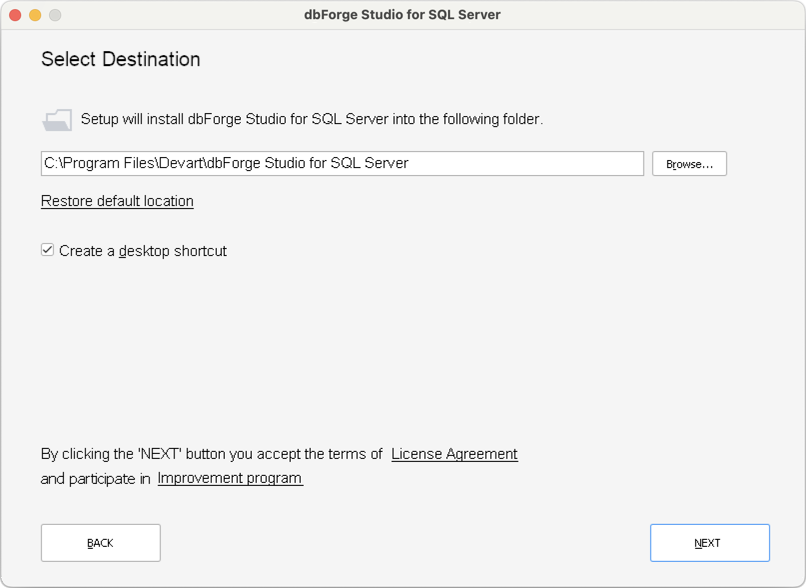
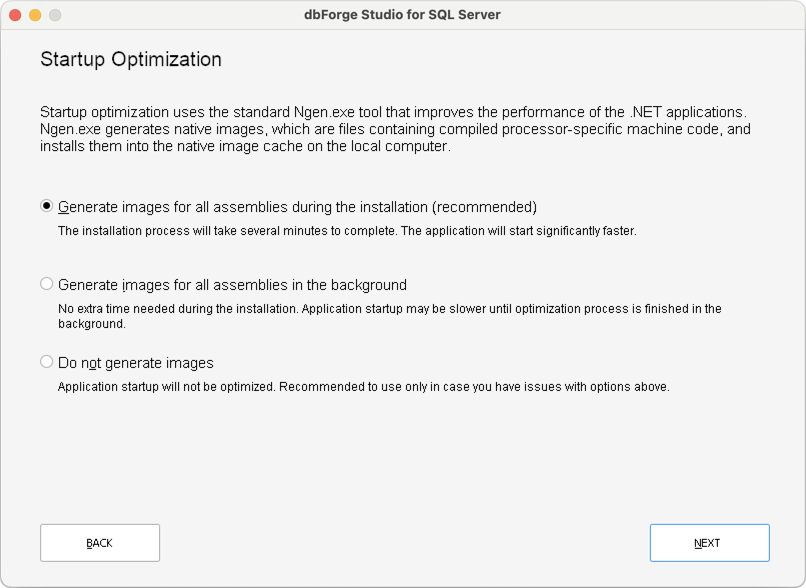
During installation, the program can associate itself with SQL scripts (.sql), Master-Detail files (.mdet), Database Diagrams (.dbd), Data Reports (.rdb), Data comparison files (.dcomp), Schema comparison files (.scomp), Database schema snapshot files (.snap), Data generation files (.dgen), and Server events profiles files (.ssp). A startup optimization component uses the standard Ngen.exe utility to boost the performance of .NET-based applications. This module can generate images for all assemblies during installation or for those running in the background.
The multi-tabbed interface includes a query builder. Objects can be dropped from the database explorer to run selection, join, where, group by, having, and order by scripts. Other viewers are available for editing queries and data, analyzing query performance, the document outline, inserting code snippets, and examining output results such as SQL log and debugging.
The database can be backed up and restored. Users can generate scripts, create a scripts folder or snapshot, manage index fragmentation, and locate object names, DDLs, or table data items with a search tool. Data can be imported and exported in HTML, Excel, CSV, and XML. The program includes tools for formatting SQL files and directories, managing snippets, and creating reports from profile server events. Toolbars and commands can be customized, the GUI skin can be switched, and keyboard shortcuts can be remapped.