DSynchronize Portable for Windows 10 - Full description
DSynchronize Portable is a file and folder synchronization utility for people who need to keep copies of data aligned across local drives, removable storage and network locations. It can be used for routine folder backups as well as for maintaining working copies of files in more than one place. Its portable format suits users who prefer a utility that can be run without a conventional installation.
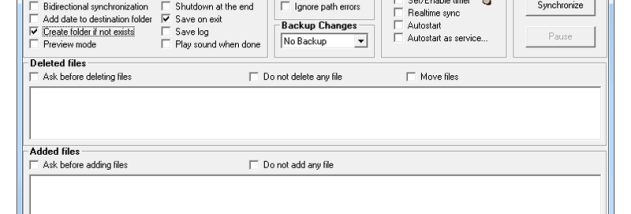
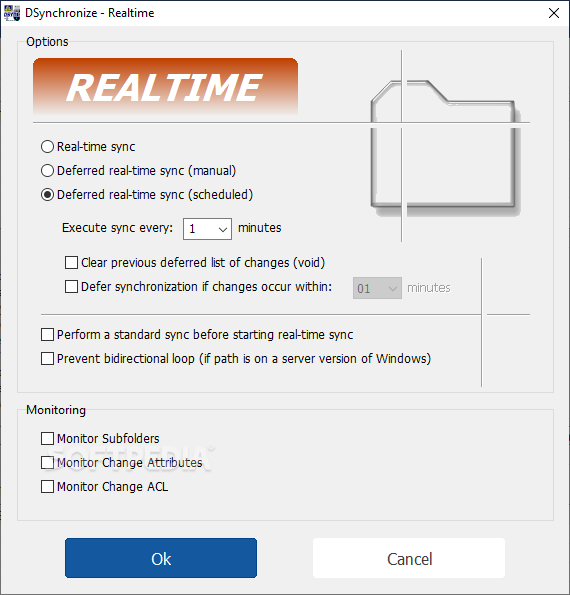
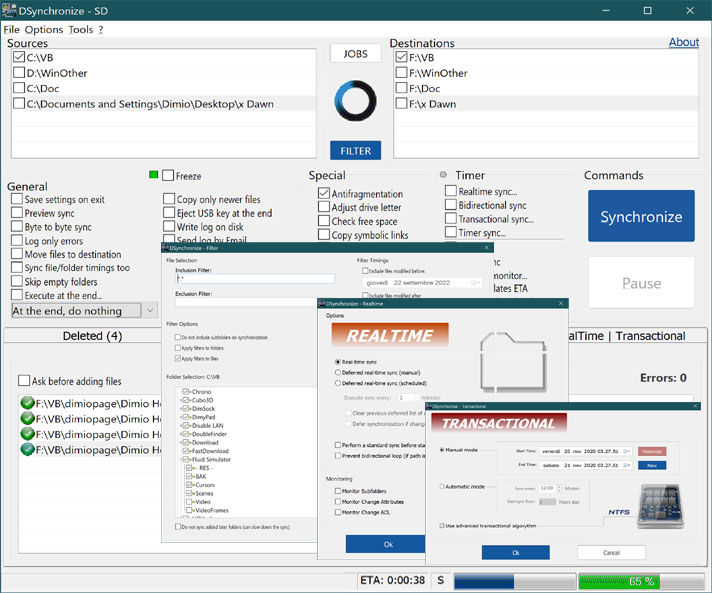
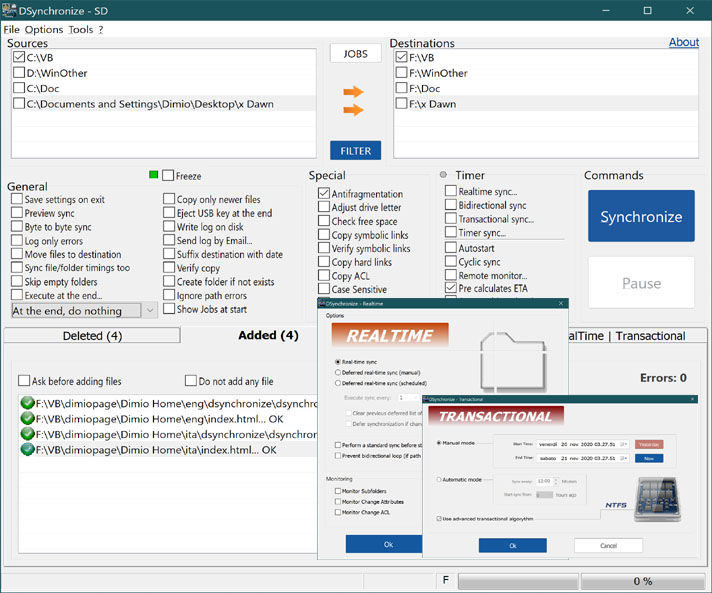
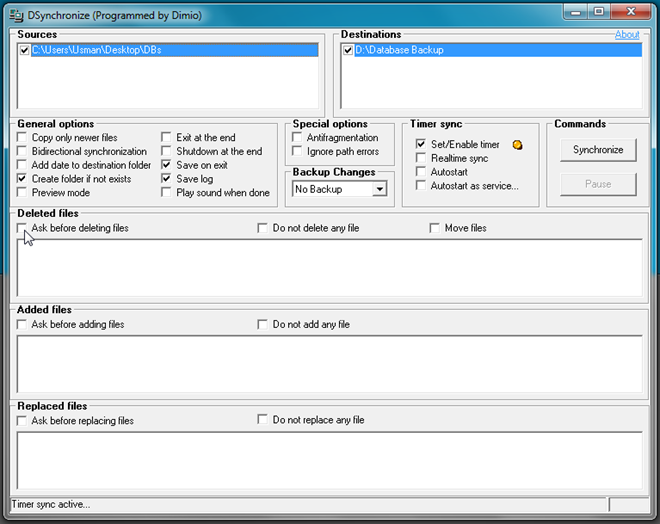
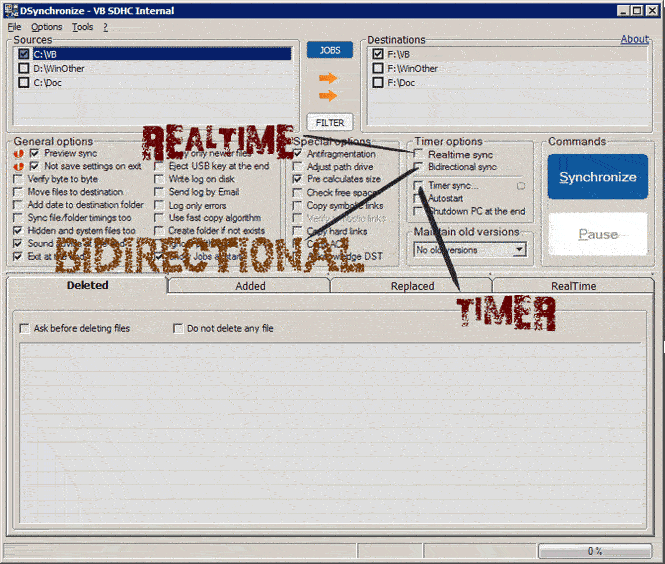
Synchronization can run in one direction, updating a destination from a source, or bidirectionally, reconciling changes between locations. Real-time monitoring can apply changes as they occur, while scheduled tasks let users choose recurring synchronization times. These options support different workflows: immediate updates for active folders, or periodic runs when continuous monitoring is unnecessary. A preview of pending changes helps users check what will be copied or updated before applying a task.
Tasks can be configured with file filters, including criteria such as file type and modification date, so that irrelevant files can be excluded. This is useful when a folder contains temporary or unrelated material, or when a backup should cover only selected content. File-integrity checks help verify copied data, an important step when synchronization is being used to maintain dependable backups. The main window provides controls for creating, editing and removing tasks, keeping multiple folder pairs manageable.
Command-line support allows synchronization jobs to be started through scripts or incorporated into larger administrative routines. This can reduce repetitive manual work for system administrators and other users who manage recurring copies across several locations. Home users can also use the same core functions to keep personal documents or media files backed up to an external drive. In either case, reviewing the selected direction, filters and destination before a run helps prevent unwanted changes to the wrong copy.
DSynchronize is freeware from Dimio and is distributed as a lightweight portable utility. It is intended for Windows, with support listed for Windows 10 and earlier Windows releases; Windows 11 support is not established here. Its combination of manual, scheduled and real-time operation makes it suitable for straightforward backups as well as more controlled synchronization routines, without requiring a separate cloud service.