CbxConverter
... to the download page for CbxConverter, a remarkable Windows 10 software developed by the talented Tomasz Ostrowski. CbxConverter is a versatile tool that empowers users ...

Hoo WinTail is a real-time Windows log viewer for developers and system administrators. It follows growing files, showing new entries as applications and servers write them, and can inspect the end of a large file without loading it all. Monitor several logs at once, capture OutputDebugString output, filter or highlight lines, and bookmark entries. Files open read-only, so WinTail does not alter their contents.
| Author: | Hoo Technologies |
| License: | Trialware |
| Price: | $49.95 |
| Released: | Mar 30, 2012 |
| File size: | 1.62 MB |
| Downloads: | 268 |
| Keywords: | real time log viewer, outputdebugstring capture, monitor, live log monitor, real-time log monitor, Windows 10 software, capture log, trace, windows trace viewer, trace viewer, tail growing log file, Hoo WinTail, server log monitoring, viewer, log viewer, x64 application, Hoo Technologies, file viewer |
| Author URL: | http://www.hootech.com/ |
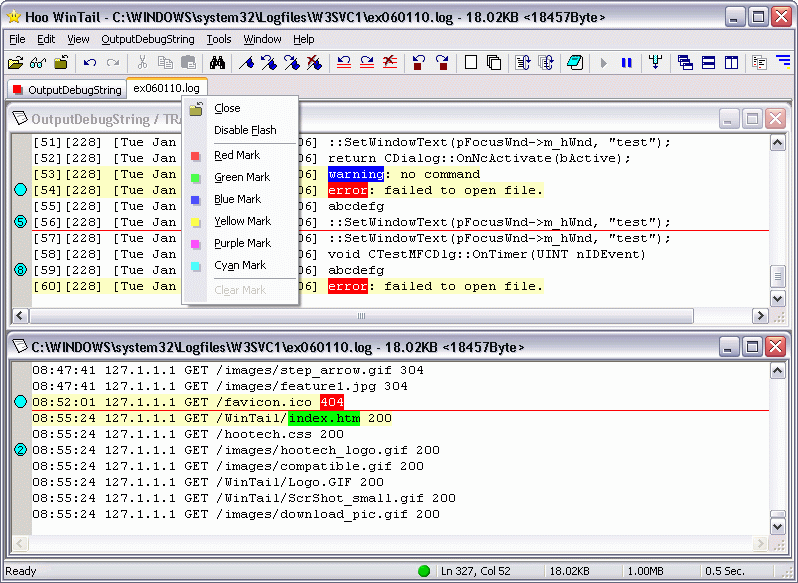

Hoo WinTail is a real-time log viewer for Windows, aimed at developers, support teams and system administrators who need to follow changing text files while applications or servers are running. Like the Unix tail -f utility, it displays the end of a growing file and adds new lines as they are written. Because it can show the latest portion of a large file without loading the whole file, it is also useful for inspecting logs that would be cumbersome to open in a standard text editor.
The main window can monitor several files at once, with each file opened in its own pane in the multiple-document interface. This lets an operator compare activity across application logs, IIS or other server logs, Exchange Server logs and FTP server logs without repeatedly switching between separate tools. As other programs append entries, WinTail reads and displays the new content, making it practical to watch events as they happen rather than repeatedly reopening or refreshing a file.
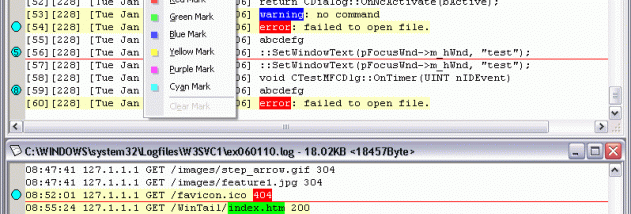
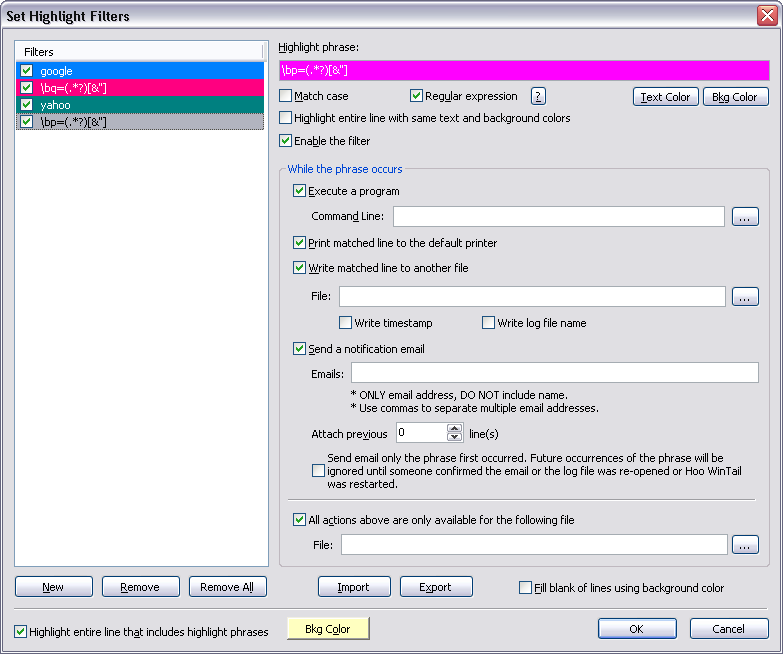
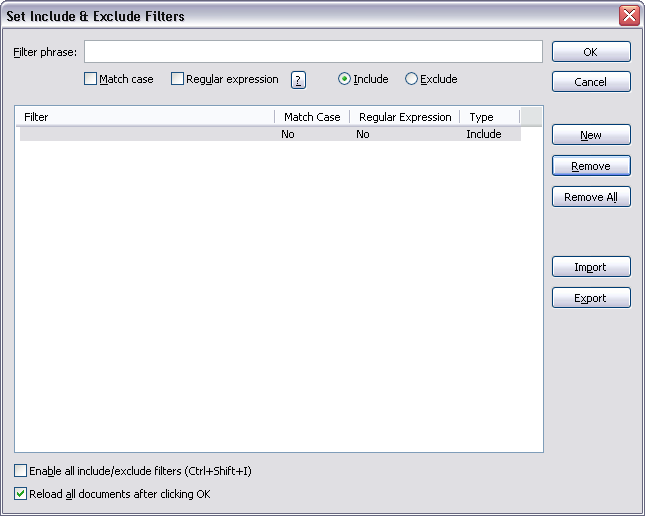
For debugging, the program can capture and display OutputDebugString messages emitted through the Windows debugging API. Highlight filters make matching lines easier to spot, while include and exclude filters help narrow the display to relevant entries or suppress routine noise. Bookmarks provide a way to mark lines for later reference during an investigation. These tools support common tasks such as following a request through a service log, watching for an error after a change, or reviewing diagnostic output while reproducing a problem.
WinTail can run minimized in the system tray, and its tray icon flashes when new lines arrive. This allows monitoring to continue in the background while other work is in progress, with a visual cue when a log receives updates. The program is a viewer rather than an editor: it opens files read-only and does not change their contents. Any new entries come from the application or service writing to the log, not from WinTail.
Hoo WinTail is trialware from Hoo Technologies. It is intended for Windows log monitoring and trace viewing, and the supplied operating-system list includes Windows 10. The viewer is useful wherever text-based logs or OutputDebugString output need to be observed live, especially during software debugging and routine server administration. Since it only reads log files, it can be used to inspect active logs without altering the records being monitored.