Text to HTML Converter-Markdown
Welcome to the download page of Text to HTML Converter-Markdown, an innovative software developed by Video Software Download exclusively for Windows 10 users. This powerful tool ...

Marp for VS Code is an open-source extension for writing slide presentations in Markdown within Visual Studio Code. Its live preview shows how edits affect the slides, while themes and CSS provide control over their appearance. Presentations can be exported to PDF, HTML or PowerPoint, and their text-based source can be maintained with the editor's usual tools.
| Author: | Yuki Hattori |
| License: | Open Source |
| Price: | FREE |
| Released: | May 4, 2026 |
| File size: | 33.40 MB |
| Downloads: | 654 |
| Keywords: | markdown to pdf presentation, customizable themes, download Marp for VS Code, slide deck, marp for vscode, VS Code extension, Markdown to HTML, Marp, open-source, Marp for VS Code free download, seamless integration, Marp for VS Code, markdown slide deck, presentation, VS Code Markdown, vscode presentation extension, Markdown presentation, VS Code, slide deck creation, Markdown, PPTX, Markdown to PPTX, Yuki Hattori, markdown presentation editor, markdown to powerpoint |
| Author URL: | https://yhatt.github.io/marp/ |
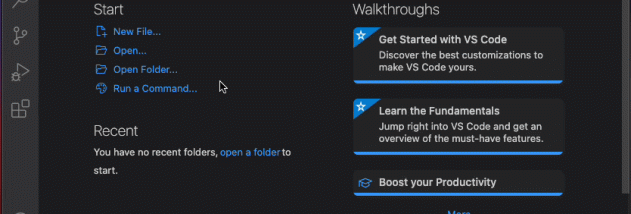
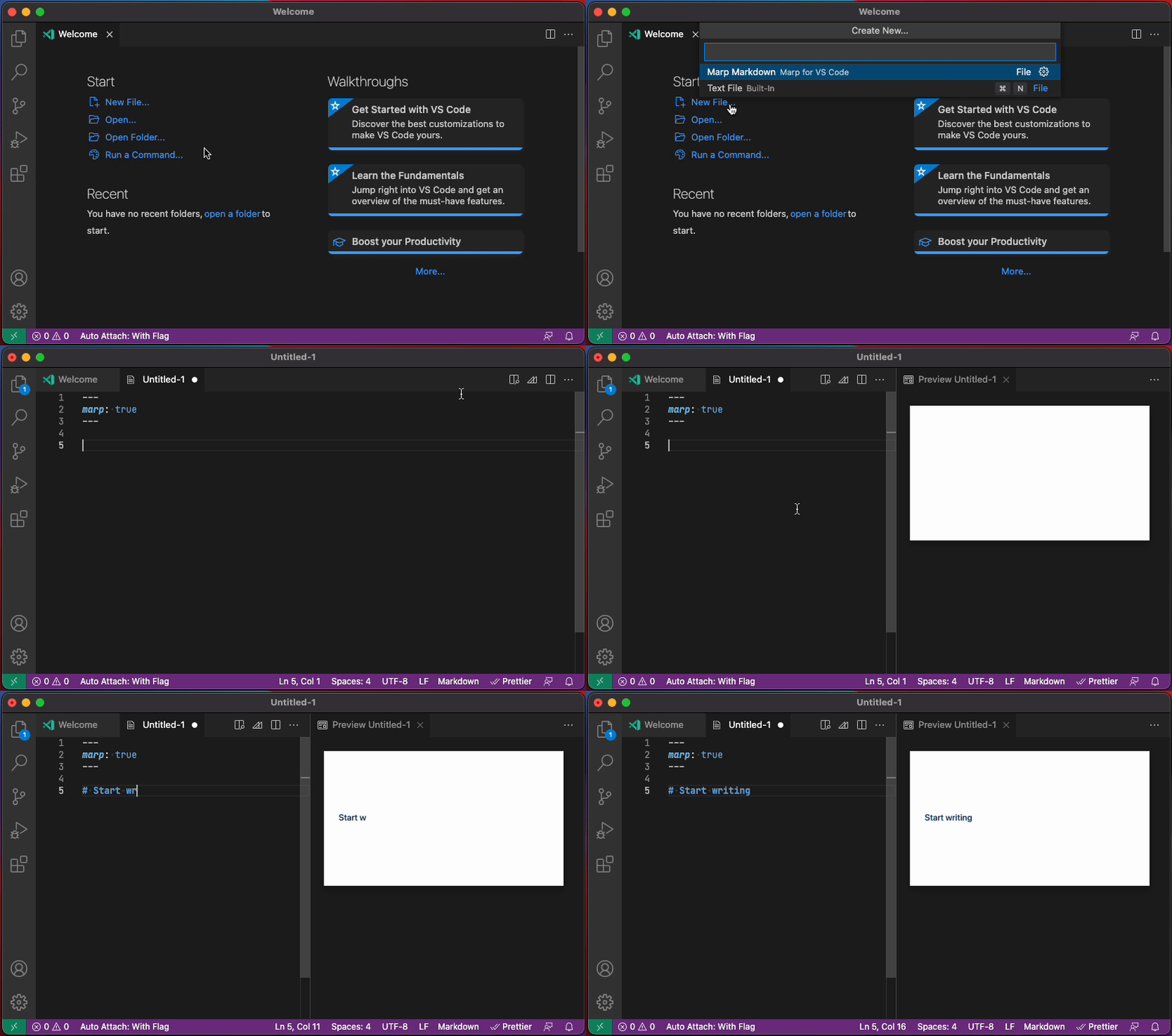
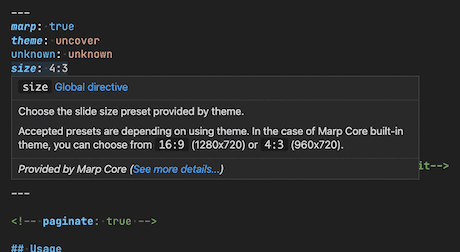
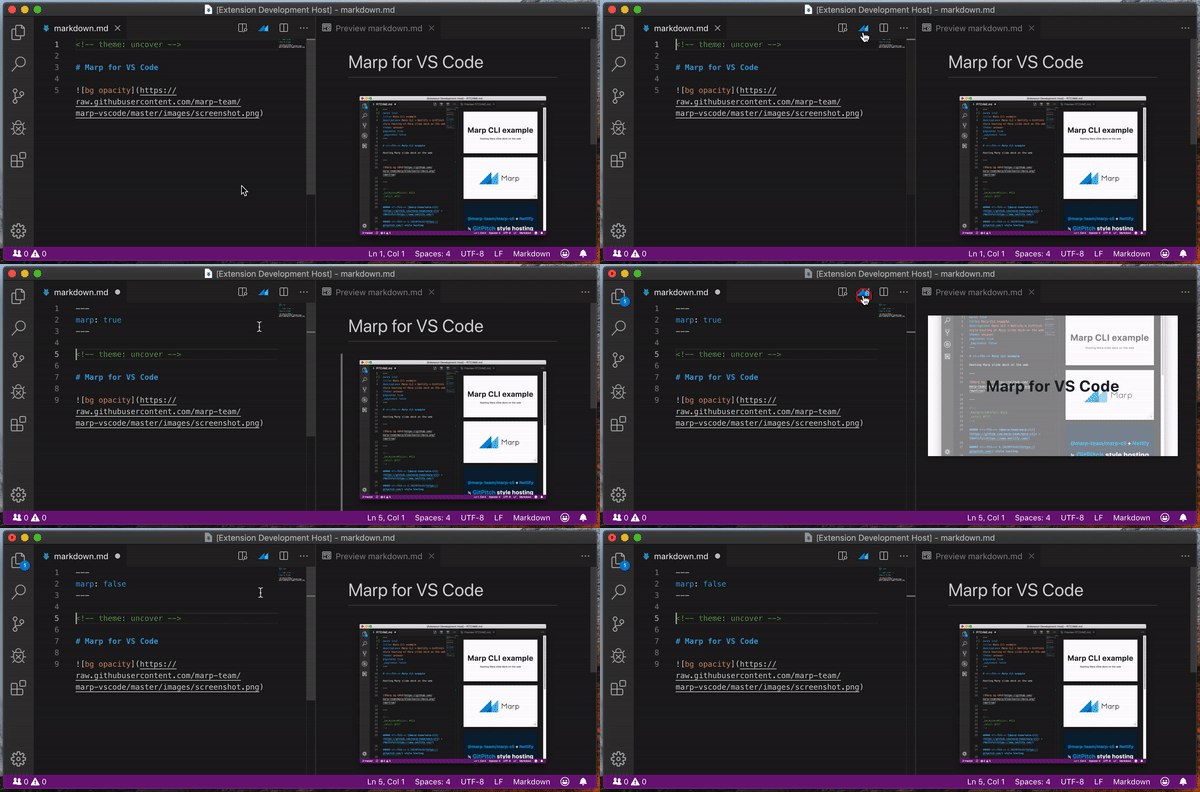
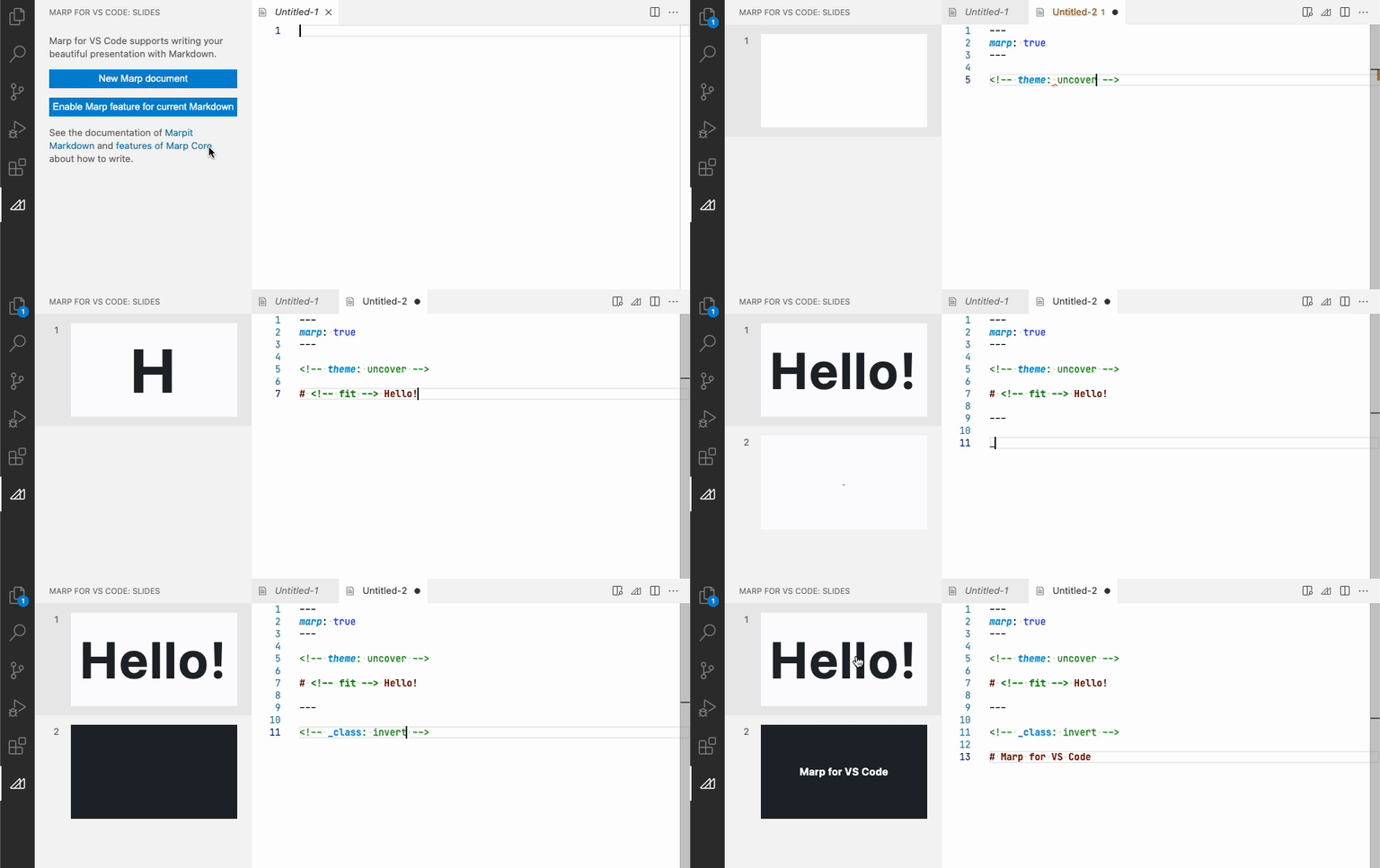
Marp for VS Code is an open-source extension for creating slide presentations from Markdown inside Visual Studio Code. It suits developers, educators, technical writers and other users who prefer to write and maintain presentation content as text rather than arrange slides in a graphical editor. Markdown keeps the source readable and makes it practical to edit presentations with familiar tools, including VS Code's search, editing and version-control features.
A presentation is written in a Markdown file, with slide breaks separating its pages. The extension renders the document as slides and provides a live preview, so edits to text, layout or styling can be checked while the source remains open. This workflow is useful when refining a deck: content changes can be made directly in the file, and the preview helps catch formatting issues without repeatedly exporting or opening a separate presentation editor. Markdown syntax also makes headings, lists, links and code examples straightforward to maintain.
Marp supports themes that control the overall appearance of a presentation. Users can apply a built-in theme or define custom styling with CSS when a deck needs particular colors, fonts or layout choices. The slide-oriented Markdown format allows content and presentation structure to stay together in one document, while CSS offers additional control beyond the default theme. Because the presentation source is plain text, it can be tracked in version control and reviewed alongside other project files, making changes easier to compare and share with collaborators.
Completed slides can be exported to formats including PDF, HTML and PowerPoint, allowing the deck to be distributed or presented outside the editing environment. This makes the extension suitable for technical talks, classroom materials, project briefings and other presentations where written content, code samples or repeatable edits matter. Keeping the source file also makes later updates easier: users can revise the Markdown and produce a refreshed output instead of rebuilding the deck from scratch.
Marp for VS Code is intended to run as an extension within Visual Studio Code, so the editor must be installed separately. It is offered as open-source software at no cost and is available for Windows 10 and Windows 11 64-bit systems. Its text-based approach is especially useful for people comfortable with Markdown, though users seeking a drag-and-drop interface for positioning every slide element may prefer a conventional presentation editor.