Webcam Live Streaming
... 10 download website, where we present an exceptional software called Webcam Live Streaming. Developed by Webcam Video Streaming Software, this cutting-edge application revolutionizes the way you share ...

MyCam is a webcam application for taking snapshots and recording video with audio. It supports multiple photo and video formats, offers real-time video effects, and provides settings for adjusting output quality. A built-in media player lets users preview recordings, while password protection helps restrict access to saved captures. It is suited to personal recordings, lessons, presentations, and other webcam-based content.
| Author: | e2eSoft |
| License: | Demo |
| Price: | FREE |
| Released: | Mar 6, 2025 |
| File size: | 42.30 MB |
| Downloads: | 177 |
| Keywords: | record video, snapshot, webcam video effects, webcam capture, live streaming, capture image, software, webcam recording software, MyCam, virtual camera, MyCam free download, video recording, record, video capture, record webcam video with audio, webcam, e2eSoft, capture, webcam snapshot app, webcam photo capture, download MyCam, webcam software, webcam media player, user-friendly |
| Author URL: | http://www.e2esoft.cn/ |
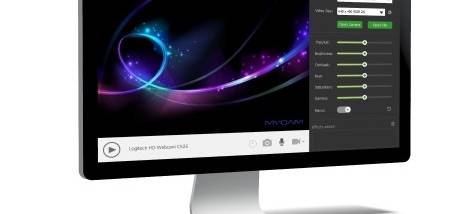
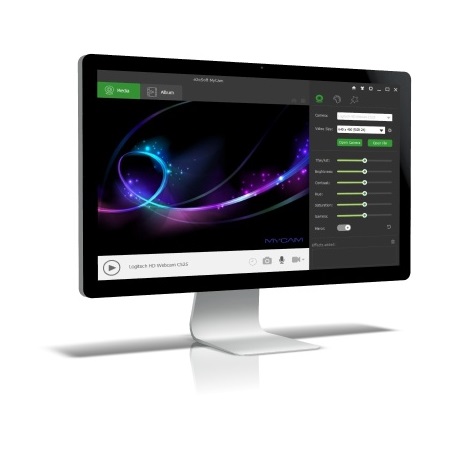
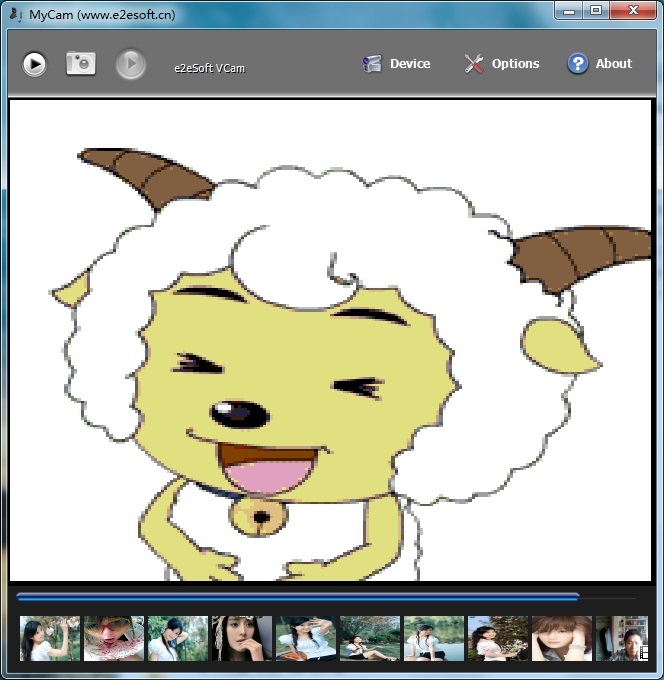
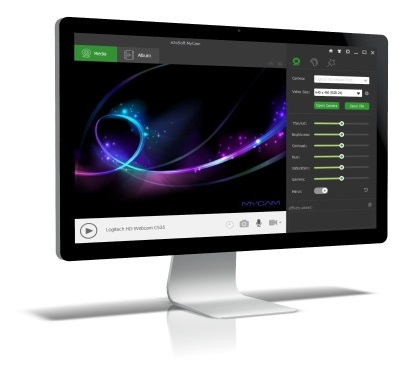
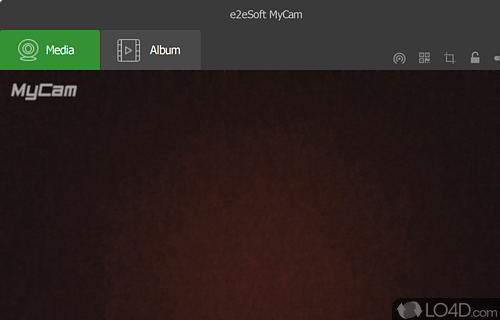
MyCam is a webcam application from e2eSoft for capturing photos and recording video with a computer camera. It is suited to people who want a straightforward way to make webcam recordings, save snapshots, or create video content with accompanying audio. Its interface is designed to make the main capture tools accessible without requiring a complicated setup or advanced production skills.
The program can capture still images as well as video, with support for multiple photo and video formats. Format choices let users select an output suited to how they plan to store or share a capture. During recording, MyCam can capture audio alongside video, which is useful for spoken presentations, lessons, personal messages, or vlog-style clips where sound needs to stay with the footage. Real-time video effects can be applied while capturing, adding visual changes to the camera image before it is saved.
Capture settings provide control over output quality and format, so users can adapt files to their intended use. After recording, the built-in media player can preview saved footage within the application, making it possible to check a clip without opening a separate player. The software also includes password protection for recordings, an option intended for keeping private content from casual access. Together, these features support a simple workflow: configure a capture, record or take a snapshot, then review the resulting media.
MyCam can be used for everyday webcam snapshots and recordings, as well as for creating material such as tutorials, online lessons, presentations, and personal video updates. Real-time effects offer a way to vary the appearance of footage during capture, while audio recording helps make clips useful for communication and instruction. The format and quality settings are relevant when preparing files for different storage or sharing needs; the preview player helps confirm the result before it is used elsewhere.
MyCam is distributed as demo software. It supports Windows 11, Windows 10, Windows 8, and Windows 7, including 32-bit and 64-bit editions where specified. Its core focus is webcam-based photo and video capture, with playback and recording controls included in the same application. Users should check that their camera and audio input are available to Windows before recording, and choose capture settings appropriate to the intended output.