Qupil
... to the download page for Qupil, an exceptional Windows 10 software developed by the talented Felix Hammer. Qupil is ... notes, making information retrieval a breeze. The task management feature enables you to prioritize and track your ...

QueueExplorer Standard is a graphical console for managing Microsoft Message Queuing (MSMQ) across networked computers. Developers, testers, and administrators can connect to multiple machines, group connections, create queues, and send or receive messages. It also supports browsing, filtering, editing, backing up, restoring, and purging message data, plus stress testing and analysis of invalid messages.
| Author: | Cogin |
| License: | Trialware |
| Price: | $149.00 |
| Released: | Oct 5, 2026 |
| File size: | 35.70 MB |
| Downloads: | 315 |
| Keywords: | send msmq messages, msmq message viewer, message queue, QueueExplorer Standard, explorer, Cogin, MSMQ tool, msmq queue manager, x64 platform, Windows 10 software, edit msmq messages, delete message, msmq testing tool, queue, message queue management, message body, management, manage message queues |
| Author URL: | https://www.cogin.com/ |
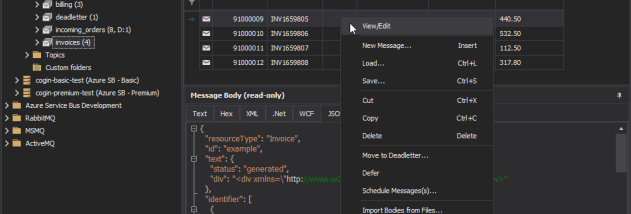
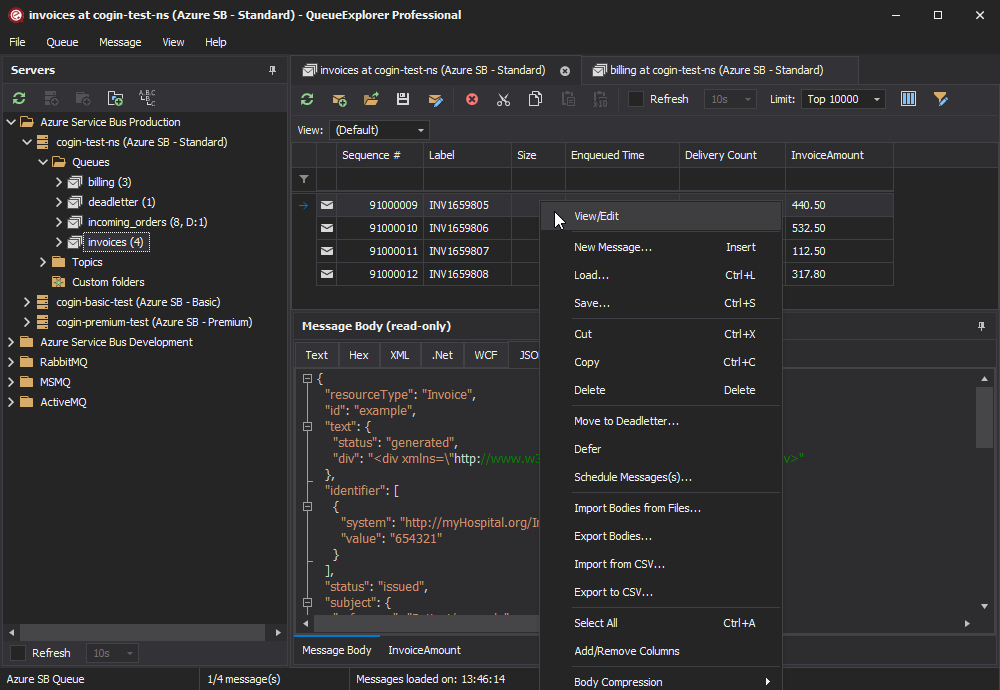
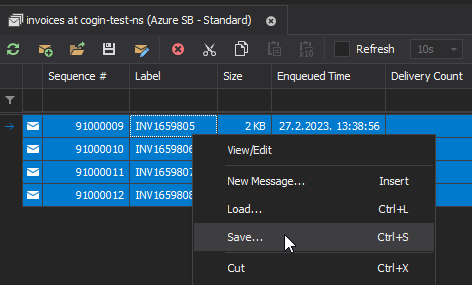
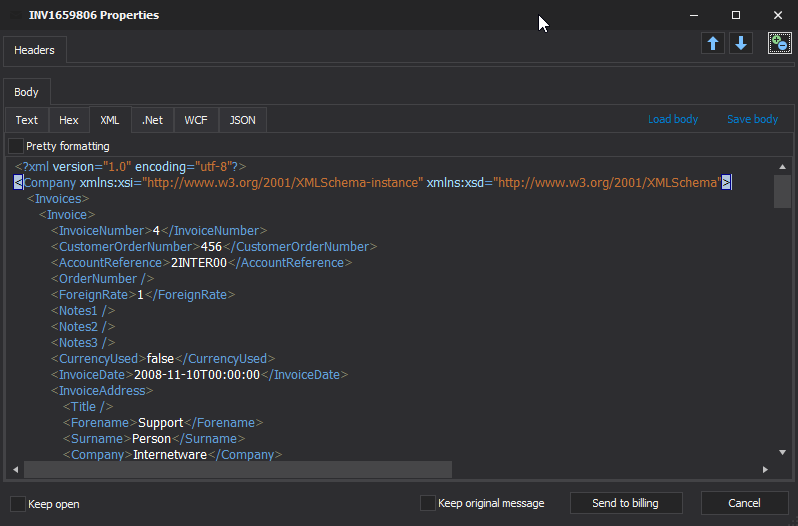
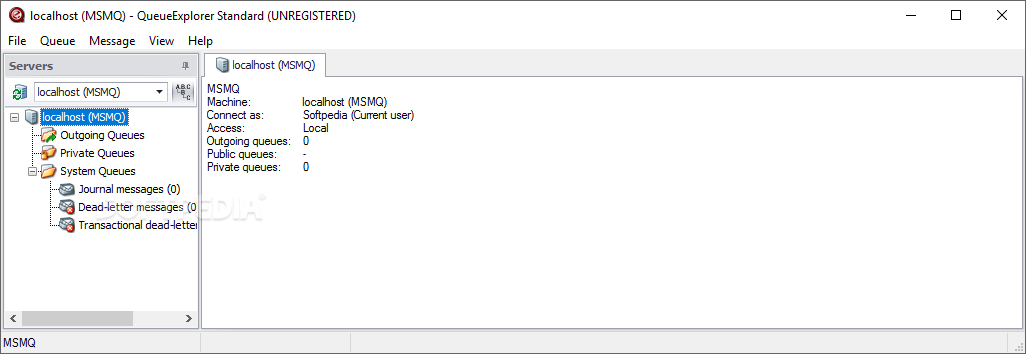

QueueExplorer Standard is a graphical management console for Microsoft Message Queuing (MSMQ), aimed at software developers, testers, and network administrators who work with message-based communication between computers. MSMQ queues hold messages until a receiving application can process them, which allows systems to exchange data even when the other computer is temporarily offline. The program brings queue and message operations into one interface, including connections to multiple machines on a network.
Administrators can group machine connections, browse queues, create new queues, and send messages for testing or operational use. Queue contents can be inspected and filtered, and message bodies can be viewed, copied, edited, pasted, or deleted. QueueExplorer can also purge a queue when its contents need to be cleared. These tools help developers check what an application sends and receives, while administrators can investigate queue activity without relying only on command-line utilities.
The message viewer supports different body encodings, including ASCII, UTF-7, UTF-8, UTF-16, and .NET binary. Users can choose an encoding to make message contents easier to interpret, and adjust the displayed columns to focus on relevant details. The program handles .NET serialized objects and WCF messages; decoding WCF messages requires the .NET Framework. Keyboard shortcuts support routine navigation and editing tasks.
For troubleshooting and testing, QueueExplorer can back up and restore messages, inspect invalid messages, and run stress tests against queues. These functions help reproduce messaging problems, examine malformed or unexpected data, and assess how a system behaves under message load. Connecting to several computers in grouped views is useful when following a message workflow across multiple services or environments.
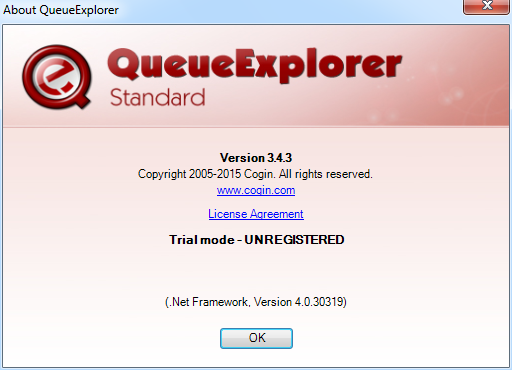
QueueExplorer Standard is trialware and requires Microsoft .NET Framework 4.5 or later. It is available for Windows desktop and Windows Server systems, including both 32-bit and 64-bit editions where applicable. The Standard edition focuses on MSMQ queue and message management; additional capabilities are offered separately in QueueExplorer Professional.