SimpleSYN.NET for Windows 10 - Full description
SimpleSYN.NET is an Outlook synchronization tool for people who use Outlook on more than one computer and want their data kept in step. It works as a client-server application, connecting Outlook installations over a network. After setup, synchronization runs automatically, so changes made on one computer can be reflected on the others without manually copying files or repeating updates.
The program can synchronize emails, contacts, appointments, tasks, notes, folders and deletions. This allows a change such as updating a contact, adding an appointment or removing an item to be carried across connected computers. Synchronization settings can be chosen for each Outlook folder, giving users control over which data is shared and how updates are applied. For example, one folder can synchronize in both directions while another sends changes in only one direction.
SimpleSYN.NET also lets users select which kinds of changes to synchronize: new items, modified items and deleted items. These options can be set separately for folders, which is useful when different computers have different roles. A work computer might receive appointments and tasks while leaving unrelated email out of its synchronized folders. This selective setup helps avoid distributing every Outlook item to every connected installation.
The automatic network-based workflow is intended for people who move between computers, as well as small teams that need selected Outlook information available on more than one PC. A straightforward interface and a setup process designed around a few steps help users configure the connection and synchronization rules. Once configured, the program handles ongoing updates rather than requiring a manual export-and-import routine.
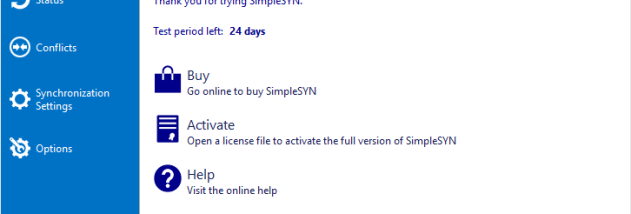
SimpleSYN.NET is trialware and supports Windows 10 and Windows 11, as well as earlier Windows releases. It is designed specifically to synchronize Outlook data between installations; it is not a general-purpose file synchronization utility. Users should decide which folders and synchronization directions fit their workflow before relying on the connected computers to share changes.