Sound Normalizer for Windows 10 - Full description
Sound Normalizer is an audio utility for people who want to make the playback levels of music and other sound files more consistent. It analyzes audio and adjusts volume, with support for formats such as MP3, WAV and FLAC. Rather than changing volume separately in a media player, users can process files so that their levels are more even when played together.
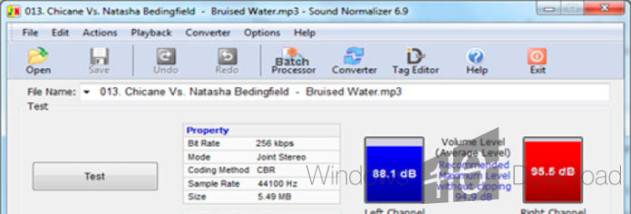
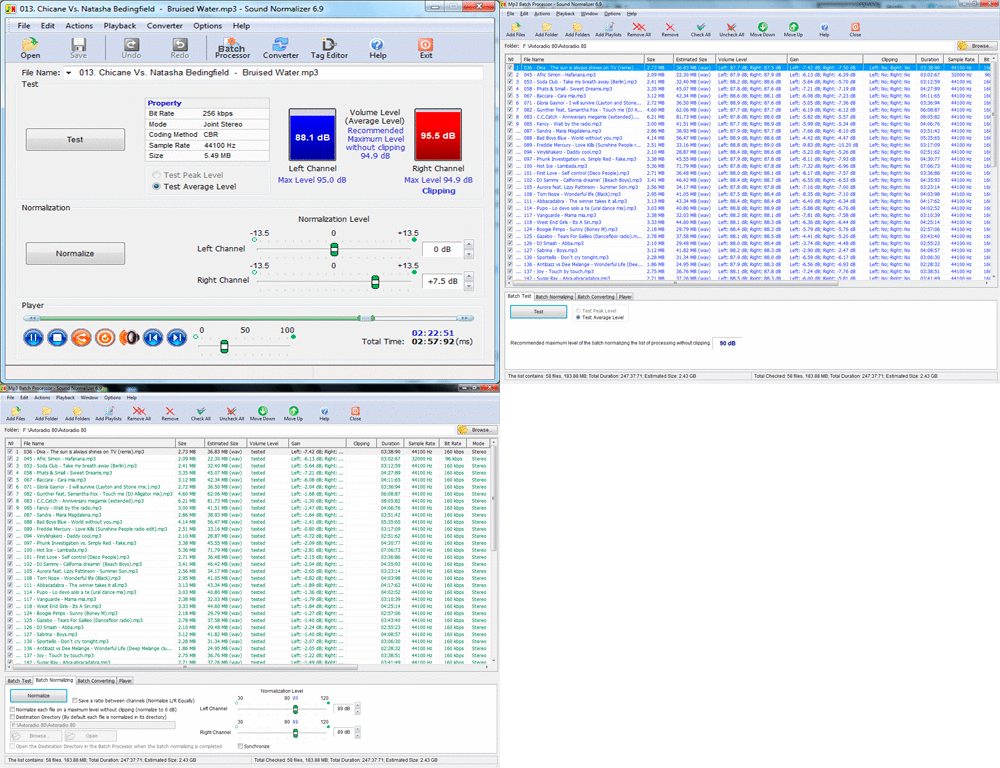
The program reports details about each audio file, including its volume level, bit rate and sample rate. These measurements help users review a file before processing it and choose how to handle it. Normalization settings can be adjusted, and processing can be limited to selected audio channels. A built-in player lets users listen to audio and preview changes before applying them, making it easier to check the result and refine settings.
Batch processing handles multiple files in one operation, which is useful when preparing a music collection or a group of tracks for playback at a consistent level. Users can work with files in different supported formats, inspect their properties, and apply adjustments without treating every track as a separate task. The software also offers filters for modifying audio output; the available controls provide additional options beyond basic volume adjustment.
Sound Normalizer can suit listeners organizing a library, users preparing a playlist, or anyone who needs to adjust levels across a collection of audio files. Previewing changes before processing is useful when balancing convenience with control over the output. Its file information and channel options also support more deliberate adjustments than simply raising or lowering the volume by ear.
Sound Normalizer is trialware from KanzSoftware for Windows. It supports Windows 10 and Windows 11, as well as earlier Windows releases, and is available for 32-bit and 64-bit editions where stated. The software is intended for processing audio files on a Windows computer; the trialware license means access is subject to trial terms.