OCR in Windows 10
Welcome to the home of OCR in Windows 10, a revolutionary software developed by StellarTech Solutions. This ... text, enhancing your productivity and efficiency. OCR in Windows 10 is a game-changer in the world of Optical ...

VCam SDK creates a virtual webcam that compatible Video for Windows and DirectShow applications can use as a camera source. It can send images, video clips, screen captures, streams, or capture-device feeds to conferencing, messaging, broadcasting, and teaching software. Users can arrange sources in playlists, add overlays and effects, and output multiple streams at different resolutions. It can also enhance an existing webcam feed.
| Author: | e2eSoft |
| License: | Demo |
| Price: | $29.95 |
| Released: | Feb 22, 2021 |
| File size: | 5.30 MB |
| Downloads: | 494 |
| Keywords: | screen capture camera, webcam video effects, capture, screen capture, virtual camera SDK, webcam emulator, virtual camera, software review, x64 software, video capture, SDK, directshow virtual camera, Windows 10, VCam SDK, e2eSoft, virtual camera sdk, virtual webcam software, virtual camera development |
| Author URL: | http://www.e2esoft.cn/ |

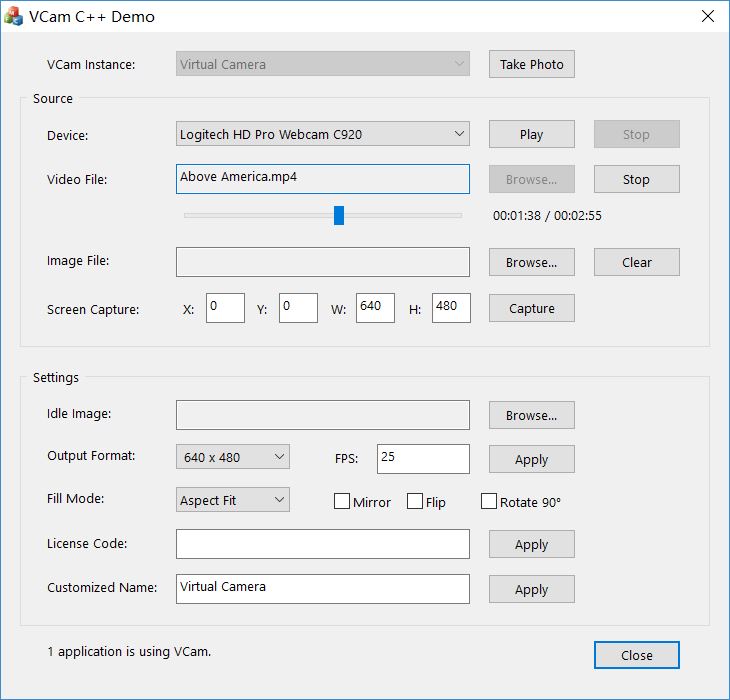
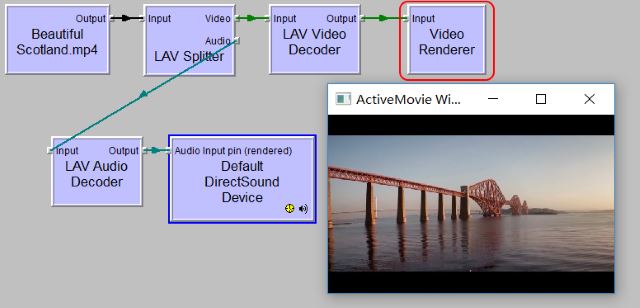
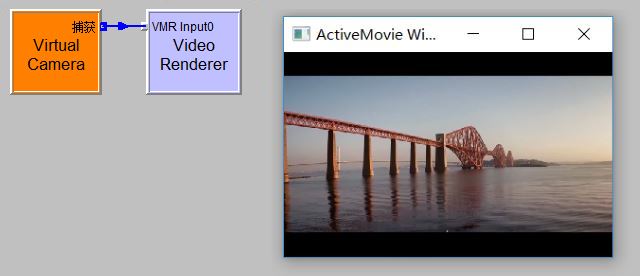

VCam SDK is a virtual camera and capture tool from e2eSoft for people who need to send media or a computer screen to software that accepts webcam input. It installs a WDM virtual camera driver, allowing compatible Video for Windows and DirectShow applications to use its output much like they use a physical webcam. It can also enhance an existing camera feed with overlays and visual effects, or make a camera source available to multiple applications at once.
VCam can output still images, animated images, video clips, Flash movies, DVD video, web streams, mobile-phone video, a capture device feed, or the desktop screen. A playlist lets users arrange media sources for playback, while program management and configuration options help control how those sources are presented. For screen sharing, capture can be started with a hotkey and configured for zoom or full-screen output; a custom cursor can also be used. Adjustable default images and resolutions provide an output when another source is not active.
For live camera content, VCam supports transparent overlays using images, video files, or another capture device. Text and visual effects can be added to make a feed more informative or stylized, and the paint feature allows direct drawing over the video. Multi-stream output can provide different resolutions, while tools for splitting webcam, DV, and digital-camera sources make it possible to route camera content into separate streams. The software is based on DirectShow and is designed for low CPU use.
These functions suit video conferencing, messaging, broadcasting, teaching, remote education, and video chatting, as well as testing or integrating virtual-camera output in workflows that use VFW or DirectShow. The application includes controls for enabling, disabling, installing, or uninstalling its virtual-camera driver, along with skin and color-scheme options and a multilingual interface. VCam SDK is distributed as demo software. It is available for Windows, including Windows 10 and Windows 11; use depends on whether the target application supports the relevant camera interface.