XMedia Recode for Windows 10 - Full description
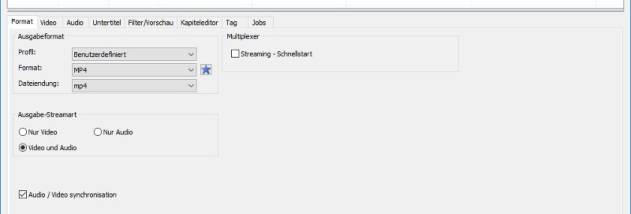
XMedia Recode is a freeware audio and video converter for Windows users who need to prepare media for different devices or formats. It handles common formats such as MP4, AVI, MKV and WMV, and offers both ready-made conversion profiles and controls for users who want to set output parameters themselves.
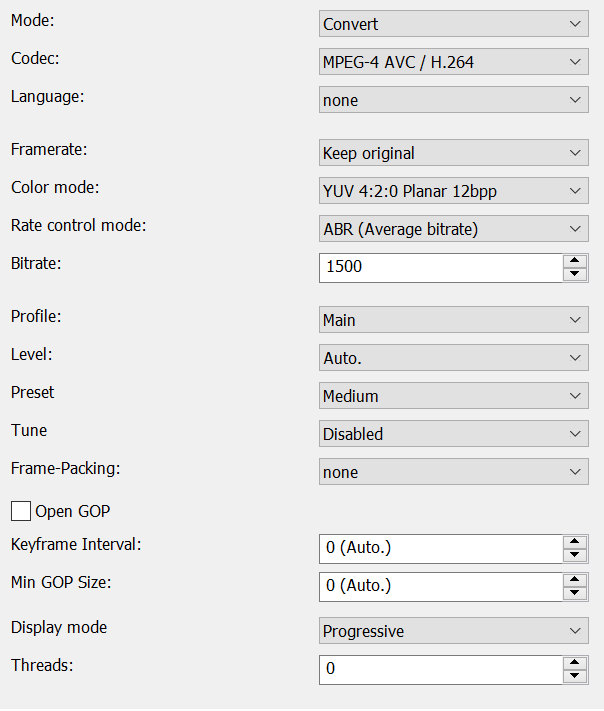
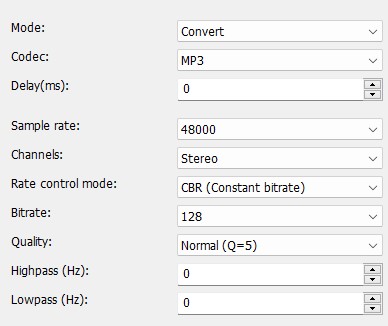
For a straightforward conversion, a user can choose a profile designed for a device or format and process a source file without adjusting each setting. More experienced users can configure bitrate, resolution, frame rate and audio quality to suit playback needs or file-size limits. These options make it possible to adapt output for portable devices, media players or other uses while retaining control over the resulting file.
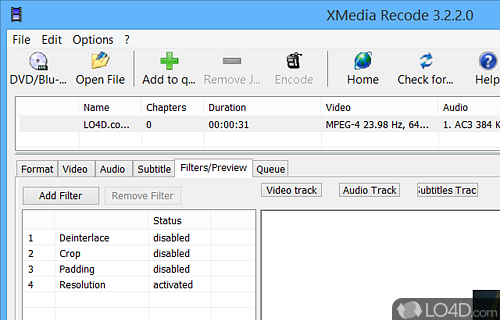
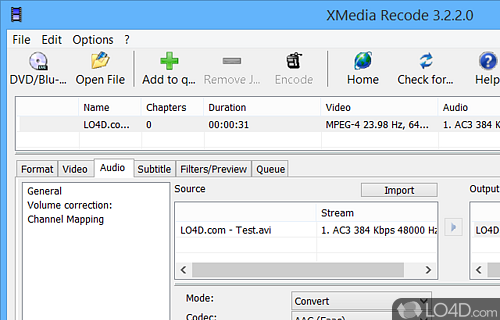
XMedia Recode also includes basic video editing tools. Clips can be trimmed, cropped or merged, and users can add subtitles or adjust audio tracks as part of preparing a conversion. Drag-and-drop file loading makes it easier to add media to the workspace, while batch processing lets several files be queued together instead of converted one at a time. The program uses multi-core processors to handle conversion work efficiently.
The combination of profiles and manual controls makes the program useful for both occasional format changes and larger conversion jobs. It can help create compatible copies of video or audio files, reduce or change video resolution, prepare a collection for a particular device, or perform simple edits before encoding. Its range of settings is also suited to users who need more control than a one-click converter provides.
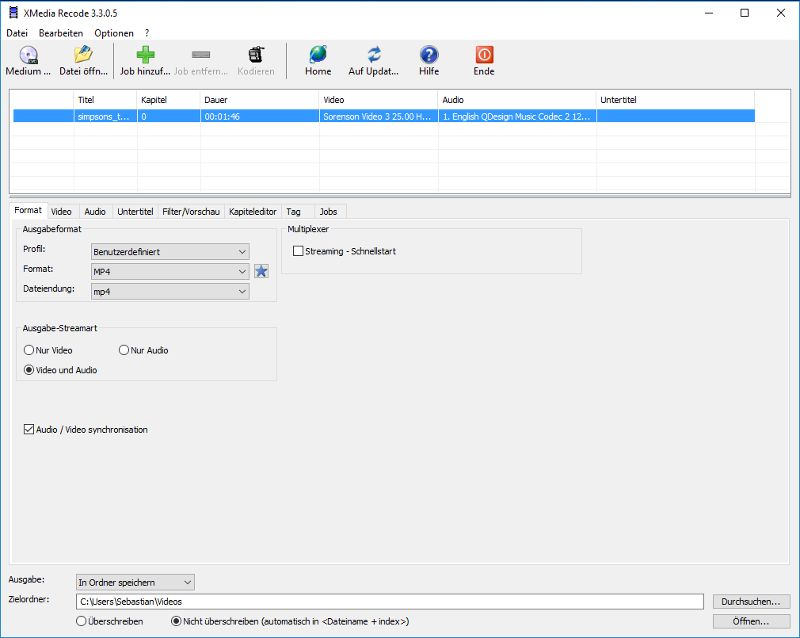
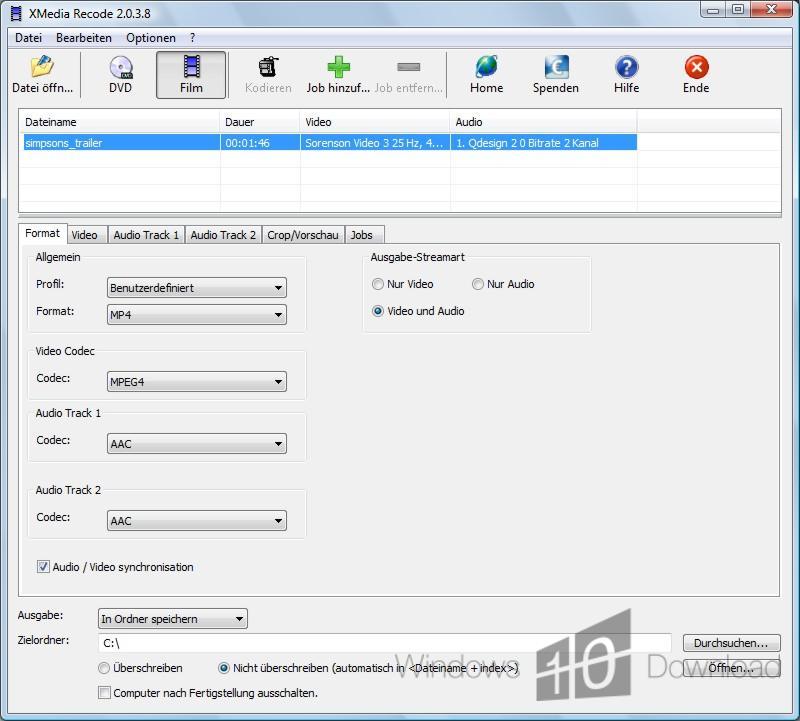
XMedia Recode is free to use and supports Windows 10 and Windows 11, as well as Windows 7 and Windows 8. It is available for 32-bit and 64-bit Windows installations. The interface brings file selection, conversion settings and processing into one workspace, with help resources available for users learning the available options.