Aiseesoft MP4 Video Converter for Windows 10 - Full description
Aiseesoft MP4 Video Converter is a Windows utility for converting video files to MP4 and making basic edits before export. It is suited to people who need to prepare videos for playback on devices and software that support MP4, as well as users who want to adjust a clip without opening a separate video editor. The program accepts common source formats such as AVI, WMV and MOV, and handles high-definition and 4K video.
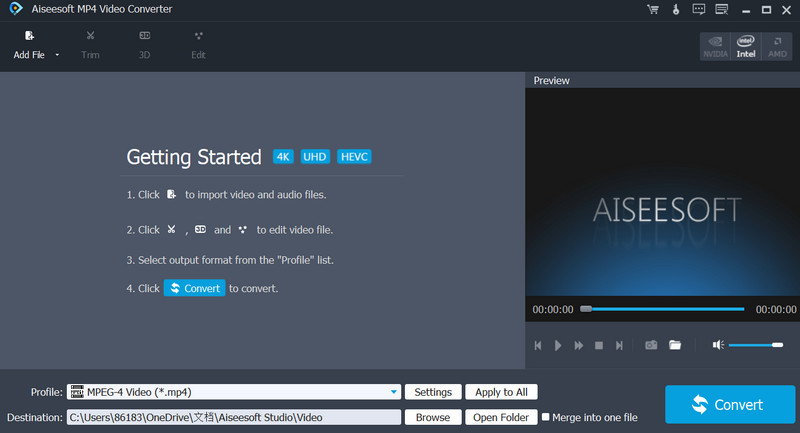
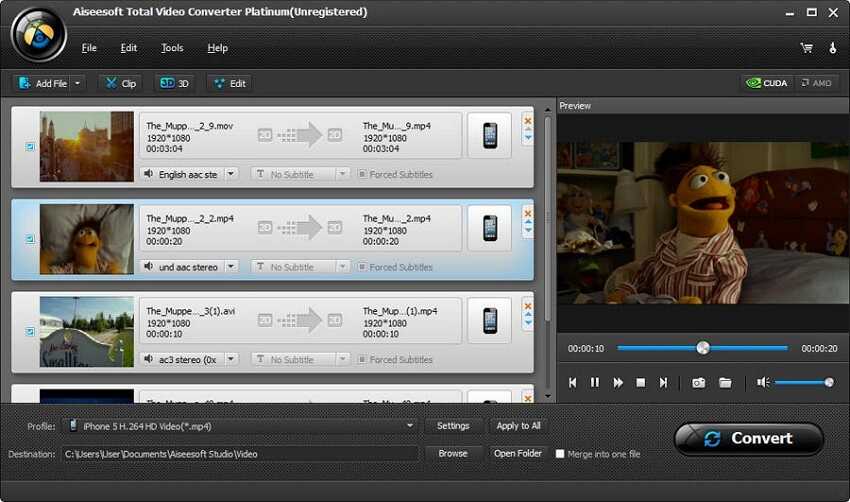
Files can be added through the interface or by dragging and dropping them into the conversion window. Users select MP4 as the output format, then convert a single video or process multiple files in a batch. Batch conversion is useful when preparing a collection of clips, since the files can be queued together rather than handled one by one. Output settings include bitrate, frame rate and resolution, giving users control over the balance between file size, playback requirements and retained image detail.
The built-in editing tools provide straightforward changes ahead of conversion. Trimming can remove unwanted sections from a clip, while cropping adjusts the visible frame. Users can also add a watermark or apply effects before exporting. These options are aimed at quick, practical adjustments rather than a full editing workflow with a timeline and advanced post-production controls.
Aiseesoft MP4 Video Converter can be used to make video files easier to play across different devices, prepare clips for sharing, or standardize a group of files in MP4 format. Its conversion settings are also useful when an output needs a particular resolution, frame rate or bitrate. The program uses acceleration technology to speed up conversion, including when working with larger files; actual processing time depends on the source video and computer.
The software is developed by Aiseesoft Studio and is distributed as a demo. It supports Windows 11 and Windows 10, along with Windows 8 and Windows 7 in 32-bit and 64-bit editions. Its focus is conversion to MP4, with basic editing and configurable output options available in the same application.