Avidemux x64
Avidemux is a free video editor for straightforward editing ... a way to change codecs or apply processing. Avidemux handles formats such as AVI, MP4, ASF and ...

Avidemux is an open-source video editor and encoder for cutting footage, applying filters, joining clips, and configuring exports. It includes practical tools for resizing, color correction, borders, and logos, along with artistic effects such as cartoon and VHS styles. Codec-specific output settings offer control over quality and encoding parameters, making it suitable for focused edits and users who want to tune their video exports.
| Author: | Avidemux |
| License: | Open Source |
| Price: | FREE |
| Released: | Oct 19, 2026 |
| File size: | 37.90 MB |
| Downloads: | 1249 |
| Keywords: | video editor, video encoder, avidemux video editor, Advanced filters, video filter software, cut video clips, avidemux video encoder, demuxer, Open-source software, File conversion, video splitter, video encoding settings, User-friendly interface, demux, Cross-platform functionality, join video files, Video editing, encode |
| Author URL: | http://www.avidemux.org/ |

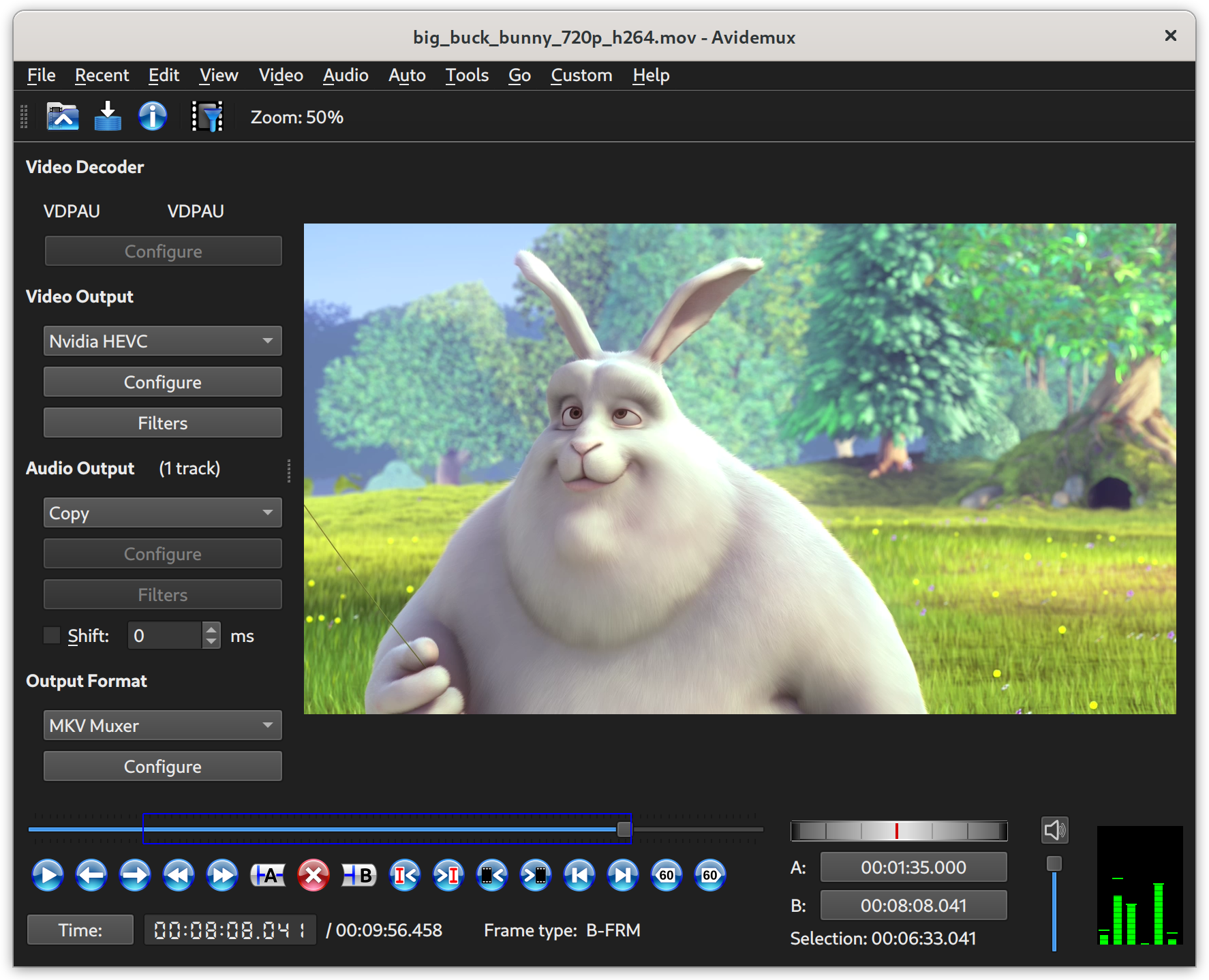
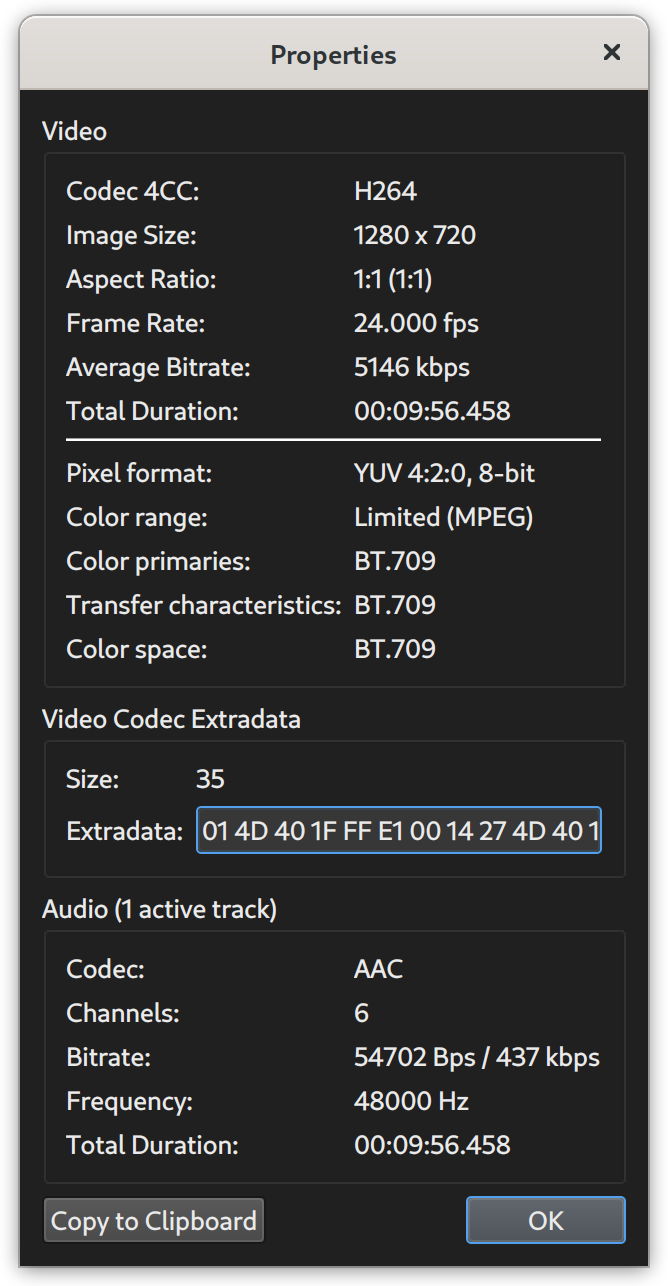



Avidemux is an open-source video editor and encoder for users who need to cut footage, apply filters, or control how a video is exported. Its straightforward editing functions suit quick practical changes, while its extensive codec settings give experienced users more control over the final file. It works without a traditional timeline, so it is geared toward focused edits rather than arranging a complex sequence of scenes.
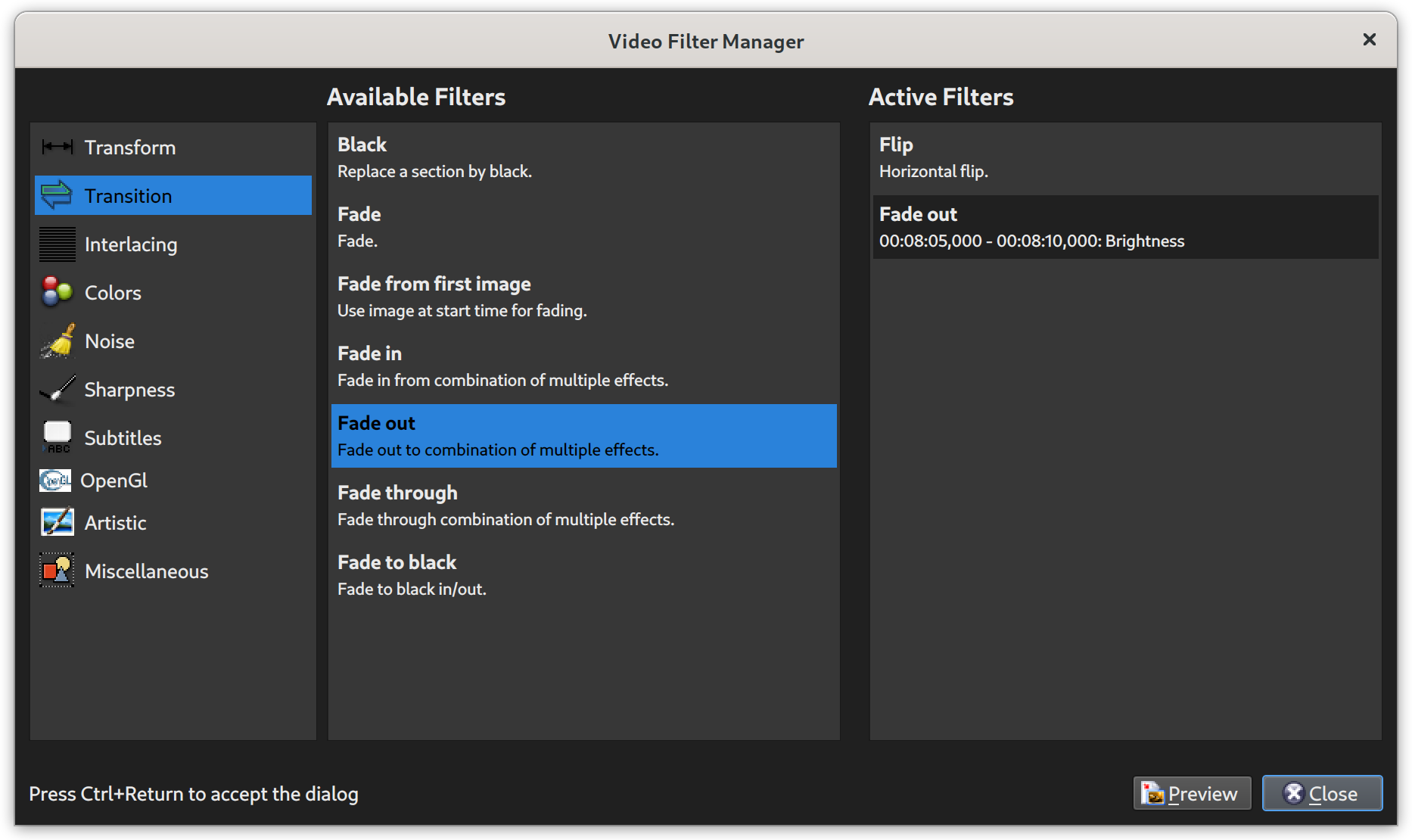
The editor can cut sections from a video and join multiple clips into one. Filters handle common adjustments such as resizing, changing perspective, correcting color, adding borders, and placing logos. Frame blending and other effects provide additional ways to modify footage. These tools are applied to the loaded video, letting users make targeted changes without relying on a full timeline-based workflow.
Avidemux also includes artistic effects, including ASCII, cartoon, and VHS-style filters. Some effects offer adjustable intensity, making it possible to choose a subtler treatment or a more pronounced look. Together with the standard filters, these options cover both practical preparation and simple stylized changes. Audio and video output controls let users select encoding options suited to the intended file.
Export settings can be adjusted for each supported codec. Users can choose broad encoding parameters such as a preset and quality level, and codecs with more advanced controls allow finer tuning of options such as motion estimation and frame encoding. This makes the program useful when file size, visual quality, or encoding behavior matters. The settings offer flexibility, though their detail may take time to navigate for anyone unfamiliar with video codecs.
Avidemux is suited to trimming recordings, preparing clips for sharing, applying a few visual corrections, or encoding footage with specific output settings. Its focused editing approach may feel less convenient for users accustomed to timeline editing and layered, multi-scene projects. The program is open source and free to use, and the Windows release supports Windows 10 and Windows 11, as well as older Windows versions.