QuickMonth Calendar x64
QuickMonth Calendar x64 is a lightweight desktop calendar for Windows that appears when the mouse pointer ... quick view of dates without opening a separate calendar application. The calendar can also be shown or ...

CalendarTask places a transparent calendar on the Windows desktop, keeping appointments, reminders, and to-do lists visible while other work continues. Add notes to individual days, mark tasks complete, schedule repeating items, and set reminders or countdowns. The calendar's position, size, colors, font, and grid can be adjusted, and it can be hidden to the system tray. Device synchronization, backups, and schedule sharing support family or team planning.
| Author: | DesktopCal, Inc. |
| License: | Freeware |
| Price: | FREE |
| Released: | Oct 16, 2026 |
| File size: | 6.50 MB |
| Downloads: | 15 |
| Keywords: | calendar task manager, appointment reminder calendar, Appointment Manager, desktop to-do list, CalendarTask (formerly DesktopCal) free download, download CalendarTask (formerly DesktopCal), desktop calendar organizer, Note, Desktop Calendar, Calendar, Appointment, CalendarTask (formerly DesktopCal), Note Organizer, calendar countdown timer, Schedule, shared schedule calendar |
| Author URL: | https://www.desktopcal.com/ |

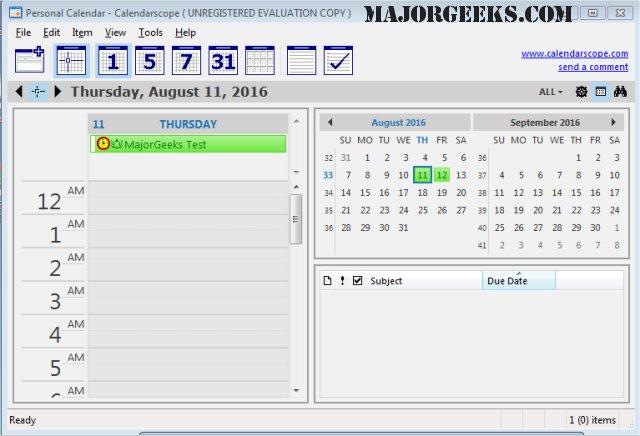
CalendarTask is a desktop calendar and task organizer for people who want appointments, reminders, and daily plans visible alongside their other Windows work. Its transparent calendar sits over the desktop, making dates and entries easy to check without opening a separate calendar window. The program can also be moved, resized, or hidden; when hidden, it remains available from the system tray.
Each calendar cell represents a day and can hold notes, to-do items, or appointment details. Users can mark tasks complete, with finished entries crossed out for a quick view of what remains. Repeating tasks help with recurring commitments, while reminders draw attention to upcoming items. Countdown timers can track the time until an anniversary or another date, making the calendar useful for both routine scheduling and longer-range occasions.
CalendarTask offers appearance controls to fit different desktops. The calendar's background color and font can be adjusted, as can the number of displayed rows and columns. Text and cell presentation can also be customized, so entries can be arranged for readability and the calendar can take up more or less screen space. Double-clicking the desktop provides a shortcut for recording a new event.
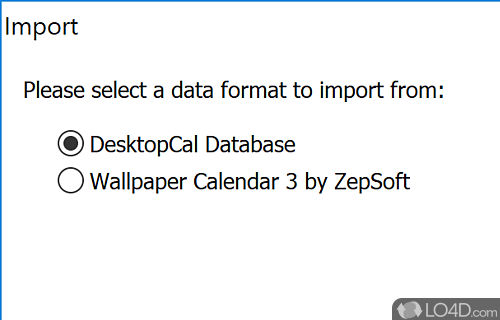
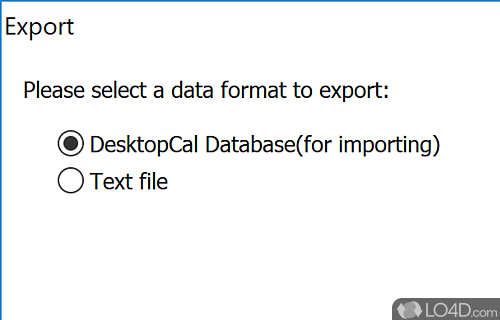
The calendar can support shared planning as well as personal organization. Data synchronization across devices makes schedules available in more than one place, while backup options help preserve calendar information. Schedule sharing can be useful for coordinating family plans or team commitments, with appointments and tasks kept together in a desktop view rather than scattered across separate notes.
CalendarTask is freeware from DesktopCal, Inc. It is intended for Windows desktops and is suited to users who prefer a persistent visual calendar for everyday appointments, to-do lists, reminders, and event tracking. Its adjustable visibility and system-tray access let users keep it close at hand without requiring it to remain on screen at all times.