Portable DisplayFusion
DisplayFusion is a desktop customization utility for people who ... includes English, French, German, Spanish and Simplified Chinese. Portable DisplayFusion is offered as a demo and supports 64-bit ...

DisplayFusion helps users manage multi-monitor Windows desktops. It configures display settings and virtual monitor splits, and provides window snapping and tiling for arranging applications. Users can customize taskbars across screens, assign separate wallpapers or span one image across monitors, and automate routines with hotkeys and scripts.
| Author: | Binary Fortress Software |
| License: | Demo |
| Price: | FREE |
| Released: | Aug 27, 2024 |
| File size: | 29.70 MB |
| Downloads: | 417 |
| Keywords: | screensaver, multi-monitor management, screen, wallpaper changer, DisplayFusion, Binary Fortress Software, monitor wallpaper changer, desktop automation software, virtual monitor splitter, window snapping tool, multi monitor manager, customizable hotkeys, stretch, wallpaper, dual monitor taskbar, Windows 10 compatibility, advanced wallpaper handling, desktop customizer, background, customizer, change monitor |
| Author URL: | https://www.binaryfortress.com/ |
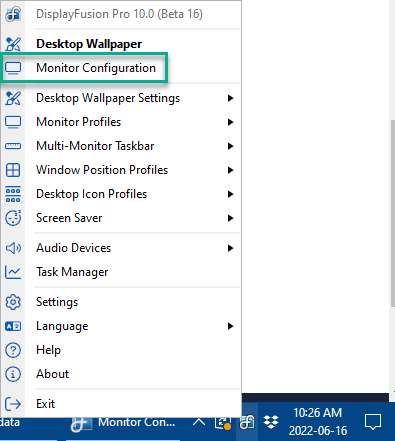

DisplayFusion is a desktop utility for people who work with two or more monitors and want more control over how displays, windows, taskbars, and wallpapers behave. It brings multi-monitor settings and desktop customization into one place, helping users organize applications across screens and make a larger workspace easier to manage.
The program can configure monitor resolution, orientation, and refresh rate. Its monitor-splitting feature divides a physical display into virtual work areas, so windows can be arranged as if they were on separate screens. Window snapping places an application against a screen edge or corner, while window tiling arranges several open windows in a grid. These tools are useful when comparing documents, keeping reference material visible, or working with several applications at once.
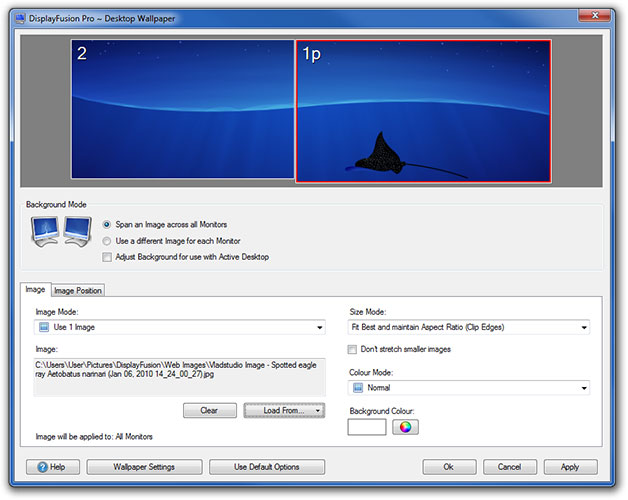
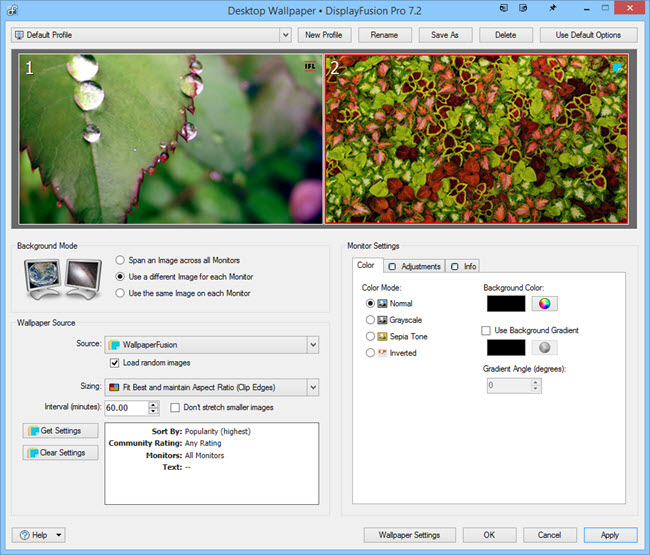
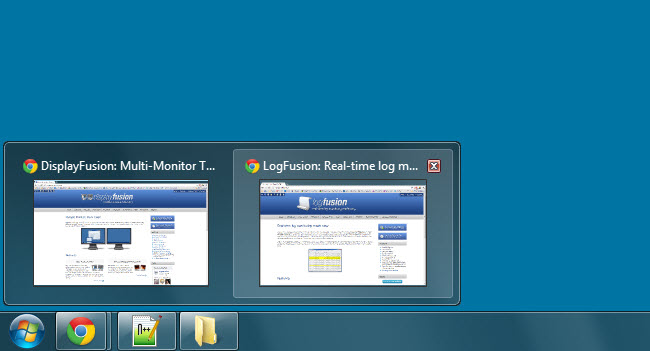
DisplayFusion also provides taskbars for multiple monitors, with options to configure each bar and manage how taskbar buttons are grouped or combined. Additional clocks can be placed on taskbars, and hotkeys and title-bar buttons provide shortcuts to commonly used actions. Wallpaper controls allow one image to span several displays or separate images to be assigned to individual monitors. The wallpaper changer can rotate images on a schedule, using local files or supported online image sources.
For repeatable workflows, its scripting features can automate actions such as moving windows to chosen monitors, switching display profiles, or adjusting brightness. This can reduce manual setup for people who regularly change between different monitor arrangements or work routines. Together, the window, taskbar, wallpaper, and scripting tools make the software useful for office work, creative projects, research, and other tasks that benefit from a configurable multi-screen desktop.
DisplayFusion is offered as demo software. It is available for Windows 10 and Windows 11, as well as several earlier Windows versions and Windows Server releases. Some display options depend on the connected monitors and their drivers; the program manages Windows desktops rather than replacing the capabilities of the display hardware.