DVD-Cloner Platinum
DVD-Cloner Platinum is a disc-copying and backup program from OpenCloner Inc. It is intended for people who want to duplicate DVD video discs, preserve their contents as image files, ...

DVDShrink is a DVD video backup and authoring utility that reduces disc data to fit a backup onto a single recordable DVD. It can save processed files to a hard drive for burning with software of your choice, or work with Nero when it is installed. Re-authoring tools let users select parts of a disc or build compilations from multiple sources.
| Author: | dvdshrink |
| License: | Freeware |
| Price: | FREE |
| Released: | May 21, 2010 |
| File size: | 1.04 MB |
| Downloads: | 261 |
| Keywords: | dvd re-authoring tool, Windows 10 compatible, dvd video compression, disc backup, DVDShrink software, dvd backup, dvd compilation software, backup, dvd backup software, intuitive interface, DVD compression, dvd, backup dvd, shrink dvd video, shrink, high-quality output, copy dvd to hard drive, shrink dvd |
| Author URL: | http://www.dvdshrink.org |
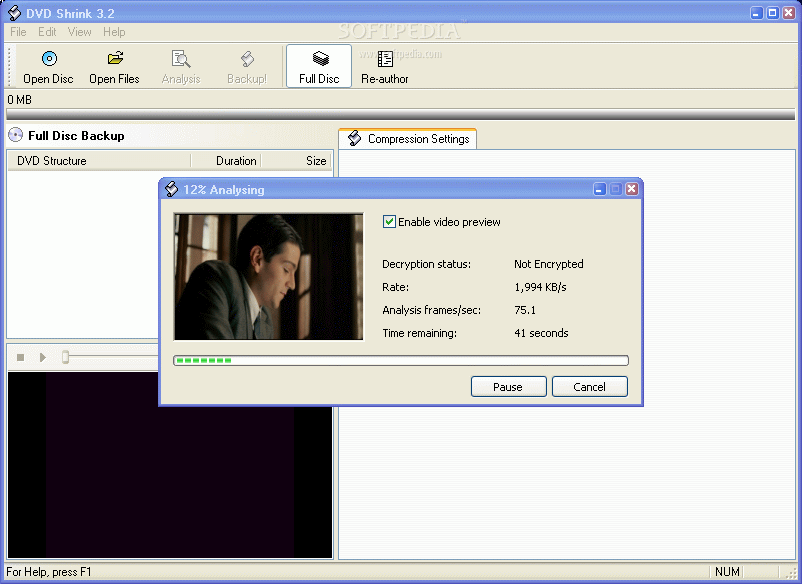
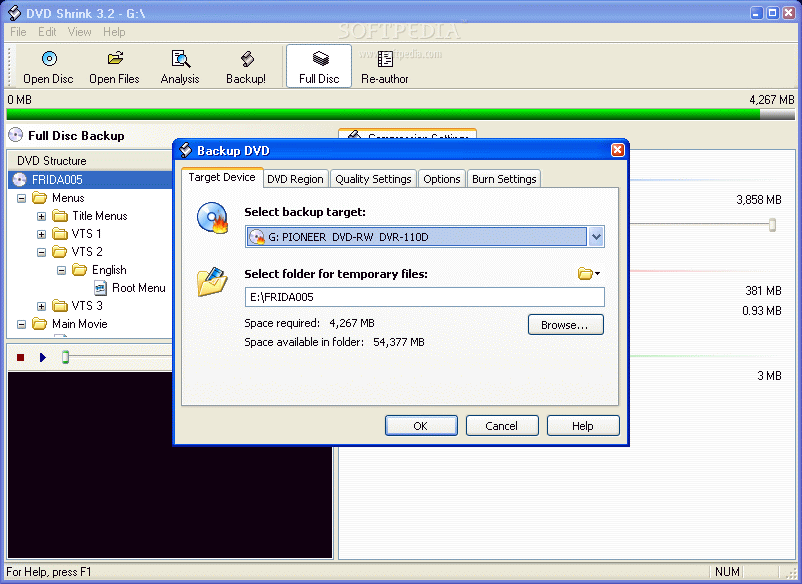

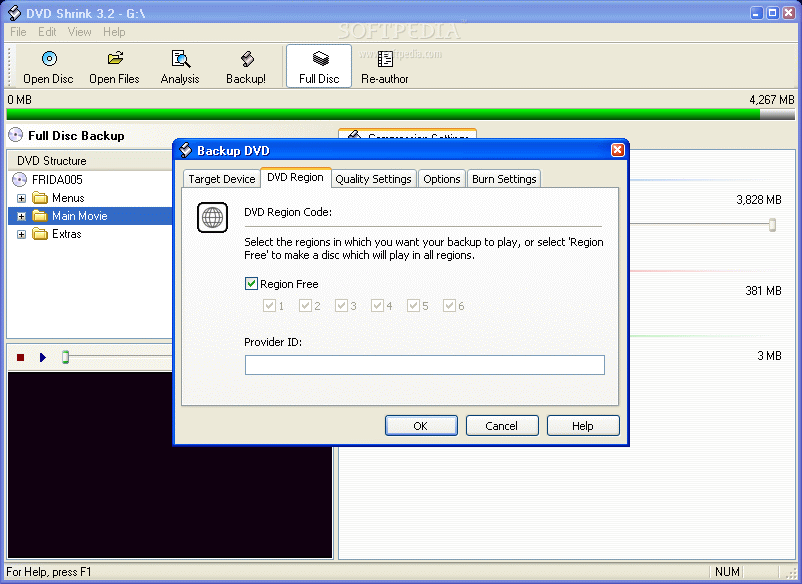

DVDShrink is a DVD video backup and authoring utility for people who want to save a disc's contents to a computer or prepare a copy for recordable media. It can process DVD video, reduce the amount of data needed to fit a backup onto a single disc, and let users choose which parts to retain. The resulting files can be handled by compatible DVD-burning software.
When a source disc is larger than the destination disc can hold, DVDShrink compresses its video data to reduce the overall size. This lets users create a more compact backup while keeping selected content. The program also includes built-in decryption algorithms for processing encrypted DVD titles; users should only copy discs they are legally entitled to reproduce and should follow applicable copyright laws.
Its re-authoring tools provide another way to manage space. Users can select portions of a DVD or assemble a compilation from one or more source discs, rather than preserving every item from a complete disc. Removing material that is not needed can leave more room for the chosen video, while compression provides an option when the selected content still exceeds the target capacity.
A completed project can be saved as files on the hard drive and burned later with a DVD-writing application of the user's choice. DVDShrink can also work with Nero for burning when a compatible version is installed. This flexible output makes it useful both for people who already have preferred burning software and for those who want to prepare files before creating a disc.
DVDShrink is freeware and supports DVD video backup, compression, and selection of content for re-authoring. It is suited to users maintaining personal DVD backups or creating smaller, customized disc compilations. The supplied operating-system information includes Windows 10; it does not establish support for Windows 11. Burning requires separate compatible software, except when using the Nero integration.