Facebook Messenger for Windows 10 - Full description
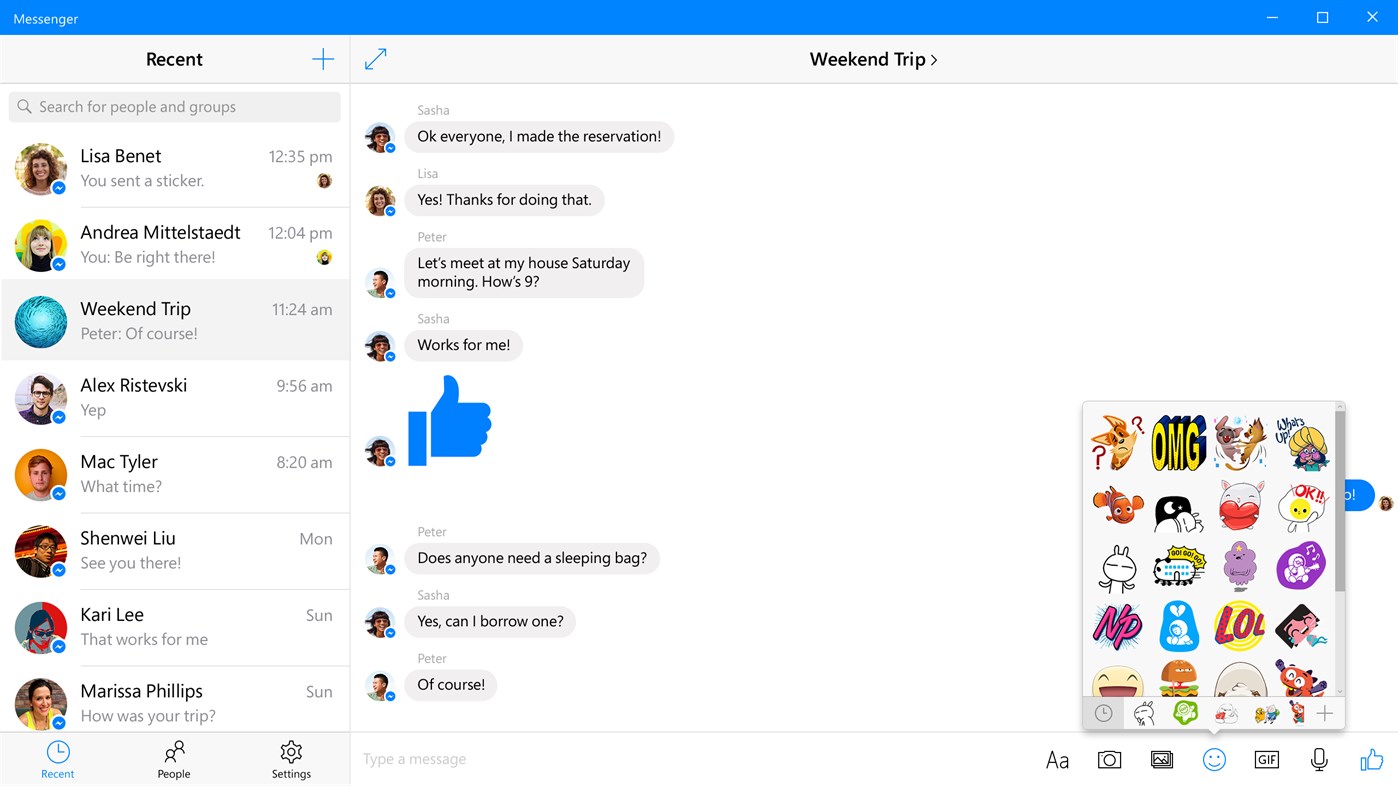
Facebook Messenger for Windows is a desktop chat app for people who want to keep up with Facebook conversations without relying on a browser tab. It connects to a Facebook account and brings chats and message alerts into a dedicated interface. The app is intended for Windows 10, with an internet connection required for messaging and notifications.
Users can send text messages and share photos, videos, GIFs and stickers. Photos and other media can be selected from the computer, while GIFs and stickers are added from the conversation interface. Read indicators show when people have seen messages, helping participants follow the state of a chat. Notifications and a live tile provide additional ways to notice incoming messages.
For conversations involving several people, Messenger supports creating groups, assigning each one a name and choosing a group photo. Messages and photos can also be forwarded to contacts who were not part of the original conversation. Search helps locate people and groups, making it easier to return to an existing discussion rather than browse through chats manually.
The app suits everyday one-to-one and group messaging, sharing media, and keeping track of incoming Facebook messages from the desktop. It does not provide voice or video calls, so it is focused on text-based conversations and shared content. Messenger is freeware. A working internet connection and DirectX are required, and the stated operating-system support is Windows 10.