WhatsApp for PC for Windows 10 - Full description
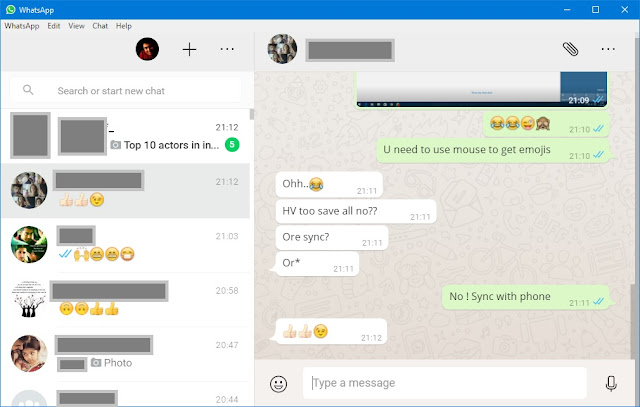
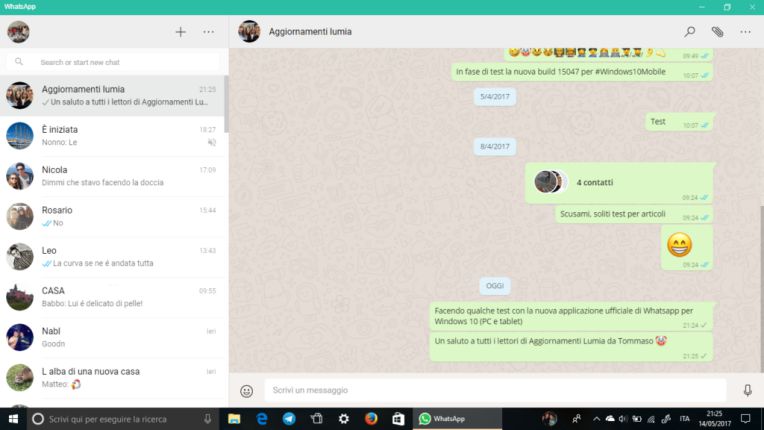
WhatsApp for PC brings the messaging service to Windows desktops and laptops, giving existing WhatsApp users a way to keep conversations going while working at a computer. It supports individual and group chats, with messages and shared media displayed in a desktop interface. The app is suited to personal communication as well as everyday coordination among family members, friends and small groups.
Text chat is the central feature: users can send messages to contacts and groups, and view replies in the same conversation. WhatsApp also supports voice messages, photos, videos and documents, making it possible to share more than text without switching to a separate service. Files can be selected from the computer and attached to a chat; images can also be captured with a webcam where the device and app setup allow it. Group conversations help keep multiple participants in one thread for plans, updates or ongoing discussions.
The desktop app works alongside a WhatsApp account on a mobile device. After the account is linked, conversations can be handled from the PC, so typing longer messages or choosing files stored on the computer is more convenient than doing everything on a phone. Contacts who use WhatsApp can be found through the account’s contact list, and messages received while the app is not being used can be viewed when the user returns. This provides a practical way to follow conversations without keeping the desktop window open continuously.
WhatsApp for PC is useful for people who spend much of the day at a Windows computer and want access to personal chats, group discussions and file sharing from the same workspace. It can also help when a computer keyboard and larger display are preferable for composing messages or reviewing shared documents and images. Voice and video communication are part of WhatsApp’s wider feature set, though availability and the specific calling functions depend on the current app and device setup.
The application is freeware and is offered for Windows 10 and Windows 11, including 32-bit and 64-bit systems. An active WhatsApp account is needed to use the service, and initial setup requires linking the PC app to that account. WhatsApp is an internet-based messaging service, so sending and receiving messages and media requires a network connection. The Windows app is intended to complement the mobile account rather than serve as a separate contact database or messaging service.