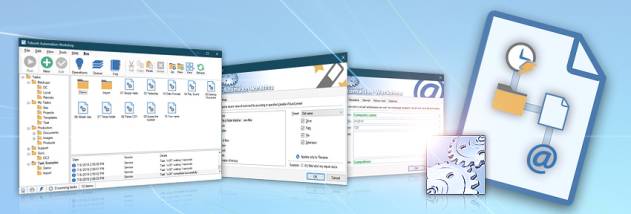
Febooti Automation Workshop for Windows 10 - Full description
Febooti Automation Workshop is a Windows tool for building automated workflows without writing scripts or code. It is intended for businesses and other users who need routine processes to run in response to a schedule or changes on a computer. Workflows are built as Tasks, each combining Triggers that detect when to start and Actions that perform the work. This structure lets users connect file, folder, email and application operations through a graphical interface.
A File / Folder Watcher Trigger monitors activity involving selected files or folders and can start a Task when a change occurs. For recurring work, the Task Scheduler Trigger launches a process at specified intervals. These options support both event-driven automation, such as responding to file activity, and time-based jobs that need to run regularly. Each Task performs its Actions in sequence after its Trigger condition is met.
Actions cover common file operations, including copying, moving and deleting files, changing attributes and retrieving content. Email Actions can send messages as part of a workflow, while application and command-line Actions launch programs, batch files or Windows prompt commands. Combining these operations allows a Task to pass work from one process to another - for example, reacting to folder activity with file handling, a command or an email notification.
Monitoring, logging and reporting features help administrators review automated activity and investigate how a workflow ran. The program also includes tools for deploying and managing automation flows, along with online help and technical support. Because Tasks can run without user intervention after setup, Automation Workshop can reduce manual handling of recurring office or system tasks and limit errors caused by repeated steps.
Automation Workshop is trialware for Windows, with support listed for Windows 10 and Windows 11 as well as earlier Windows releases. Its no-code approach is aimed at users who want to configure automation visually rather than maintain custom scripts. The workflow depends on selecting appropriate Triggers and Actions and configuring their conditions and settings for the processes being connected.