FileZilla Server
FileZilla Server is an open-source FTP server for Windows, ... it use a separate FTP client, such as FileZilla Client or another compatible program. The server's usefulness ...

FileZilla Client transfers files between a computer and servers using FTP, encrypted FTPS, or SFTP. Its graphical interface includes a Site Manager for saving connections, local and remote file browsing, bookmarks, drag-and-drop transfers, and a queue for handling multiple operations. It can resume transfers, manage large files, limit transfer speeds, filter filenames, and log activity. The client is open source and free to use.
| Author: | FileZilla |
| License: | Open Source |
| Price: | FREE |
| Released: | Apr 15, 2024 |
| File size: | 11.30 MB |
| Downloads: | 1486 |
| Keywords: | ftps client, FTP connection, File Zilla, ftp site manager, remote file editing, sftp client, cross-platform software, file transfer software, FTP, site, ftp client, filezilla client, FileZilla, open-source, client, FTP client, secure file transfer, site manager |
| Author URL: | https://filezilla-project.org/ |
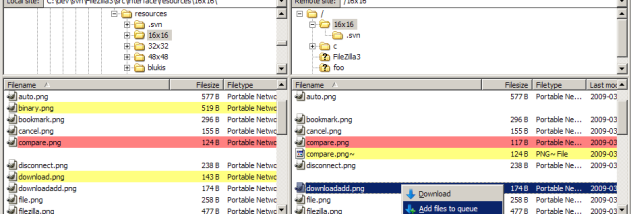
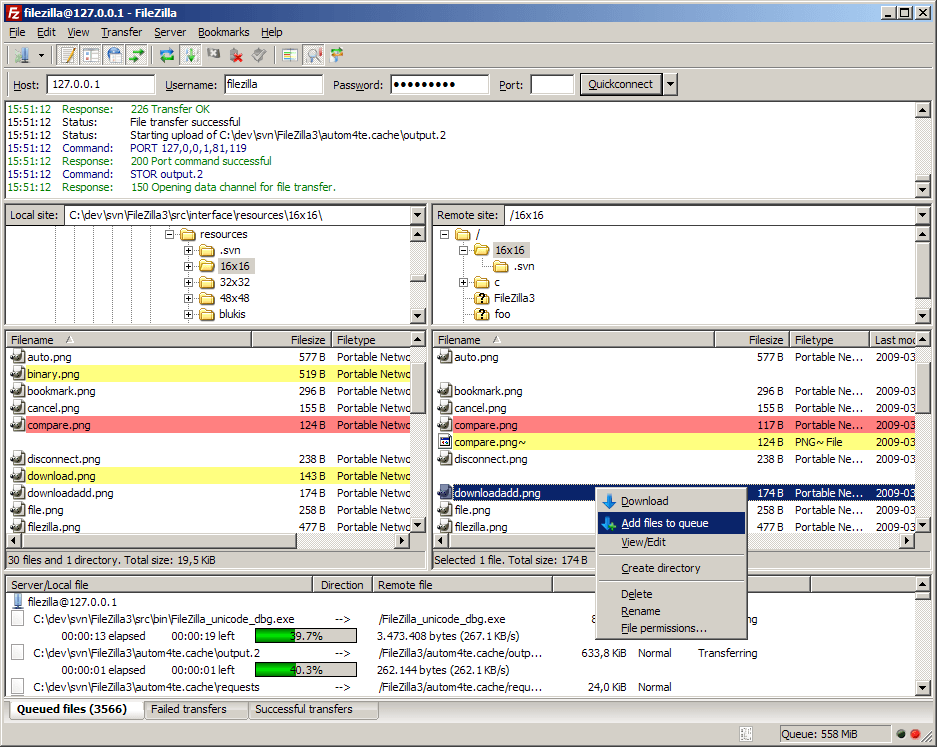


FileZilla Client is an open-source file transfer program for users who need to move files between a computer and a server. It supports FTP, encrypted FTP over SSL/TLS (FTPS), and SSH File Transfer Protocol (SFTP), allowing connections to be chosen according to the services a server provides. Its graphical interface brings local and remote files into a single workspace, making routine uploads and downloads manageable without command-line tools.
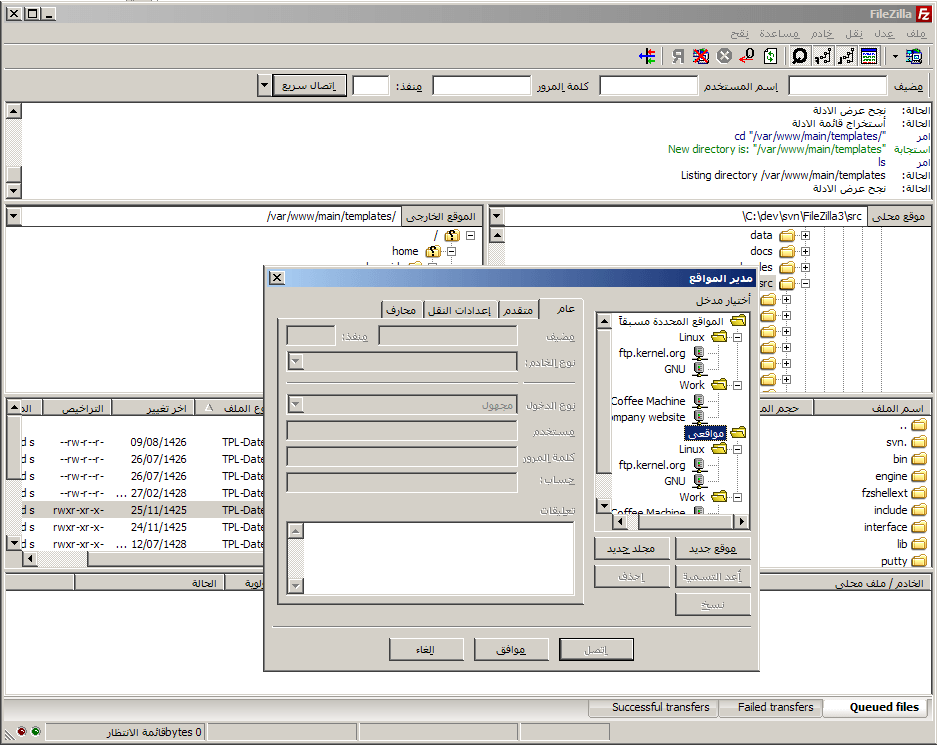
The Site Manager stores connection details so frequently used servers can be selected and accessed again. Once connected, users can browse remote directories, transfer files, and organize work with bookmarks. Drag-and-drop support offers a direct way to move items between the local and remote file views, while the transfer queue helps manage multiple operations and shows pending and completed transfers. Transfers can be resumed, including large files over 4 GB, where the server supports resuming.
For more control, FileZilla provides configurable transfer speed limits and filename filters that help regulate bandwidth and narrow which files are handled. A network configuration wizard can assist with connection setup, and support for IPv6, HTTP/1.1, SOCKS5, and FTP proxies accommodates a range of network environments. Keep-alive behavior helps maintain connections during periods of inactivity, while logging to a file provides a record useful for reviewing transfer activity or troubleshooting.
The client also supports remote file editing, so a file on a server can be opened for changes and transferred back through the connection. Its interface is available in many languages, and the software runs on multiple operating systems. These features make FileZilla suitable for website publishing, server file maintenance, and exchanging files with systems that provide FTP, FTPS, or SFTP access.
FileZilla is distributed free of charge as open-source software under the GNU General Public License. The Windows client supports Windows 10 and Windows 11, as well as earlier Windows releases. Secure transfer options such as FTPS and SFTP can protect data in transit when the server supports them; the connection protocol and server settings determine which features are available for a particular transfer.