Maxthon Portable
Maxthon Portable is a tabbed web browser for people who want to browse the web with configurable controls and built-in tools. Its portable form is ...

Maxthon is a tabbed web browser with Trident and WebKit rendering engines that users can switch between for website compatibility. It syncs bookmarks, settings and open tabs through cloud features, and includes private browsing, Do Not Track, an ad blocker, customizable themes, extensions, a media resource sniffer and a screenshot tool.
| Author: | Mysoft Technology |
| License: | Adware |
| Price: | FREE |
| Released: | Oct 26, 2026 |
| File size: | 135.00 MB |
| Downloads: | 554 |
| Keywords: | browser with built in ad blocker, download media from web pages, high-speed download manager, netcaptor, browser screenshot tool, browser, dual engine browser, tabbed, gosurf, mozillar, dual rendering engines, cloud-based browsing, Maxthon browser, customizable interface, web browser, avant, maxthon, maxthon browser, Maxthon International Limited, browser with cloud sync |
| Author URL: | http://www.maxthon.com |

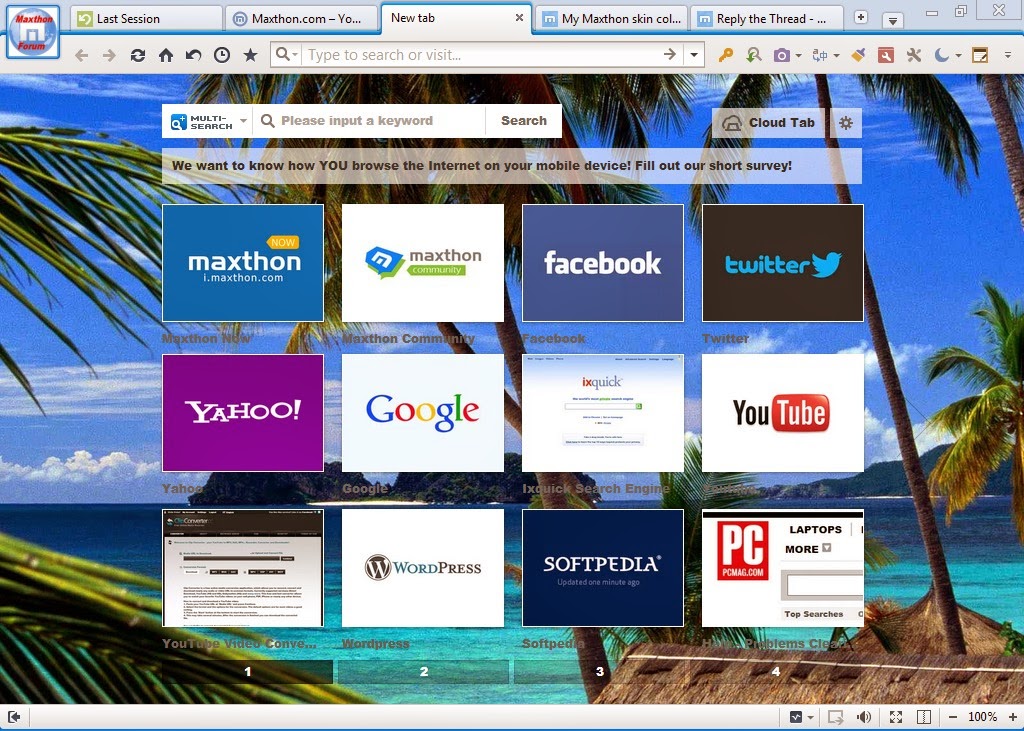
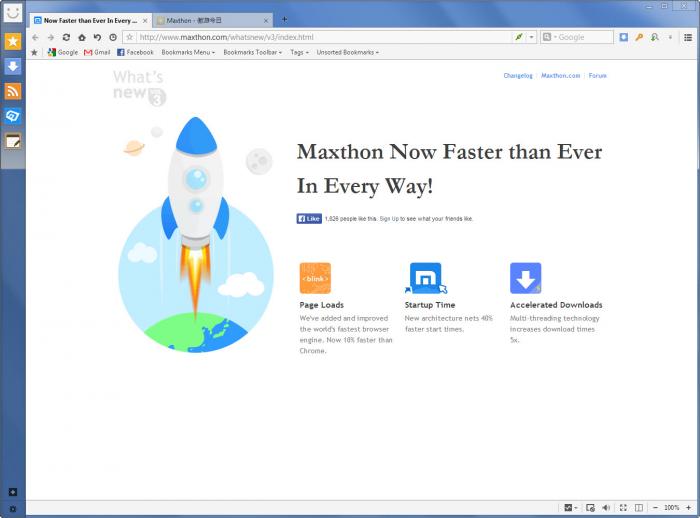

Maxthon is a web browser from Mysoft Technology for people who want a tabbed browsing experience with tools for saving and managing web content. Its dual-core design combines Trident and WebKit rendering engines, with an option to switch engines when a website behaves or displays differently. This can help with compatibility across pages built for different browser technologies, while keeping everyday browsing and web applications in one program.
The browser includes cloud features for syncing bookmarks, settings and open tabs across devices. After signing in, users can carry their saved pages and browsing setup between supported versions of Maxthon, and resume work with tabs they had open elsewhere. Tabs also make it practical to keep several sites available in one window, whether comparing information, following links or moving between work and personal pages.
For browsing control, Maxthon offers private browsing, a Do Not Track option and a built-in ad blocker. Private mode is intended for sessions that should not be retained in the usual browsing history, while the ad blocker can suppress supported page advertisements and reduce some unwanted content. A customizable toolbar and themes let users adjust the interface, and extensions and add-ons provide additional ways to shape the browser around particular tasks.
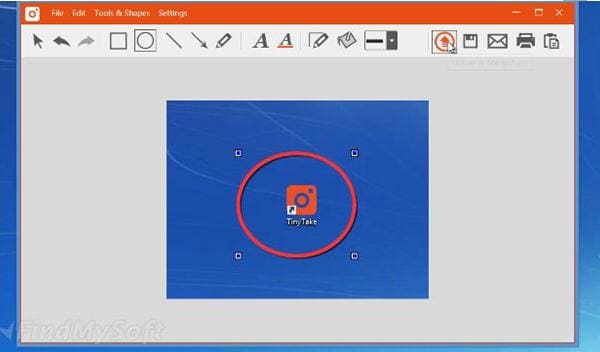
Maxthon also includes utilities for working with page content. Its resource sniffer can identify media such as video, audio and images for downloading, which is useful when a site exposes downloadable files. A screenshot tool captures web content without requiring a separate screen-capture application. Together with tab management and cloud synchronization, these features suit users who research online, collect reference material or regularly save media for later access.
Maxthon is offered as ad-supported software and is available for Windows 10 and Windows 11 in 32-bit and 64-bit editions. Its cloud functions depend on the relevant Maxthon services and supported devices; availability can vary by platform. As with any browser, users should review site permissions and downloaded files carefully, and check that extensions and media downloads comply with the source site's terms.