Screenshot Captor Portable
Screenshot Captor Portable is a Windows screenshot utility for people who need to capture, review and edit many images without repeatedly setting up each capture. Its portable form can be run without a ...

Flameshot is an open-source screenshot tool for capturing screen areas and annotating them before sharing or saving. Add text, arrows, and shapes, then adjust annotation color and line thickness to make important details clear. Keyboard shortcuts and configurable interface options support repeat workflows. Captures can be copied to the clipboard, saved as images, or shared online. It is suited to documentation, visual feedback, and software issue reports.
| Author: | flameshot-org |
| License: | Open Source |
| Price: | FREE |
| Released: | Jun 1, 2026 |
| File size: | 20.50 MB |
| Downloads: | 203 |
| Keywords: | share screenshots, take screenshot, download Flameshot, screenshot, customization, customizable interface, Flameshot, screenshot tool, screenshot maker, annotate screenshots, Flameshot free download, capture, snapshot, open-source, screen capture, user-friendly, cross-platform, annotation features, capture screen area, productivity, highlight, screenshot editor, annotation |
| Author URL: | https://github.com/flameshot-org/flameshot |
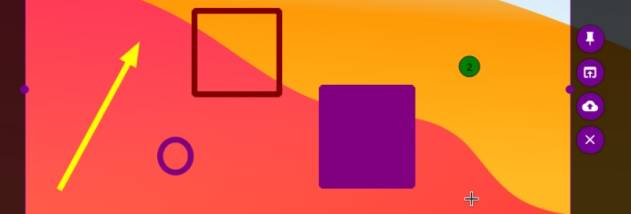
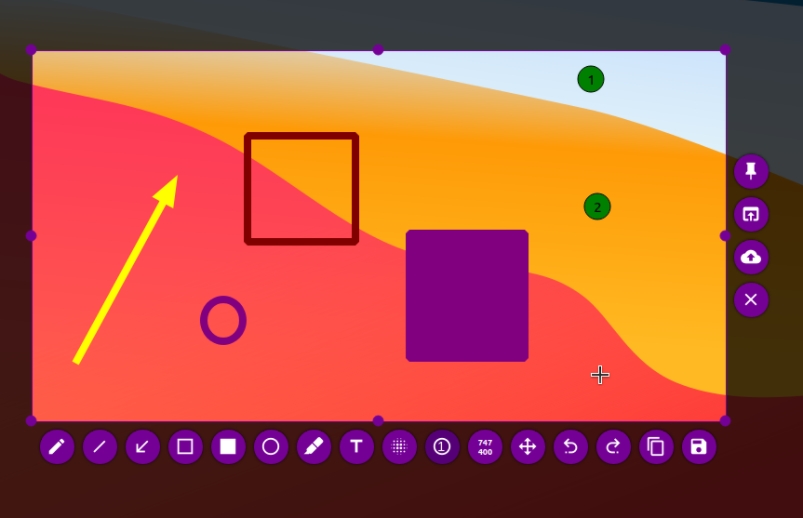


Flameshot is an open-source screenshot utility for capturing screen areas and marking them up before sharing or saving. It suits people who need more than an unedited screen grab, including developers documenting issues, designers giving visual feedback, and anyone preparing instructions or notes. Its capture interface puts selection and annotation controls close to the image, so edits can be made during the screenshot workflow rather than in a separate graphics program.
A user can select the part of the screen to capture, then add annotations to clarify what matters. Text labels can explain an interface element, arrows can point to a specific control, and shapes can outline an area or separate items. Color and line-thickness controls help distinguish annotations and make them legible against different backgrounds. These tools are useful for reporting a software problem, showing a sequence of steps, or calling attention to a detail in a design.
Flameshot also supports workflow customization. Keyboard shortcuts can make frequently used capture actions quicker, while configurable interface options let users adapt the tool to their habits. Once a capture is ready, it can be copied to the clipboard for pasting into another application or saved as an image. The available sharing workflow can also send a screenshot to an online service and provide a link, which is convenient when an image needs to reach someone who does not have access to the original file.
Typical uses include attaching a marked-up screen capture to a support request, adding visual context to project discussions, preparing simple documentation, and collecting reference images. Because annotations are applied as part of capturing, Flameshot can reduce the need to open a separate editor for routine highlights and explanations. Users who regularly take screenshots can rely on shortcuts and familiar annotation settings to keep repeated tasks consistent.
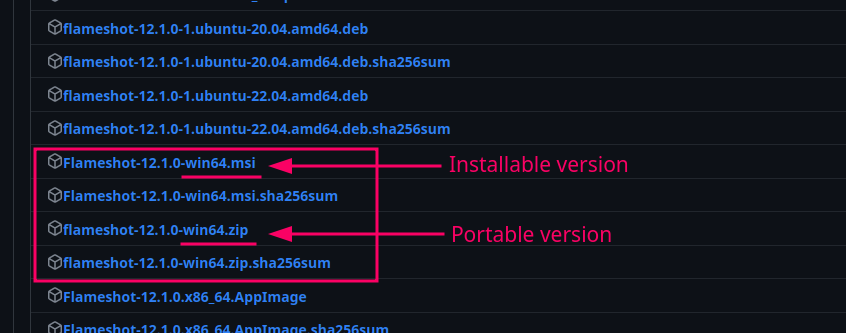
Flameshot is open-source software and is offered at no cost. This Windows download is intended for 64-bit editions of Windows 10 and Windows 11. The program is also known as a cross-platform screenshot tool, though available features and setup can vary by operating system. Online sharing depends on network access and the service used; copying or saving a capture provides alternatives when a link is not needed.