Greenshot for Windows 10 - Full description
Greenshot is a lightweight screenshot utility for Windows, intended for people who need to capture and share images of desktop content. It can save a complete screen, a selected region or an individual window, making it useful for documenting software, preparing instructions, reporting problems and communicating visual details. Its capture options suit both occasional snapshots and repeated screenshot work in project management, software development, testing and technical writing.
A full-screen capture records the visible desktop, while region capture lets the user select only the relevant part of the screen. Capturing a window keeps attention on a particular application or dialog rather than the surrounding desktop. These choices help create focused images for guides, bug reports or presentations without requiring a separate image editor just to crop away unrelated content. Greenshot supports multiple image formats for saving captures.
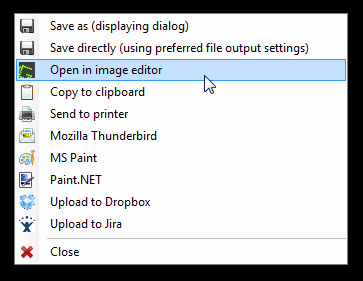
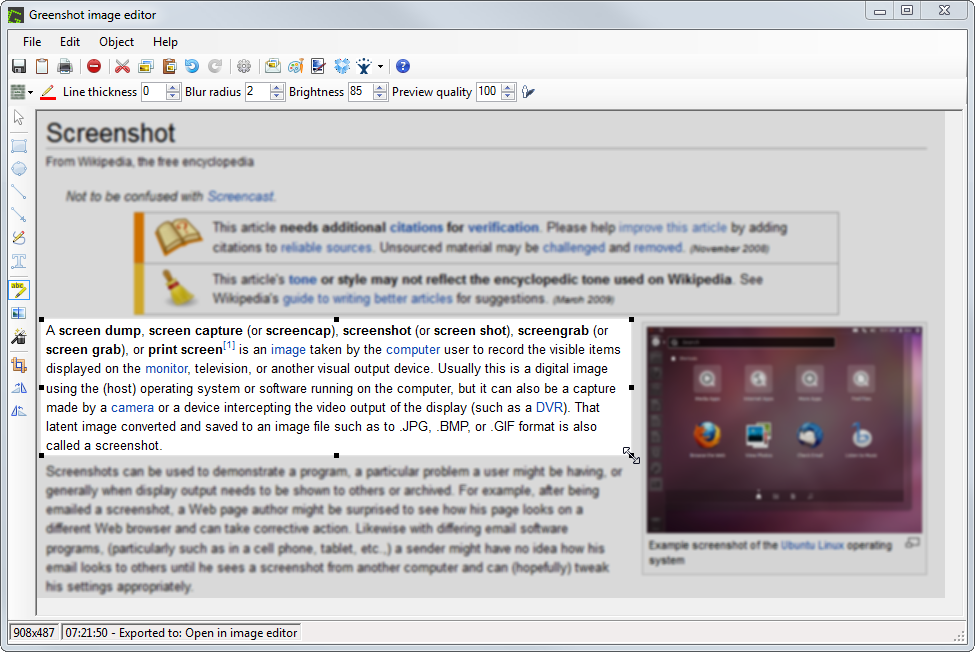
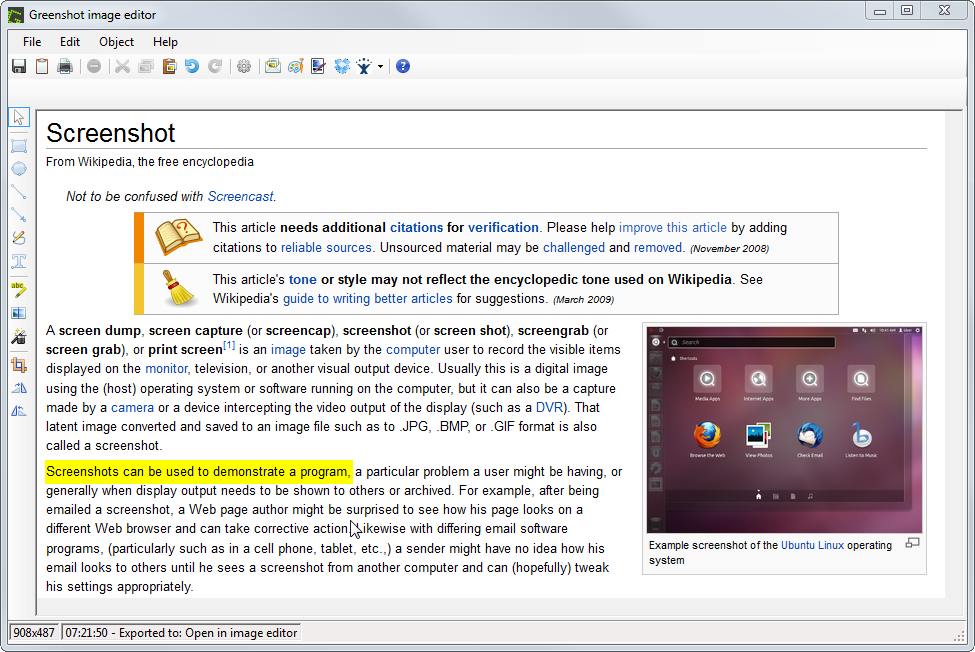
After capture, Greenshot can be used to annotate an image, highlight important areas or obfuscate details that should not be visible. Annotations and highlights make steps, controls or errors easier to identify; obfuscation can conceal sensitive information before an image is shared. The resulting screenshot can be sent to a file, copied to the clipboard, printed or attached to an email. This range of destinations supports different workflows, from keeping an image for later editing to quickly adding it to a message or printed document.
The program is useful whenever a visual explanation is clearer than a written description alone. Support staff and testers can capture an issue and mark the relevant area, developers can attach a reproducible visual reference to a report, and writers can prepare images for help pages and training materials. Project teams can also use screenshots to document application states or share progress. Capturing, annotating and choosing an output destination in one tool keeps these everyday tasks together.
Greenshot is open-source software and is available for Windows 10 and Windows 11; the supplied platform information also includes Windows 8. It supports both 32-bit and 64-bit editions of Windows 10 and Windows 8. Its small download size and focused feature set make it a practical choice for users who need screenshot capture and basic image markup rather than a full graphics-editing suite.