GoPlay Video Editor
... Windows 10 download page for the GoPlay Video Editor, an innovative software solution developed by Beyond Play ... enhancing videos with ease and precision. GoPlay Video Editor is a versatile platform that caters to both ...

FocuSee is a screen recorder and video editor for creating tutorials, walkthroughs, presentations, and software demonstrations. It captures on-screen activity and can include webcam footage and microphone audio. Cursor highlighting and automatic zoom effects emphasize pointer actions and relevant parts of the interface, helping viewers follow each step. Users can review and edit recordings before exporting them. The trialware runs on 64-bit Windows 10 and Windows 11.
| Author: | iMobie Inc. |
| License: | Trialware |
| Price: | FREE |
| Released: | May 28, 2025 |
| File size: | 4.80 MB |
| Downloads: | 207 |
| Keywords: | screen focus, screen recorder, highlight mouse, distraction blocker, screen recording, editor, user-friendly interface, screen capture, record tutorials, iMobie software, download FocuSee, FocuSee free download, task management, FocuSee, video editing, screen, record screen, screen recording software, iMobie Inc., productivity tool, screen video editor, software demo recorder, live streaming, highlight, cursor highlighting, record |
| Author URL: | https://www.imobie.com/screenify/ |


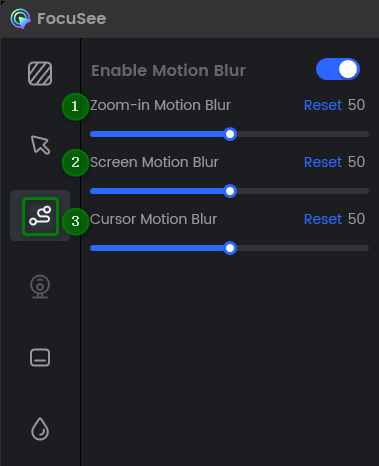

FocuSee is a screen recording and editing program from iMobie for people creating software demonstrations, tutorials, presentations, or other videos that show activity on a computer. It records on-screen actions and can make pointer movements easier to follow through cursor highlighting and automatic zoom effects. These visual treatments help viewers see where an action takes place without requiring the presenter to add every emphasis effect manually.
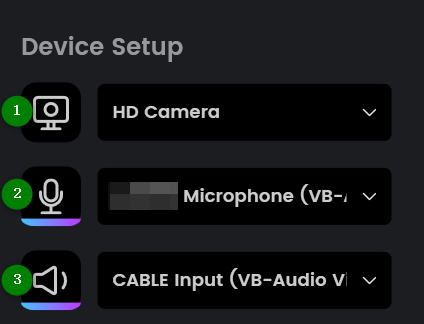
During a recording, FocuSee captures activity on the screen and can include webcam footage and microphone audio, allowing a presenter to appear and speak alongside a demonstration. This is useful for instructional videos and narrated walkthroughs, where viewers benefit from seeing both the application and the person explaining it. Cursor effects draw attention to clicks and pointer movement, while zooming can focus the video on relevant areas of the interface as the recording progresses.
After capture, users can review and edit the footage before exporting it as a video. Editing lets creators refine a recording into a more coherent walkthrough, removing unnecessary pauses or sections and adjusting how the screen content is presented. Automatic visual effects can reduce the amount of manual work needed to make interface actions legible, while the recording and editing workflow keeps capture and preparation in one program. The result can be used as a tutorial, product demonstration, training resource, or presentation clip.
FocuSee is suited to educators, support staff, software teams, and individual creators who need to explain tasks performed on a computer. A teacher can record a lesson showing a process step by step; a support specialist can demonstrate how to complete a task; and a creator can prepare a narrated feature tour. Clear cursor emphasis and zooms are especially helpful when a video contains small controls, menus, or detailed interface interactions.
The software is trialware for 64-bit Windows 10 and Windows 11. Its recording and editing tools are intended for producing screen-focused video, rather than managing projects or blocking distractions. Before recording, users can prepare the application or workflow to demonstrate, then capture the session and refine the result for sharing. Availability of particular trial limits or export options may depend on the edition offered by iMobie.