Free Video Converter for Windows 10 - Full description
Free Video Converter by DVDVideoSoft is a Windows utility for changing video files from one format to another. It is intended for people who need to prepare videos for different devices or playback setups, as well as users who want to adjust a file before sharing or storing it. The program works with common formats including MP4, AVI, MKV and MOV, covering conversions such as MP4 to AVI and AVI to MOV.
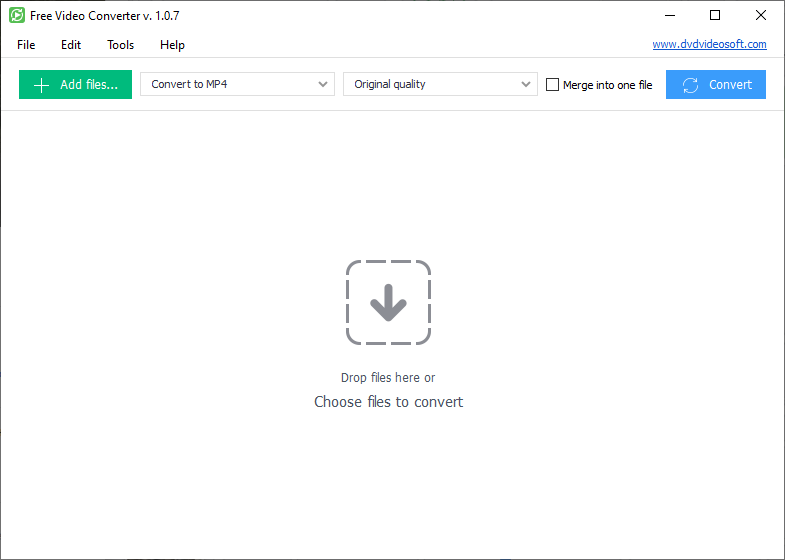
Files can be added by dragging them into the application, then converted through a straightforward workflow. Batch conversion lets users queue several videos and process them together, which can be useful when preparing a collection rather than handling files one at a time. Output settings include resolution, bitrate and frame rate. Adjusting these values can help balance visual quality against file size or suit a particular playback requirement.
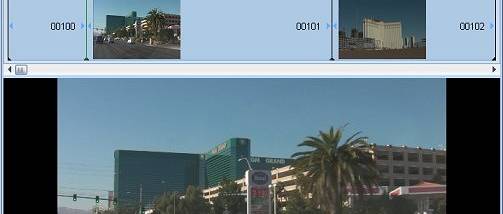
The converter also includes basic editing tools for changes made before conversion. Users can trim a clip to keep a selected section, crop its frame or rotate its orientation. A merge function combines multiple videos into one output file, making it possible to assemble a simple compilation without opening a separate editor. These tools focus on practical adjustments rather than a full video-editing workflow.
Typical uses include converting videos between familiar formats, preparing files for playback on another device, reducing file size through output settings, and joining or trimming clips for sharing. The combination of conversion, batch processing and simple edits keeps these tasks within one application. Its controls are aimed at routine file preparation rather than advanced production or detailed timeline editing.
Free Video Converter is offered for Windows 10 and Windows 11, with support for 32-bit and 64-bit Windows 10 systems stated. The download is approximately 39 MB. The license is identified as Demo, so users should check the program's terms and available functions before relying on it for ongoing work. Hardware requirements and specific device presets are not established here; output settings can instead be adjusted manually to suit a target format or playback need.