iScreensaver for Windows 10 - Full description
iScreensaver is a screensaver creation program for people who want to turn images, video and audio into a custom display for an idle computer. It provides a visual workspace for assembling multimedia content, with options intended to serve both casual creators and users building more considered presentations. Instead of relying on a static image, a project can combine different media and control how they appear over time.
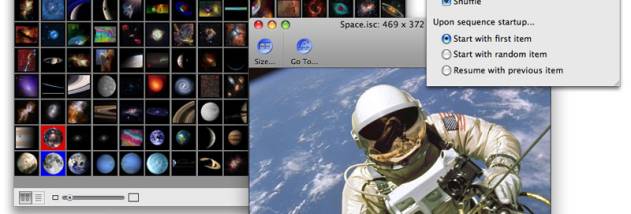
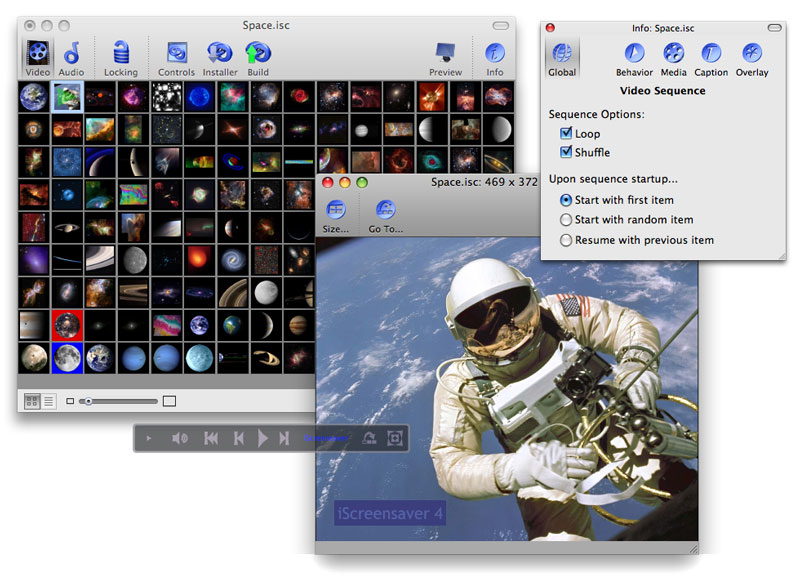
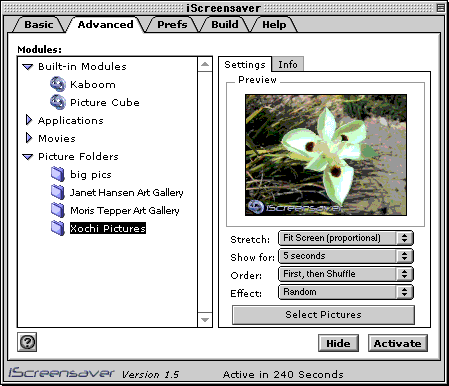
The editor supports images, videos and audio in a screensaver project. Creators can arrange these elements and adjust transitions and timing to shape the sequence and its pace. This makes it possible to build a simple slideshow from photographs, or a more varied presentation that combines motion and sound. Interactive elements are also among the customization options, allowing projects to be tailored beyond a basic repeating visual display.
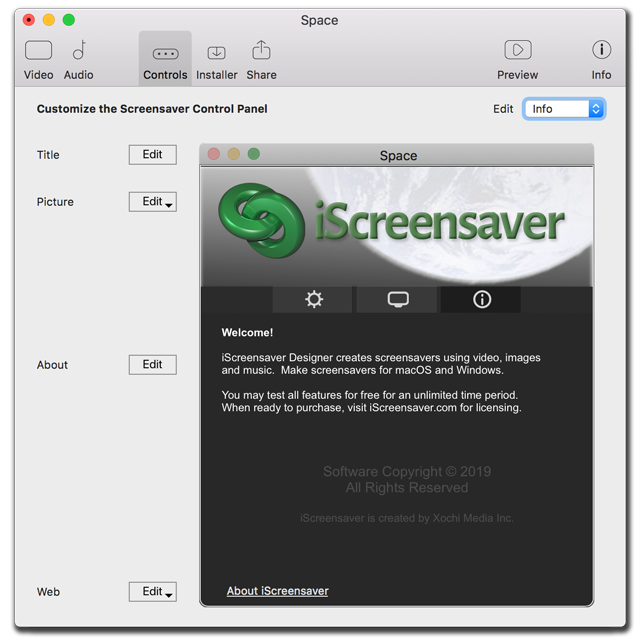
Templates and effects offer a starting point for a new project, and can be customized to fit its content. The range of timing and transition controls helps creators coordinate changes between scenes, while the media-focused workflow suits projects made from existing visual and audio material. Password protection is available for screensavers, a useful option when a display contains material intended for a limited audience or needs an additional access barrier.
iScreensaver can be used for personal screensavers, as well as visual presentations for organizations, businesses and educational settings. A school might use a sequence of images and video for an unattended display, while a business could create a branded presentation for a shared computer. The ability to create for Windows and macOS is useful when the same project needs to be prepared for more than one desktop platform; the available Windows download is for 64-bit Windows 10 and Windows 11.
The program is offered as a demo. Its role is focused on creating and customizing screensavers rather than general-purpose video editing, so it is most relevant to users who want to package multimedia into an idle-screen presentation. Projects with multiple media types can require some planning around scene order, timing and playback, but templates provide a ready starting point for creators who do not want to begin from scratch.