IzPack for Windows 10 - Full description
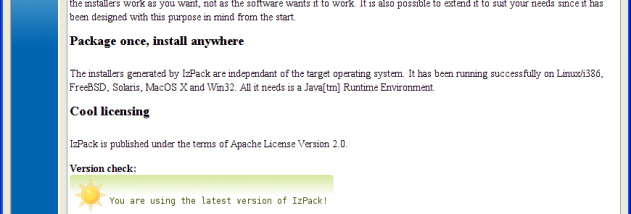
IzPack is an open-source installer generator for developers distributing Java applications. It packages an application and its installation setup into an executable installer, with configuration options for shaping the process around the software being installed. Because IzPack is cross-platform, developers can prepare installers for Windows, macOS and Linux while using a consistent approach across operating systems.
Installation projects are configured with XML. Developers use this configuration to define installation paths, select the components included in a package and set up shortcuts or environment variables. This makes it possible to adapt the installer to an application's layout and setup needs without treating every installation as a fixed, one-size-fits-all sequence. Its modular design also lets projects include the components they need rather than carrying unnecessary installer features.
IzPack supports multilingual installation interfaces, which can help when distributing software to users in different regions. Automated installation options are useful for unattended deployments, including enterprise setups where administrators need to install software on multiple systems with minimal manual input. Custom panels and actions can extend the installation flow, while scripting enables additional tasks to run during installation when an application needs steps beyond basic file placement and configuration.
The tool is intended primarily for Java developers who need to package and distribute desktop or other installable applications. It can serve projects that require a straightforward installer as well as those with specialized setup steps, multiple installable components or automated deployment workflows. The resulting installer gives users a guided way to install the application, while developers retain control over how that process is configured.
IzPack is free and open source. It is a Java-based development tool, so its use involves working with XML configuration and Java application packaging rather than a general-purpose graphical installer editor. The Windows download is suitable for Windows 10 and Windows 11, and the software also supports creating installers for other operating systems. Its open-source license makes it an option for teams seeking an installer generator they can use and adapt within their development workflow.