SMath Studio
SMath Studio is a mathematical worksheet program for students, educators, engineers and researchers ... of separating equations from explanatory notes, it places mathematical expressions and supporting content together on a sheet, ...

Mathematica is a computational system for mathematics, data analysis, programming, and visualization. Its symbolic engine simplifies expressions and solves equations, while numerical functions handle approximate calculations. Interactive notebooks combine executable code, text, equations, and graphics, making it practical to document and inspect work. Users can create 2D and 3D plots, animations, and interactive models, and use procedural, functional, or rule-based programming to build algorithms and automate tasks.
| Author: | Wolfram Research, Inc. |
| License: | Trialware |
| Price: | FREE |
| Released: | Aug 1, 2024 |
| File size: | 2.80 MB |
| Downloads: | 383 |
| Keywords: | mathematica, equation solver, technical computing, wolfram, symbolic computation, mathematics programming software, Wolfram Mathematica Player, mathematical data visualization, advanced computation, symbolic mathematics software, CDF software, interactive visualization, algorithm development, Wolfram CDF Player, Wolfram Mathematica, computational notebook, data analysis tool, CDF, numerical analysis tool |
| Author URL: | https://www.wolfram.com/mathematica/ |

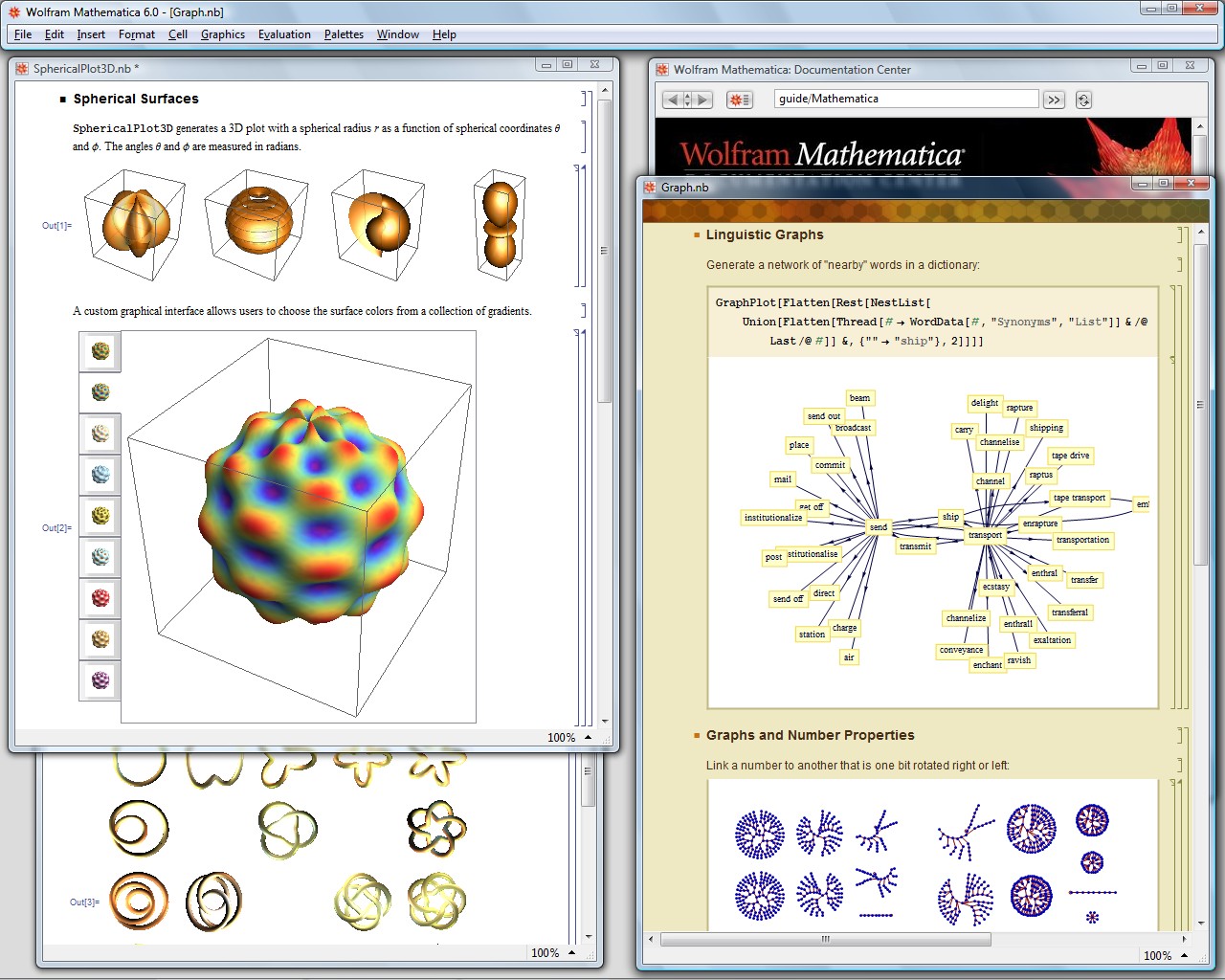
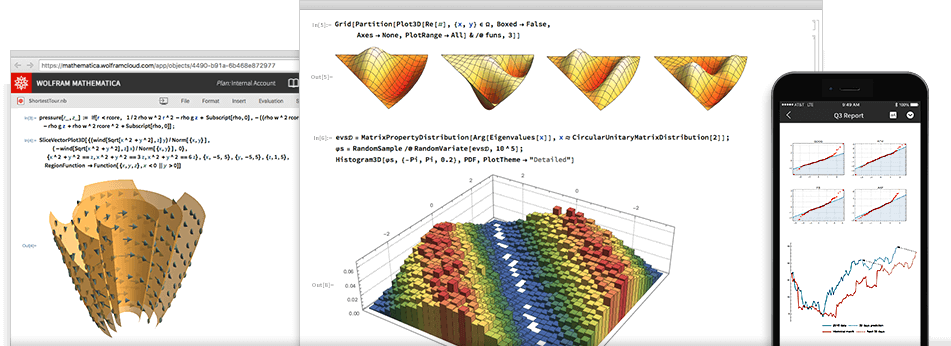

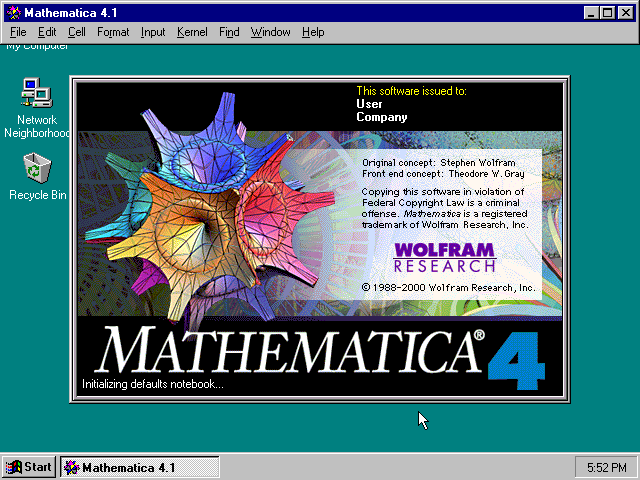

Mathematica is a computational software system for researchers, educators, students, and professionals who need to explore mathematical ideas or build calculation-based workflows. It combines a programming environment with tools for symbolic and numerical mathematics, data analysis, and visualization, so calculations, code, explanations, and results can be developed together rather than handled in separate applications.
Its symbolic engine works with expressions and equations in exact form. Users can simplify algebra, transform expressions, and solve equations analytically when a symbolic solution is available. For problems that require approximation, numerical functions support calculations across a range of precision and methods. This mix is useful for moving from a theoretical expression to a numerical result while keeping both stages in one environment.
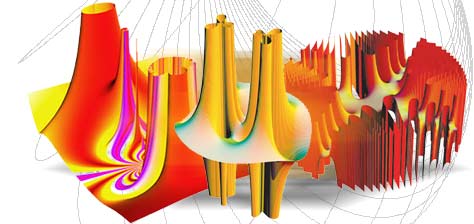
Mathematica uses interactive notebooks that bring together executable code, formatted text, equations, and graphics. A notebook can document the reasoning behind a calculation, run code in sections, and display results alongside the steps that produced them. Built-in plotting functions create two-dimensional and three-dimensional graphics, while animation and interactive models can help users examine how results change as inputs vary. These visual tools are useful for presenting mathematical relationships and investigating data.
The system supports procedural, functional, and rule-based programming, giving users different ways to express algorithms and automate repeated work. Built-in data and knowledge resources, including Wolfram|Alpha integration, can provide real-world context for computations. Mathematica can also import and export data in multiple formats and connect with external software and languages such as Python, R, and C++, supporting workflows that combine its computational features with other tools.
Common uses include teaching and learning mathematics, testing models, analyzing data, producing technical graphics, and developing computational algorithms. Mathematica is distributed as trialware and is intended for Windows environments; the supplied operating-system information includes Windows 10 in 32-bit and 64-bit editions, as well as Windows Server 2016 and 2019. Its notebook-based workflow suits users who want calculations and their documentation to remain in a single working file.