Microsoft Safety Scanner x64
Microsoft Safety Scanner is a free, on-demand malware scanning tool for ... rather than a replacement for an antivirus program. The scanner runs from its downloaded executable, so it can ...

Microsoft Safety Scanner is a free, on-demand Windows utility for checking a computer for viruses, spyware and potentially unwanted software. It offers quick, full and custom scans, with the custom option targeting a selected folder. During scanning, it displays progress and detection counts, then generates a report. It can help investigate a suspected infection or provide a second opinion alongside an installed antivirus, but it does not offer real-time protection and cannot replace an antivirus product.
| Author: | Microsoft |
| License: | Freeware |
| Price: | FREE |
| Released: | Oct 23, 2026 |
| File size: | 217.00 MB |
| Downloads: | 2520 |
| Keywords: | system security, malware detection, Microsoft Safety Scanner, custom folder scan, microsoft safety scanner, malware removal tool, virus remover, virus scanner, malware, antivirus, malware scanner, spyware scanner, Microsoft software, x64 compatible, virus, antvirus scanner, threat removal, on demand antivirus scan |
| Author URL: | https://www.microsoft.com |


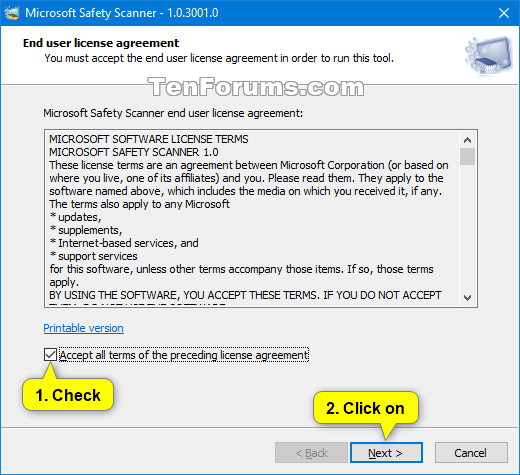

Microsoft Safety Scanner is a free, on-demand security utility for checking a Windows computer for viruses, spyware and potentially unwanted software. It is intended for users who want to investigate a suspected infection or run an additional scan alongside their regular antivirus. The tool does not provide continuous monitoring, so it works as a supplement rather than a replacement for software that protects a PC in real time.
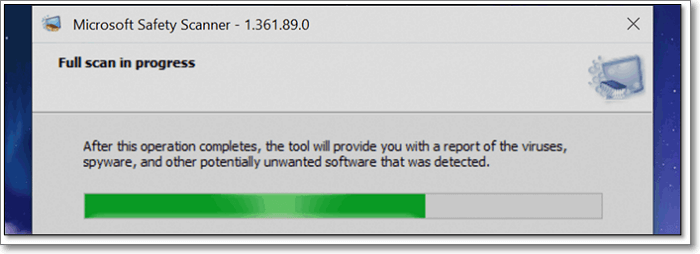
A guided scan setup offers three choices. A quick scan checks the system locations where malicious software is commonly found, making it useful for an initial check. A full scan examines the computer more comprehensively and may take hours, depending on the system and the amount of data. A custom scan targets a folder chosen by the user, which can help when suspicious files are believed to be in a particular location. Selecting the scope lets users balance scan time against the breadth of the investigation.
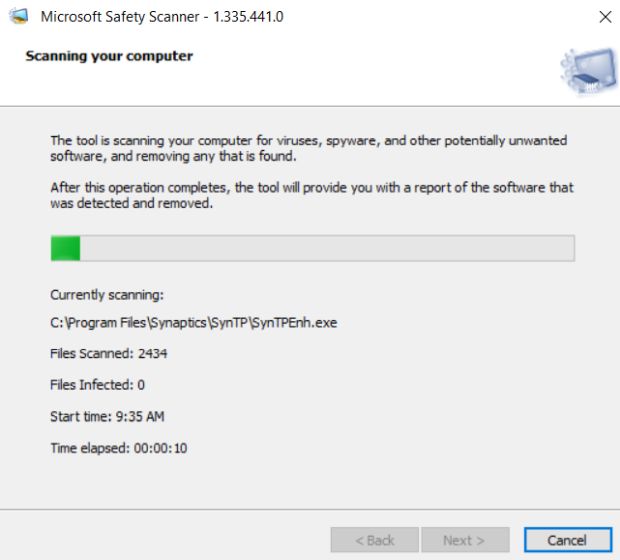
While a scan runs, the utility shows the files being examined along with counts of scanned files and detected infections. It also displays the start time and elapsed time, then produces a report with its findings when the scan is complete. If the quick scan identifies a threat, a more thorough scan may be appropriate. These progress details help users follow the process and understand what the tool has checked without requiring them to configure a complex security suite.
The scanner is useful for a second opinion when a computer behaves unexpectedly, for checking selected folders, or for a broader inspection after a threat has been suspected. Its scan-based workflow is also suitable for occasional troubleshooting when an installed antivirus has not resolved a concern. It can run while other work continues, although a full scan can take a significant amount of time and system resources.
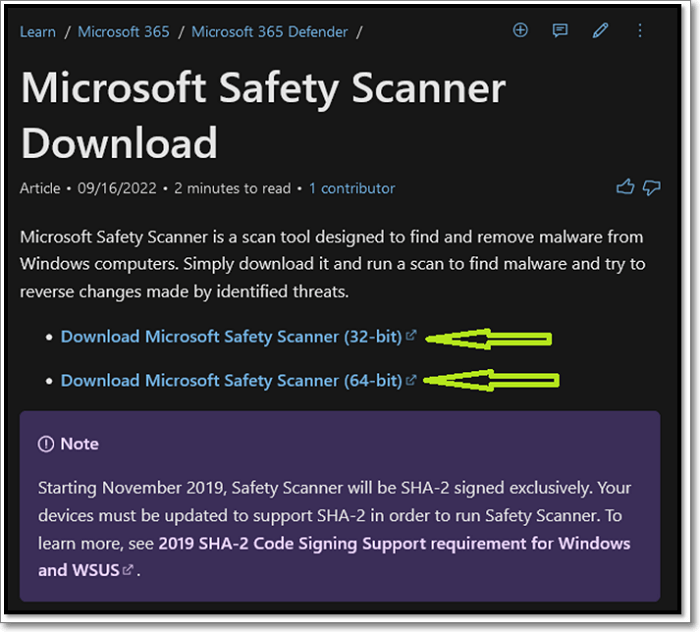
Microsoft Safety Scanner is freeware for supported Windows systems, including Windows 10 and Windows 11, as well as several Windows Server releases. It is not a substitute for an antivirus product with real-time protection: it scans for existing threats but does not continuously block new ones. Keeping a dedicated antivirus solution active provides ongoing protection, while this utility offers an additional way to check a system when needed.