MyConnection Server for Windows 10 - Full description
MyConnection Server is a network performance testing and monitoring application for IT teams and organizations that depend on reliable connectivity for business applications and services. It helps administrators examine how a network performs, investigate connection problems, and gather measurements from different locations. By centralizing tests and results, it can support both day-to-day troubleshooting and broader network planning.
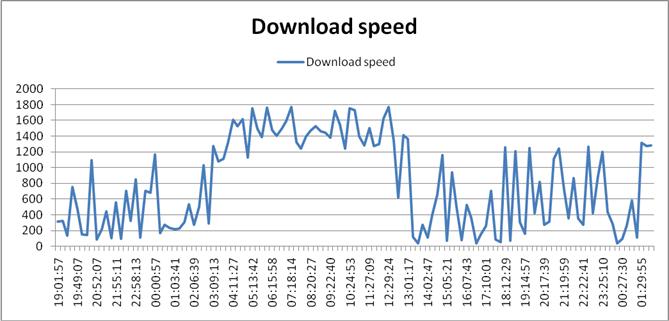
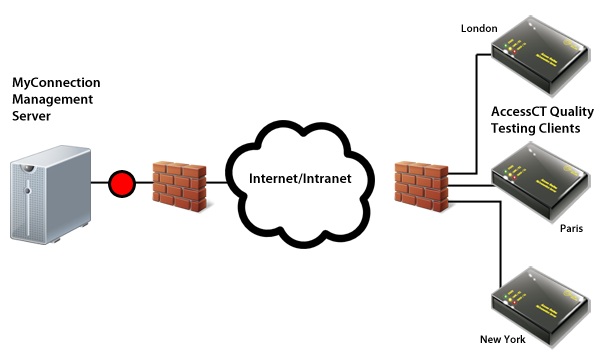
The testing tools measure bandwidth, latency, jitter, and packet loss, offering different ways to assess connection speed, delay, variation in delay, and reliability. Administrators can run tests from multiple locations to compare performance across sites or network paths, rather than relying on a single local measurement. These results help identify where connectivity is weak and provide evidence for investigating issues that affect users or network-dependent services.
MyConnection Server can also simulate network conditions, including congestion and heavier usage periods. IT staff can use these scenarios to examine how applications may behave when a connection is under strain and to consider whether available network resources are sufficient. This makes the software useful not only for diagnosing current performance but also for evaluating potential pressure points before they disrupt normal operations.
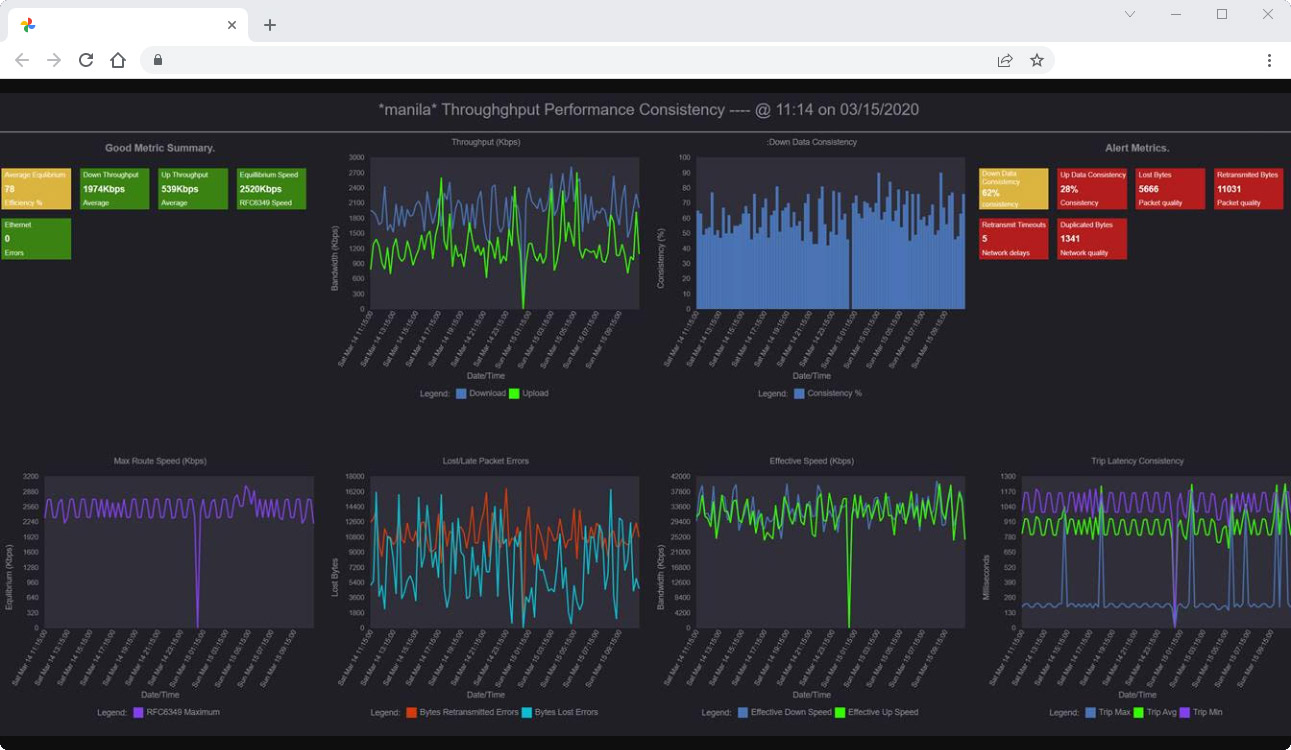
A reporting engine presents performance data through analysis and visualizations. Reports can be customized for particular business requirements, helping technical teams explain findings to colleagues and stakeholders. Historical results provide a record for tracking changes over time, comparing conditions across periods, and informing longer-term optimization and capacity planning. The web-based interface gives distributed teams access to testing and monitoring tools from different locations, while deployment can be on-premises or in the cloud.
MyConnection Server is intended for network administrators and IT professionals in organizations of different sizes. Typical uses include checking connection quality between sites, investigating performance complaints, assessing application readiness under simulated load, and monitoring network trends. It is trialware and runs on supported Windows desktop and server systems, including Windows 10 and Windows 11, as well as Windows Server editions. Organizations should choose an installation approach that fits their infrastructure and operational requirements.