MyQR Manager for Windows 10 - Full description
MyQR Manager is a Windows application for creating and organizing QR codes. It is suited to small businesses, marketing teams and other users who need to prepare codes for customer access, campaigns or everyday information sharing. Its tools cover QR code creation and management in one place, with options for tailoring code designs and reviewing scan activity.
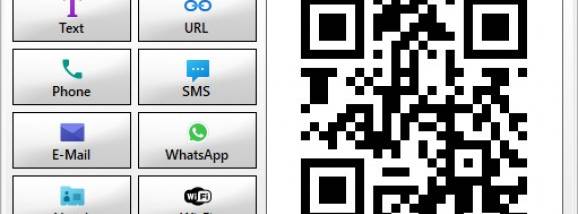
Codes can be generated for URLs, contact information, Wi-Fi access and other purposes. Appearance options include colors, logos and frames, allowing a code to reflect a brand or stand out in printed and digital materials. These choices help users prepare codes for different contexts, such as a promotional poster, a business card or a sign that provides network access. The application is intended to make these tasks accessible without requiring specialist technical knowledge.
MyQR Manager also provides analytics for examining how QR codes are used. Scan totals, locations and device types can help users understand where engagement comes from and which materials attract attention. This information can be used to compare campaign performance or inform adjustments to how and where a code is shared. Managing the codes alongside their scan data keeps creation and performance review within the same application.
The software can support marketing campaigns, customer engagement and inventory-related workflows. Businesses can use codes to direct people to online content or share contact and access details, while scan information offers a way to assess usage. The application is presented as compatible with other systems and applications, though particular integrations are not identified.
MyQR Manager is freeware for Windows 10 and Windows 11, with support for 32-bit and 64-bit systems. Its combination of code generation, visual customization and scan analytics makes it relevant to users who need more than a basic QR image generator. The available functions include tracking scan locations and device types; the specific security methods and data handling details are not stated.