Notepad++ Portable for Windows 10 - Full description
Notepad++ Portable is a lightweight source-code and text editor for developers, web authors, system administrators, and anyone who needs more control than Windows Notepad provides. Its portable format can be carried on removable storage and run without a conventional installation, making it useful on different Windows computers while keeping the editor close at hand.
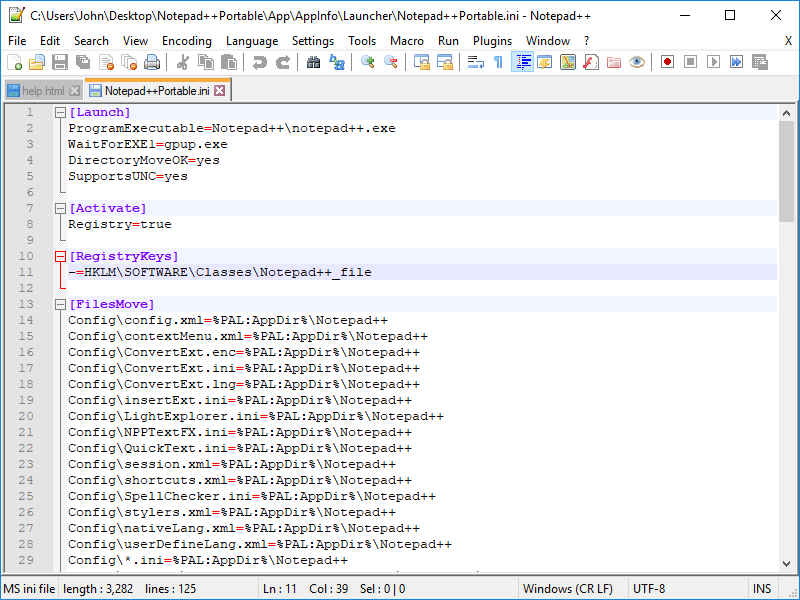
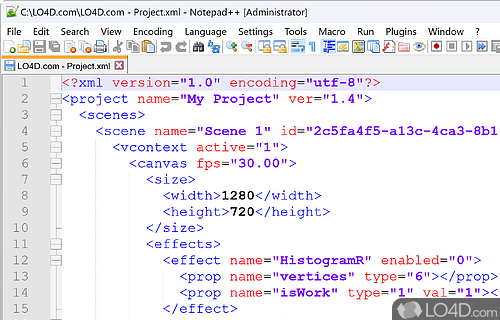
The editor recognizes syntax in more than 50 programming languages, including C++, Java, HTML, and Python. Syntax highlighting distinguishes elements such as keywords, strings, and comments, while syntax folding lets users collapse sections of code to focus on the part being edited. Automatic completion can suggest words and functions or display function parameters, helping reduce repetitive typing. Users can also define custom syntax rules for formats that need tailored highlighting.
Tabbed documents and multi-view editing make it possible to work with several files or compare content in separate panes. A document map provides a compact overview for navigating longer files, and bookmarks help mark important lines for later reference. Search and replacement work within text and across multiple files; regular-expression support handles more complex patterns, which is useful when changing repeated code or content. The editor can also record and replay macros to automate recurring sequences of editing actions.
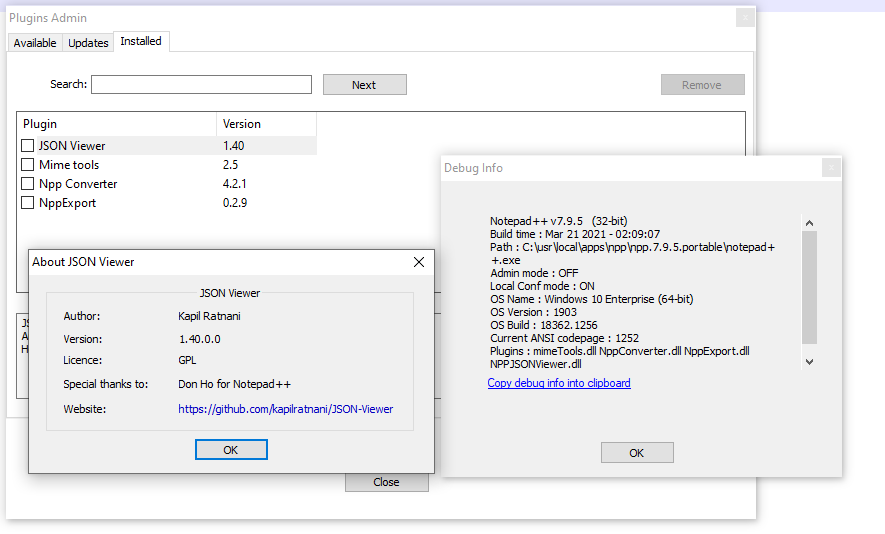
The interface can be adjusted to suit different working habits, with options for tab placement and document lists, alongside zoom controls and printing with a WYSIWYG preview. A multilingual interface supports users working in different languages. Plugins can extend the editor, while launch arguments provide another way to control how files or editing sessions are opened. These features serve varied tasks, from quick notes and configuration edits to larger code and website projects.
Notepad++ Portable is open-source software for Windows. It is available for Windows 10 and Windows 11, and also supports earlier Windows releases. Its portable design is suited to use from a USB drive or another location where installation is inconvenient; keeping the editor and its working files together can also simplify moving between compatible computers.