onlineTV for Windows 10 - Full description
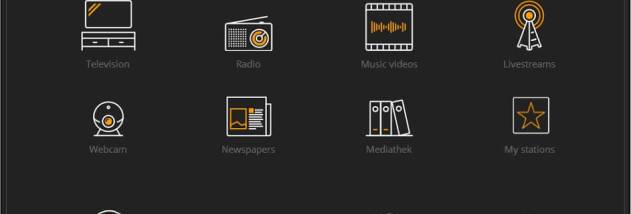
onlineTV is a desktop multimedia player from concept/design for users who want to browse internet television and radio stations in one application. It brings streaming channels together in a single interface, so users can explore broadcasts from different countries and switch between video and audio content without opening separate players for each station.
The channel and station selection covers a range of interests, including news, sports, music, films and documentaries. Users can browse the available sources and play a stream from within the program. Radio playback makes onlineTV useful as an audio player as well as a way to watch television broadcasts. The available content depends on the streams included with the application and their continued availability online; individual broadcasters may change or discontinue their streams.
For regular listening and viewing, onlineTV includes options to mark favorite channels and create playlists, making frequently used sources easier to find. Stream quality can be adjusted to suit an internet connection. The program also provides recording functions for saving supported television or radio broadcasts for later playback. These tools can help users keep track of preferred stations, listen to a program at a more convenient time, or retain a recording for personal use, subject to the source stream and applicable rights.
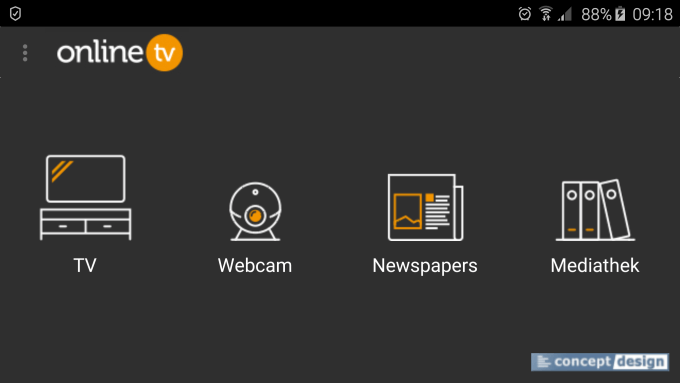
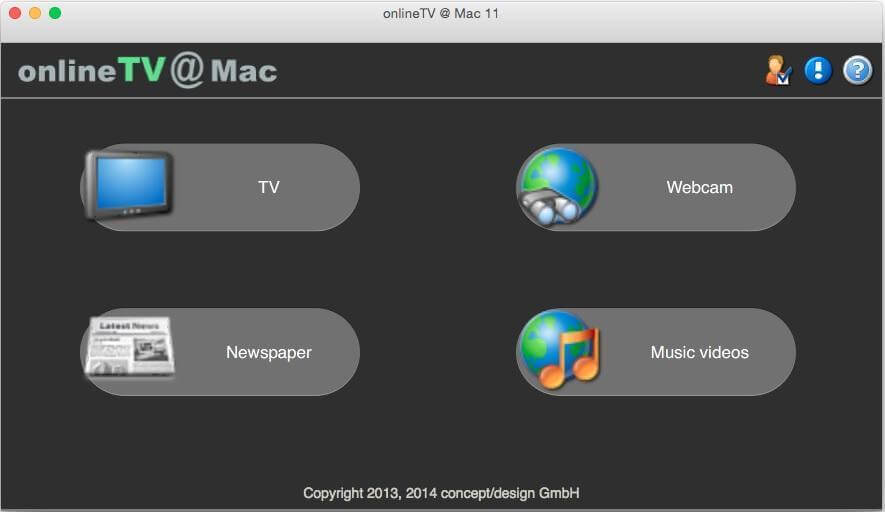
The interface is arranged for browsing and playback, with the aim of making the channel selection accessible to both new and experienced users. Multilingual support helps users work with the application in different language settings. As the program handles online streams, a working internet connection is needed to access broadcasts; playback quality and reliability also depend on the connection and the broadcaster. It is suited to people who want a single desktop utility for online TV, radio and recorded media rather than a general-purpose video editing or broadcast-production tool.
onlineTV is offered as demo software and is intended for Windows, including Windows 10 and Windows 11. The supplied compatibility information also includes older Windows releases. Check the publisher's current requirements before installing it on a particular system, especially where a 32-bit or older Windows environment is involved.