Pinta
... practical editor for everyday creative work. Inspired by Paint.NET, it combines drawing tools with image-editing features in a single application. For original artwork, Pinta provides brushes, ...

Paint.NET is a raster image and photo editor for Windows with an approachable interface for retouching pictures and creating graphics. It supports layers, unlimited undo, drawing tools, and tabbed editing with image thumbnails. Adjustments cover brightness, contrast, hue, saturation, curves, and levels, while effects include blur, sharpening, red-eye removal, noise, and 3D rotation and zoom. Tutorials and plugins are available through its online community.
| Author: | Rick Brewster |
| License: | Trialware |
| Price: | $9.99 |
| Released: | Oct 5, 2026 |
| File size: | 127.00 MB |
| Downloads: | 1383 |
| Keywords: | Advanced Drawing Tools, Paint NET, Graphic Design, User-friendly Interface, Photo Editing, customize, layer based editor, paint.net, customize image, photo retouching, image effects, edit, image editor, Layered Image Manipulation, Free Software, photo editor, editor |
| Author URL: | http://www.getpaint.net |
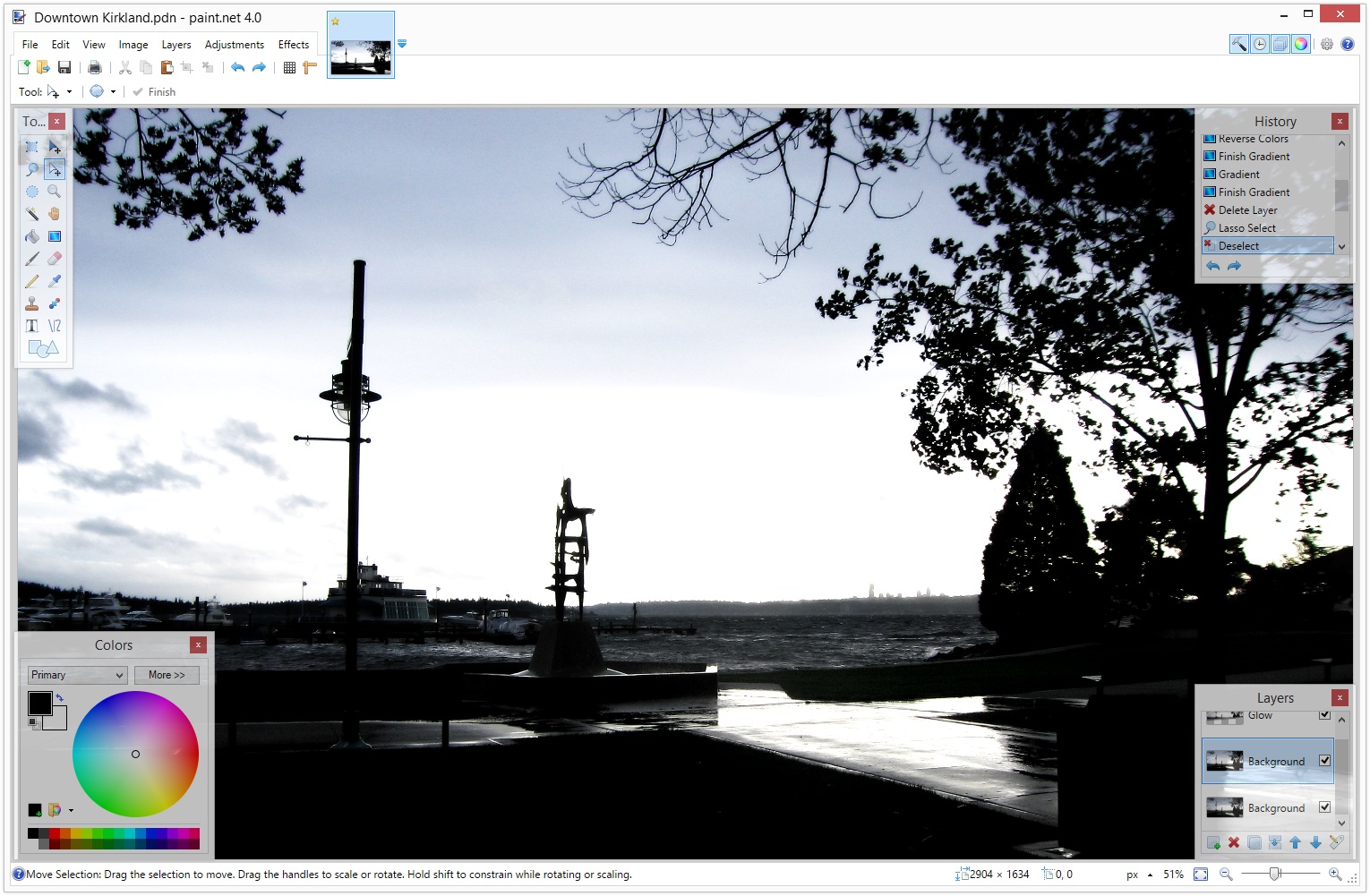
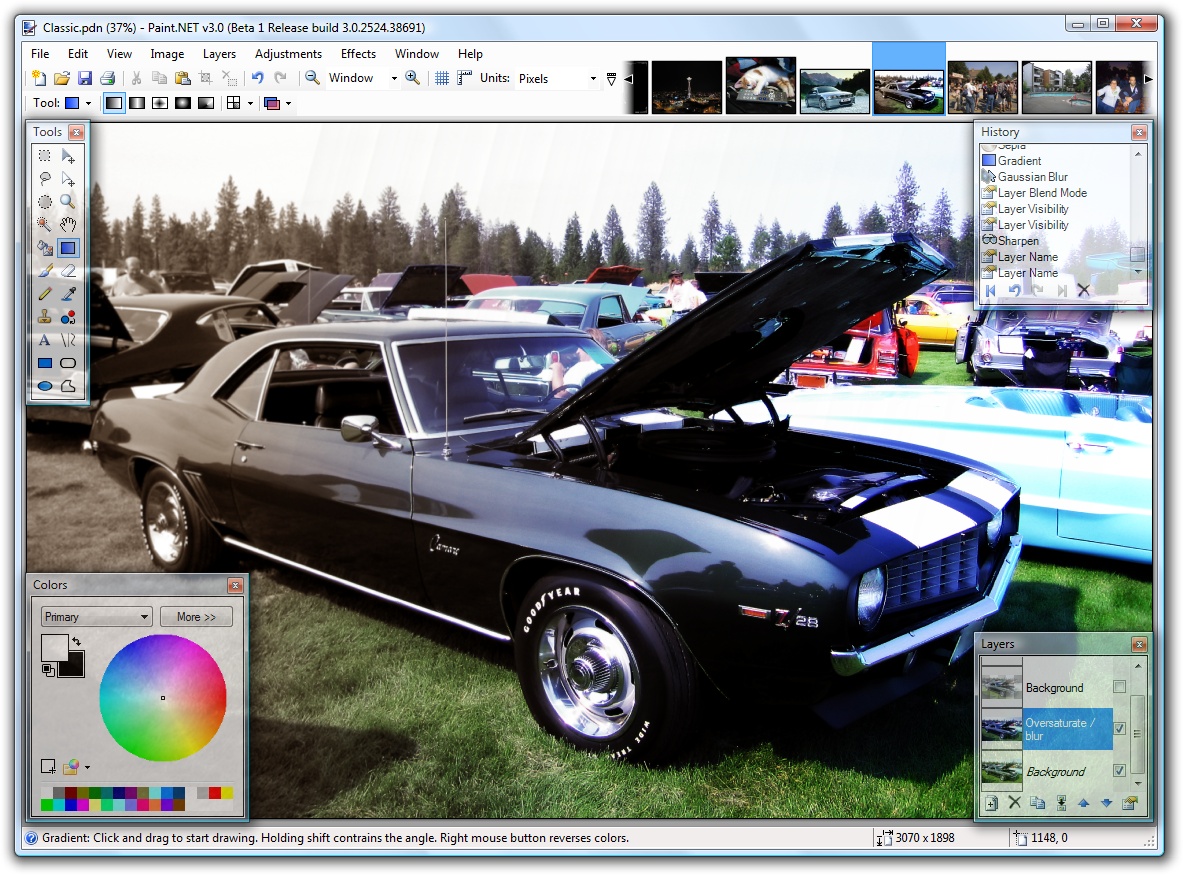
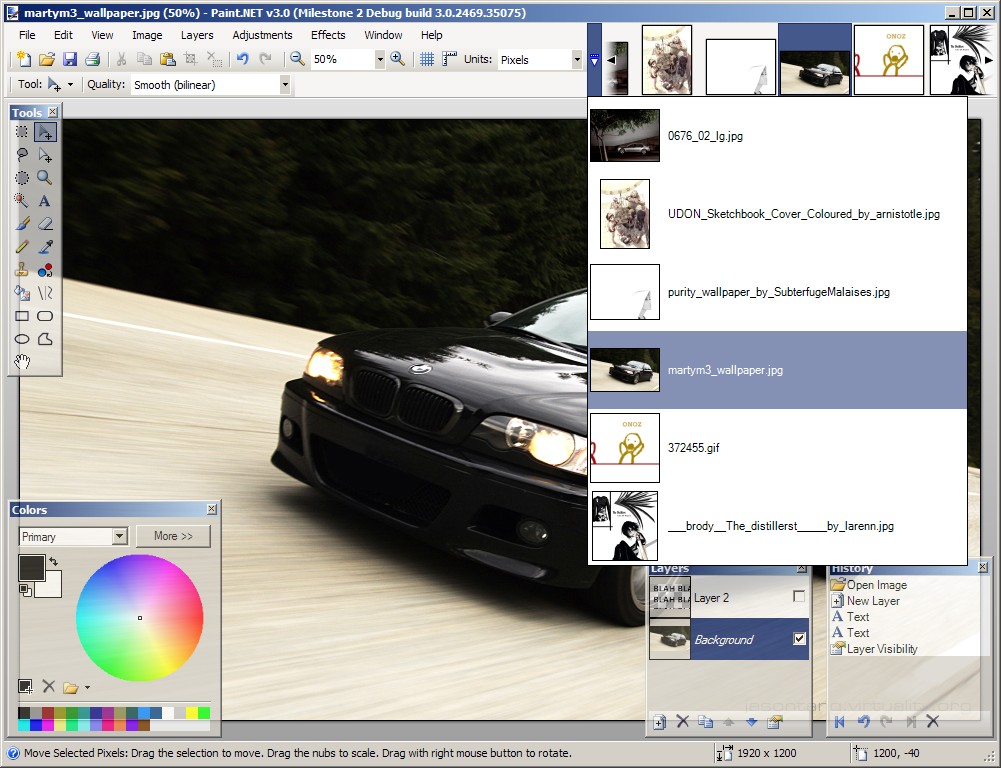
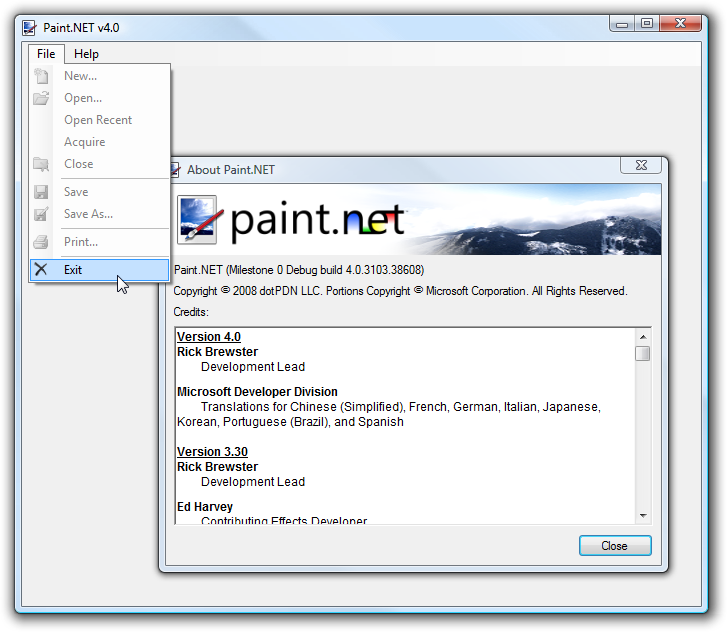


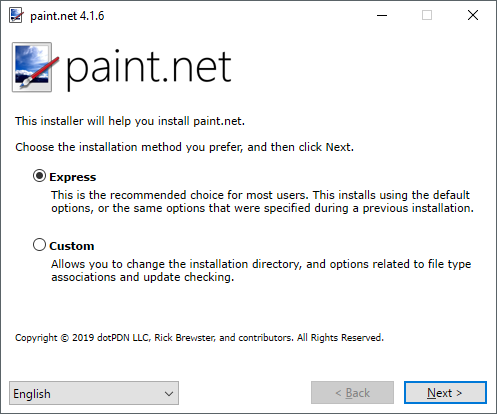


Paint.NET is a raster image and photo editor for Windows, suited to people who want tools for retouching and creating images without the complexity of a professional graphics suite. Its interface uses tabs with image thumbnails, making it easier to switch among several open pictures. A clear tool layout supports common editing tasks, while layers allow separate elements to be arranged and adjusted as part of a composite.
Layers work like transparent sheets stacked over an image: users can keep text, artwork, or other visual elements separate from the background and edit them independently. The editor also provides unlimited undo, so changes can be reversed step by step during a session. Drawing tools cover shapes and freeform curves, including spline and Bezier-style paths, and the Gradient tool helps blend colors across an area. These options support tasks ranging from simple annotations to more structured compositions.
For photo correction, Paint.NET includes adjustments for brightness, contrast, hue, saturation, curves, and levels. Effects cover blur, sharpening, red-eye removal, distortion, noise, and embossing; a 3D rotate and zoom effect can add tilt and perspective. Images can also be converted to black and white or sepia. The combination of corrections and effects lets users address common flaws or create a particular look without switching between separate applications.
The program is useful for everyday photo cleanup, cropping and enhancing images, preparing graphics, drawing simple artwork, and combining multiple visual elements. Its approachable controls make it suitable for casual editors, while layers, curves, and adjustable image effects provide room for more involved work. An online community offers tutorials and plugins, which can help users learn techniques or add capabilities to their workflow.
Paint.NET is trialware for 64-bit Windows 10 and Windows 11, and is also listed for Windows Server 2022 and 2025. It requires .NET Framework 4.7.2. The interface is available in English and several other languages, including French, German, Dutch, Finnish, Danish, Czech, and Simplified and Traditional Chinese. Updates include feature changes, performance improvements, and bug fixes.