EWDraw 3D ActiveX
... add lines, polylines, arcs, ellipses, rectangles, circles, points, polygons and spirals, as well as annotation text and bitmap elements. For three-dimensional scenes, it includes standard primitives such as boxes, spheres, ...

Polygon Cruncher reduces polygon counts in 3D models for artists, designers and game developers preparing complex assets for more efficient use. Users set the desired level of reduction and review the result in a real-time preview. The tool aims to retain textures, UVs and normals, and can preserve symmetry. Batch processing handles multiple models, while integrations with 3ds Max, Maya, LightWave and SketchUp fit it into established modeling workflows.
| Author: | Mootools |
| License: | Demo |
| Price: | $129.00 |
| Released: | May 13, 2026 |
| File size: | 62.00 MB |
| Downloads: | 371 |
| Keywords: | dae, 3d mesh optimization, max, Polygon Cruncher review, polygon, 3D model simplification, modo, reduce polygon count, skp, object, batch mesh optimization, 3d model polygon reducer, high-quality texture management, polygon cruncher download, Mootools software, xsi, mesh, lxo, 3d model simplification, efficient polygon reduction, plugin, simplification, reduction, viewer, 3ds, lightwave, x64 optimization tool, decimation, scene |
| Author URL: | https://www.mootools.com/en/software/3dbrowser |

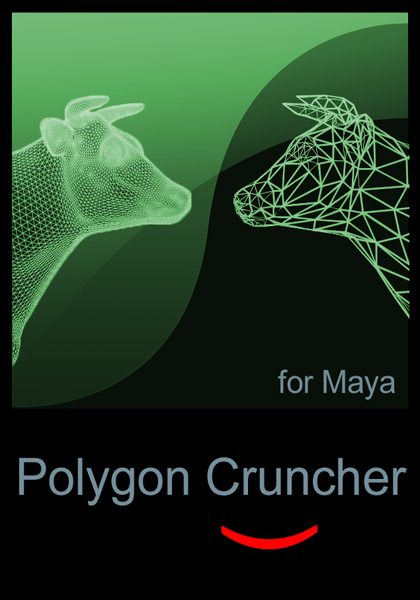
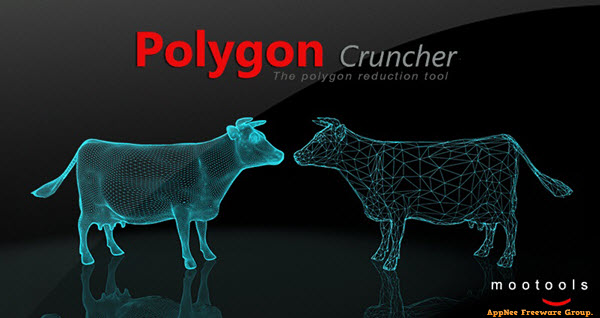
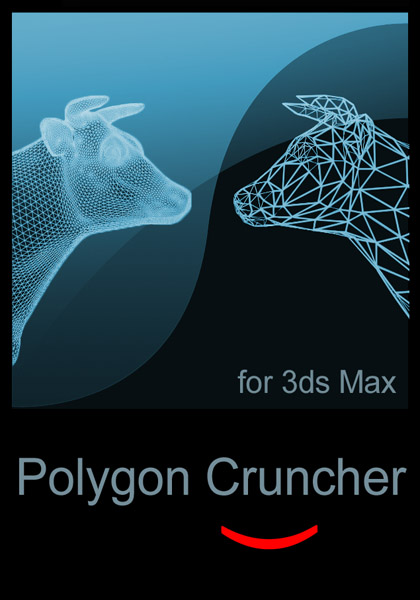

Polygon Cruncher is a 3D model optimization tool from Mootools for artists, designers and game developers working with detailed objects. It reduces a model's polygon count to make complex geometry more manageable, while aiming to preserve the visible shape and important surface information. This can help prepare assets for projects where model complexity affects performance or makes a scene harder to handle.
The reduction controls let users set how much geometry to remove. Polygon Cruncher then simplifies the structure while retaining features such as textures, UV coordinates and normals. A real-time preview shows the effect of the chosen settings, so users can inspect the model and adjust the reduction before settling on an output. This is useful when an asset must be lighter but still needs to retain its recognizable form and appearance.
The software can process multiple models in a batch, which helps when preparing a collection of assets rather than optimizing objects one at a time. It also offers symmetry preservation for models whose balanced form matters, including characters and mechanical parts. These options support a workflow of selecting the required reduction, checking the preview and processing one model or a group of models for use elsewhere.
Polygon Cruncher is intended for assets used in real-time applications, virtual reality and augmented reality, as well as general 3D design workflows. It integrates with 3ds Max, Maya, LightWave and SketchUp, allowing optimization within supported modeling environments. The tool also supports multiple file formats, providing flexibility when moving models between applications, although the particular formats depend on the workflow.
Polygon Cruncher is commercial software offered as a demo. It runs on Windows 10 and Windows 11, with support for both 32-bit and 64-bit Windows 10 systems. It is suited to users who need direct control over model simplification and want to review the visual result before using optimized geometry in a project.