Print2Flash for Windows 10 - Full description
Print2Flash converts documents that can be printed into shareable SWF, HTML or SVG files. It is intended for people who need to distribute documents without requiring recipients to own the software used to create them. A Word, Excel or PDF file, for example, can be converted into a format that is easier to publish or view in a browser. The output preserves the source document's formatting, graphics, fonts, special characters and colors, helping the converted copy look consistent across different systems.
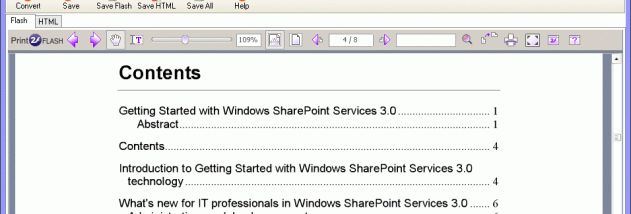
The conversion workflow uses Print2Flash as a printer: open a document in its original application and print it to create a converted file. This makes the tool useful with many kinds of printable content, rather than only documents from a particular office suite. The resulting SWF file can be shared on its own or embedded in a web page. Print2Flash can also create HTML and SVG output, which can be opened in modern browsers with HTML5 support and do not depend on the original authoring application.
These formats serve different publishing needs. SWF output was designed for viewing with Adobe Flash Player or in browsers that supported Flash, and can package documents such as Microsoft Project, Visio or AutoCAD files for web display. However, Flash Player has been discontinued and current mainstream browsers no longer support Flash, so SWF is generally unsuitable for new web publishing. HTML and SVG are the more practical choices for browser-based sharing today. Recipients can view those files in a compatible browser without installing the program that created the original document.
Print2Flash can help teams circulate reports, spreadsheets, plans and other printable documents, or publish reference material for users who lack specialized software. Conversion is also useful when a document needs to be shared across operating systems while retaining its visual layout. The generated file is a viewing copy, so recipients do not need the source application merely to see the content; editing the original still requires its authoring software.
Print2Flash is shareware for Windows. The supplied platform information lists older Windows releases, including Windows 10, but does not establish Windows 11 compatibility. It is offered in English, and the stated system requirements are none. For current browser use, HTML or SVG output is preferable to SWF because modern browsers support HTML5 content but no longer run Flash.