Prodatum for Windows 10 - Full description
Mu is a beginner-focused code editor for learning Python and creating small projects. Its uncluttered interface keeps the main workspace centered on writing and running code, making it suitable for students, educators and people taking their first steps in programming. Rather than presenting a large set of general-purpose development tools, Mu organizes its features into modes for different learning activities.
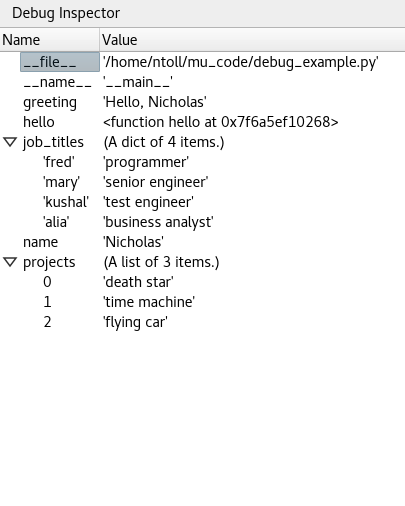
In Python mode, learners can write and run Python programs from the editor. Built-in feedback helps make errors easier to spot and understand, supporting the process of testing code, correcting mistakes and trying again. The focused interface is intended to keep attention on the code and its behavior rather than on complex configuration.
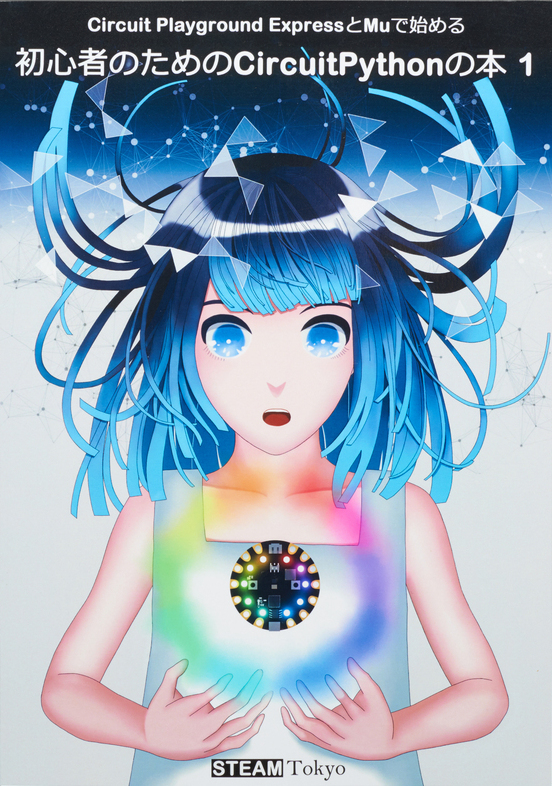
Mu also includes a BBC micro:bit mode for working with the educational microcontroller, bringing text-based programming into physical computing projects. Users can develop code for micro:bit activities, connecting programming exercises with a device. Pygame Zero mode provides a route into making simple games, where learners can experiment with game logic and interactive behavior. These modes let teachers and students use one editor across different introductory programming projects.
The editor can be used in classrooms, coding clubs or for independent study. A teacher can introduce Python fundamentals before moving to micro:bit projects or simple games, while a beginner can use the focused workspace to practice concepts in manageable steps. Its educational orientation makes it most appropriate for introductory work rather than as a feature-rich environment for large professional software projects.
Mu is open-source software and is available for Windows 10 and Windows 11 64-bit systems. It is designed for learning and creating code, with its Python, micro:bit and Pygame Zero modes providing distinct starting points for common beginner projects.