QuickLauncher for Windows 10 - Full description
QuickLauncher is a Windows utility for keeping frequently used applications, files, documents, and websites close at hand. Instead of opening folders or searching a crowded desktop, users can collect shortcuts in a customizable launcher and start an item with a few clicks. It is suited to people who regularly return to the same tools and resources, whether for work, study, or everyday tasks.
Users can create shortcuts to applications and files, then group them into categories that reflect their own routines. For example, a work setup might separate communication tools, project documents, and design software, while a personal setup could keep frequently visited websites and everyday apps together. Organizing shortcuts in one place can make recurring tasks easier to start without changing where the original files are stored.
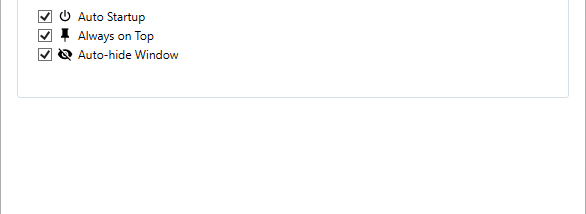
A search feature helps locate applications and files when their names or locations are easier to remember than their folder paths. QuickLauncher can be used both as an organized collection of shortcuts and as a way to find an item directly. Its background operation is intended to keep the launcher available without making it the focus of the desktop, while its lightweight design helps it fit into routine use alongside other programs.
The launcher can support different workflows because it brings together shortcuts to a range of applications and file types, as well as websites. Developers can keep coding tools and project files accessible; designers can gather creative applications and related documents; and office users can group frequently opened resources by task. These are practical uses of its shortcut organization and search features, rather than separate tools for managing or editing those items.
QuickLauncher is freeware from TangTony2023 for Windows 10 and Windows 11, with support for both 32-bit and 64-bit Windows 10 systems. It is intended for organizing and opening shortcuts, not replacing the applications, documents, or websites they point to. By collecting common destinations in a customizable interface, it offers a straightforward way to reduce repeated navigation through the desktop and file system.