Sysmon
Sysmon, a powerful tool from Sysinternals, is an essential utility for Windows 10 users ... and monitoring capabilities. As a part of the Sysinternals suite, Sysmon provides detailed information about process creations, ...

Sysinternals Suite collects Windows utilities for inspecting processes, startup entries, file and registry activity, network connections and disks. Process Explorer helps examine running programs and resource use; Autoruns reviews what starts with Windows; and Process Monitor records system activity in real time. TCPView, Disk2vhd and BgInfo cover network endpoints, disk imaging and desktop system details. The freeware tools can run from a USB drive.
| Author: | Sysinternals |
| License: | Freeware |
| Price: | FREE |
| Released: | Oct 16, 2026 |
| File size: | 357.00 MB |
| Downloads: | 580 |
| Keywords: | process viewer, autoruns startup manager, Troubleshooting, process monitor windows, Troubleshoot Utility, process, CPU usage, SysinternalsSuite, advanced software diagnostics, process and file system utilities, tcpview network connections, network and security tools, Troubleshoot, sysinternals suite download, Windows troubleshooting tools, system management utilities, Microsoft Sysinternals Suite, process explorer utility, windows troubleshooting tools |
| Author URL: | https://docs.microsoft.com/en-us/sysinternals/ |
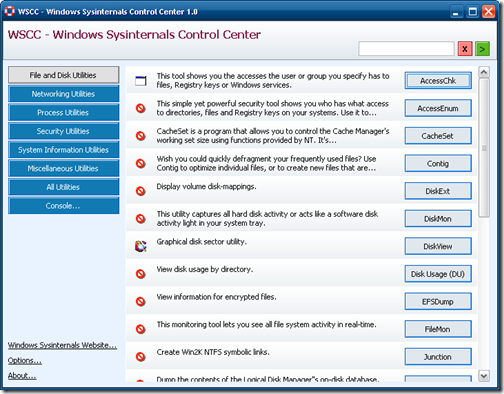

Sysinternals Suite is a collection of Windows utilities for IT professionals, developers and advanced users who need to inspect, troubleshoot or manage system activity. Rather than presenting one all-purpose dashboard, it brings together separate tools for processes, startup configuration, file and registry access, network connections and disk imaging. The utilities can be selected for a particular diagnostic task or used together to investigate a broader system problem.
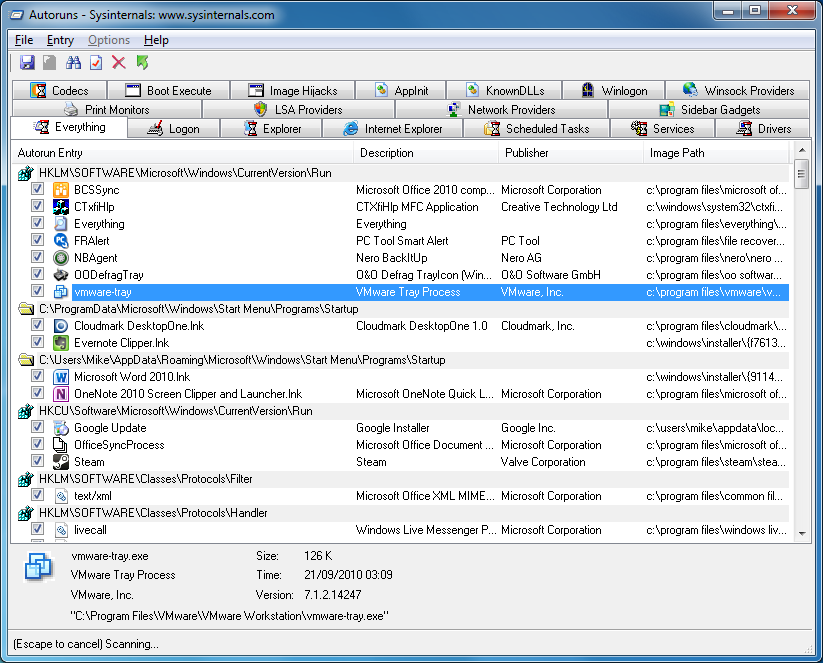
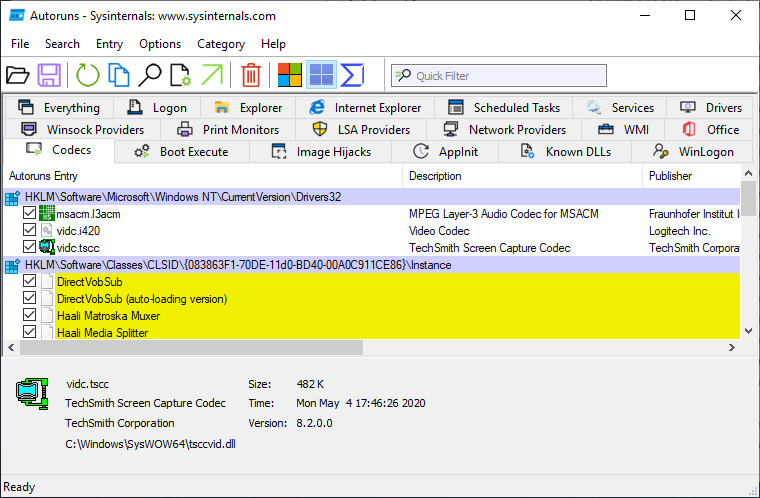
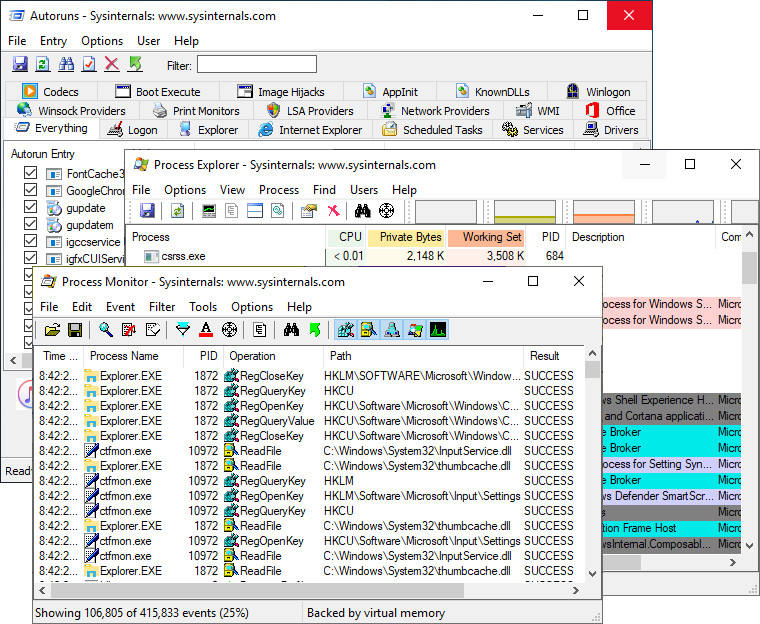
Process Explorer provides a detailed view of running processes and their resource use, helping users identify demanding applications and examine how programs behave. Autoruns shows programs, services and drivers configured to start automatically, making it useful for reviewing startup entries and tracking down software that launches with Windows. Process Monitor records file-system, registry and process or thread activity in real time. Filtering its event stream helps narrow investigations to activity associated with a particular process, path or operation.
Other utilities address more focused administrative needs. TCPView displays TCP and UDP endpoints, giving administrators a way to review network connections and relate them to processes on the computer. Disk2vhd creates virtual hard disk files from physical disks, which can support migration or backup workflows. BgInfo places selected system details on the desktop background, making configuration information visible at a glance on workstations or managed machines. Together, these tools cover several common areas of Windows diagnosis without requiring a separate specialist package for each task.
The suite is also useful for investigating unfamiliar behavior: a technician can inspect active processes, check what runs at startup, and monitor file, registry or network activity to gather evidence before changing system settings. Its individual tools are aimed at users comfortable interpreting low-level Windows information; they are practical diagnostic instruments rather than guided repair wizards. Help files and online documentation provide further explanation of the utilities and their options.
Sysinternals Suite is freeware and can be run from a USB drive without installing the collection, which suits portable troubleshooting on different PCs. It supports Windows 10 and Windows 11, as well as earlier Windows versions. Because the tools expose detailed system activity and configuration, changes made with them should be deliberate, particularly when inspecting startup entries or working on managed systems.