Remote Process Viewer
... view of all active processes running on a remote computer. It's a must-have tool for IT professionals, system administrators, and tech enthusiasts alike. The Remote Process Viewer stands out for its simplicity and ...

Terminal Services Manager helps network administrators monitor and manage remote Windows computers from one interface. It discovers computers from a file, IP range, Active Directory or the network, then displays real-time CPU and memory use, user-session status and traffic figures. Administrators can ping systems, send messages, browse remote drives and inspect active processes.
| Author: | LizardSystems |
| License: | Trialware |
| Price: | $299.95 |
| Released: | Oct 12, 2026 |
| File size: | 14.60 MB |
| Downloads: | 21 |
| Keywords: | manage resource, network computer management, remote process management, terminal server administration, remote, service, terminal, terminal service manager, host, Terminal Services Manager, server resource monitoring, remote computer monitoring, Terminal Services Manager free download, download Terminal Services Manager, manage host, terminal services manager |
| Author URL: | https://lizardsystems.com/change-mac-address/ |

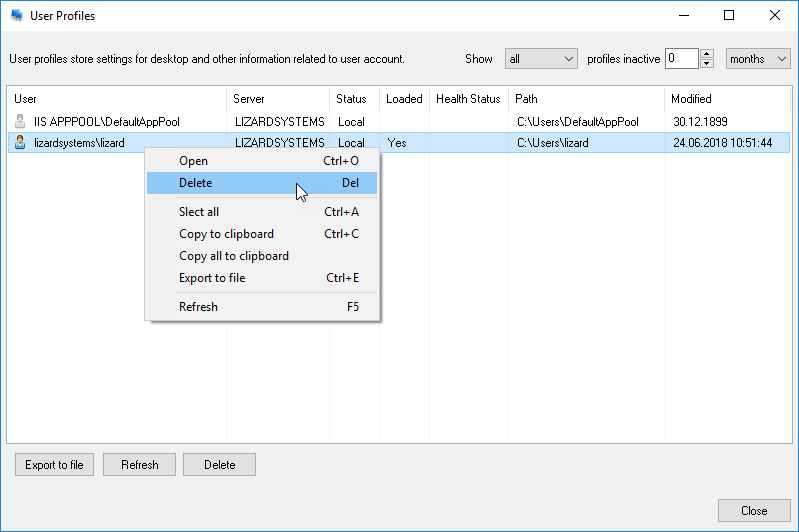


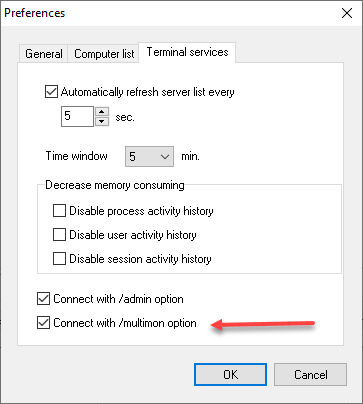
Terminal Services Manager is a remote monitoring and administration tool for network administrators who need to keep track of Windows computers and terminal servers. It discovers systems across a network and presents their current resource use and connection status in one interface, helping administrators identify machines that may need attention without visiting each one individually.
A computer discovery wizard can gather systems from a file, an IP address range, Active Directory or the network. Administrators can narrow the search to categories such as domain controllers, other servers, workstations, SQL servers or terminal servers, or include all discovered types. The resulting computers can be organized into a new group or retained in their existing categories, making it easier to monitor a selected set of systems. Computers can also be added to or removed from the monitored list through the interface.
For each monitored computer, the program displays real-time CPU and memory usage alongside connectivity and session information. Administrators can check for idle or disconnected users and review incoming and outgoing byte counts. Usage information is shown graphically and can be copied to the clipboard or exported for further reference, such as documenting a resource issue or sharing a snapshot with colleagues.
The monitoring view is paired with remote administration tools. From the same application, an administrator can ping a computer to check its network response, send messages, browse its hard drive or inspect its active processes. These functions provide a starting point for investigating an unresponsive system, checking a running application or contacting a user, while the resource and connection indicators help put that investigation in context.
Terminal Services Manager is intended for managing multiple networked computers, particularly server and terminal-server environments where CPU, memory and user-session status need regular attention. It is trialware and supports Windows 10 and Windows 11, as well as Windows Server 2016, 2019, 2022 and 2025. Its discovery options include both directory-based and network-based sources, so administrators can choose a suitable way to assemble the systems they want to monitor.